pcProx
®
and AIR ID® Enroll Readers
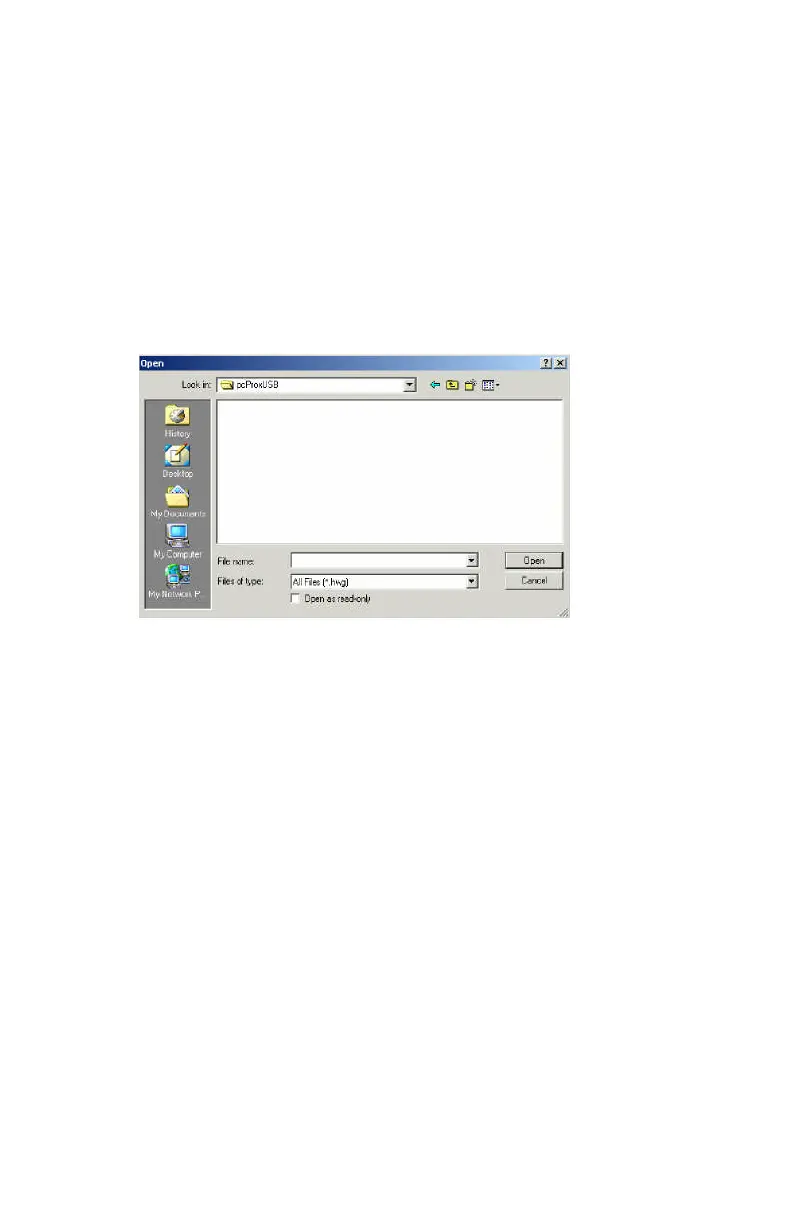
File Open
This allows the user to retrieve a configuration previously
saved. The HWG file is useful when more than one
template is helpful.
All data associated with the configuration selections are
saved.
File Save
All data associated with the configuration selections are
saved to the Default.HWG file.
Save As
All data associated with the configuration selections are
saved to the user specified filename (.HWG ) file.



 To Next Page