pcProx
®
and AIR ID® Enroll Readers
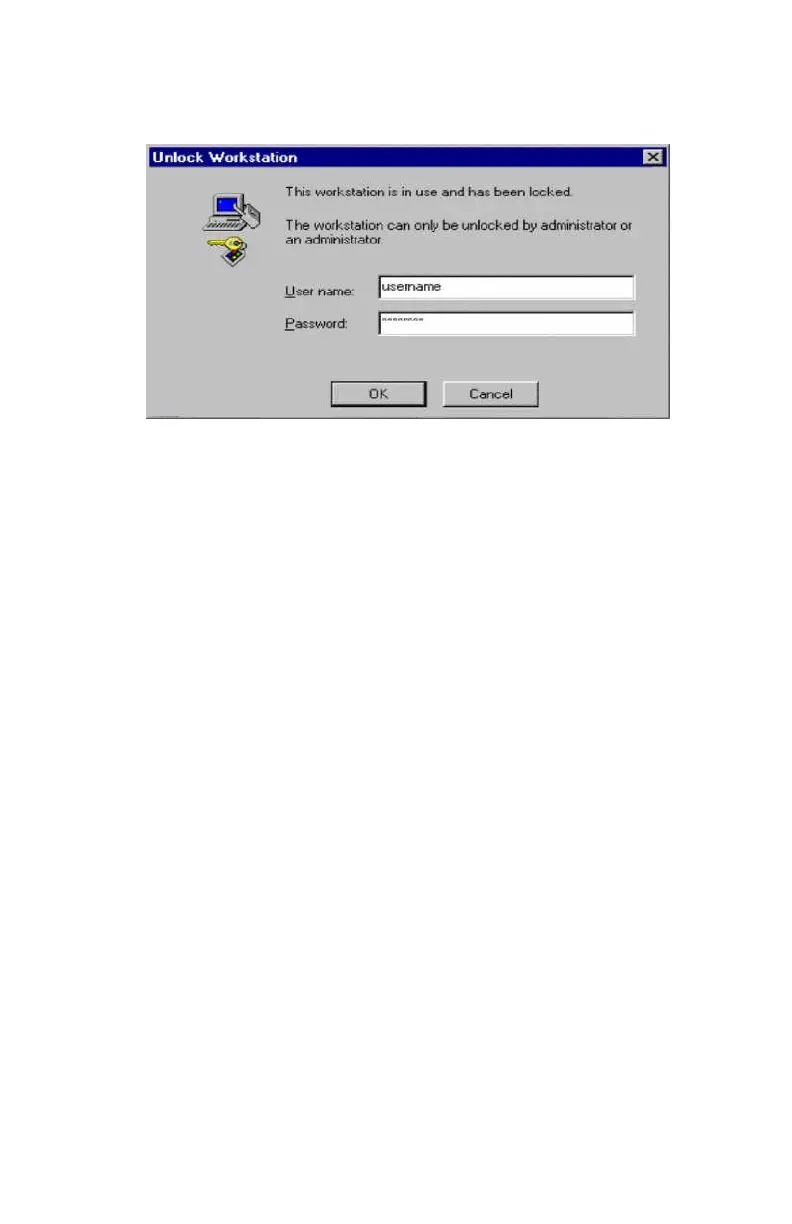
Once the cursor is in the Password field, the user may
safely wave their proximity token over the pcProx reader
and the field is stuffed with the password. The user may
finish off the operation by pressing the ENTER key, or the
reader may be configured to add the ENTER keystroke as
an appended keystroke.
If the password is valid for this username account, the
user will be logged on.
Increasing Security
Security Due to Lost/Stolen Cards
If there is concern for logon impersonation as a result of a
lost or stolen proximity token, you may set up the usage
as a two-factor authentication system.
A two-factor authentication system is made up of
1. Something you have (the proximity token), and
2. Something you know (a PIN)
The pcProx reader may be configured to allow operation
under either a one- or two-factor authentication system.



 To Next Page