© 1998-2006 RF IDeas, Inc.
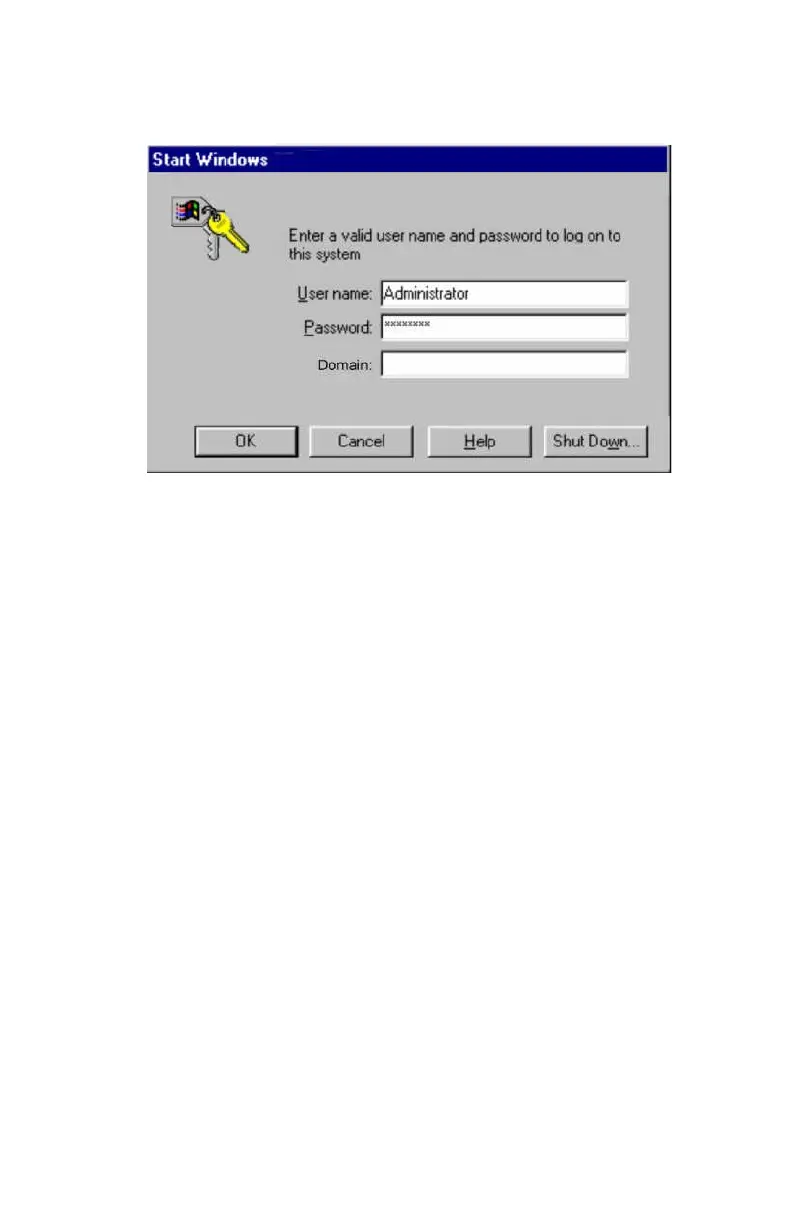
As with the Change Password operation described
above, the user first makes sure the cursor is in the
Password field. Once the cursor is located, the user
waves the proximity token to fill in the Password field. If
the password is made up of the card data + a user
supplied PIN, you will need to add this PIN prior to
pressing the ENTER key.
Unlocking the WorkStation
The following screen will appear slightly different for each of
the operating systems (W98, 2000, and XP).
The user should make sure the cursor is in the
Password field. If this dialog box comes up and the cursor
is normally on the username field, you may have the user
enter the TAB key, or define one of the pre-card data
keystrokes in the pcProx reader to send the TAB
keystroke for you.



 To Next Page