26 | P a g e S V C 8 2 0 ( P ) P o c k e t M a n u a l
26
ONLY for ‘Hard Lockouts’ - Error Codes: 10, 13 & 99
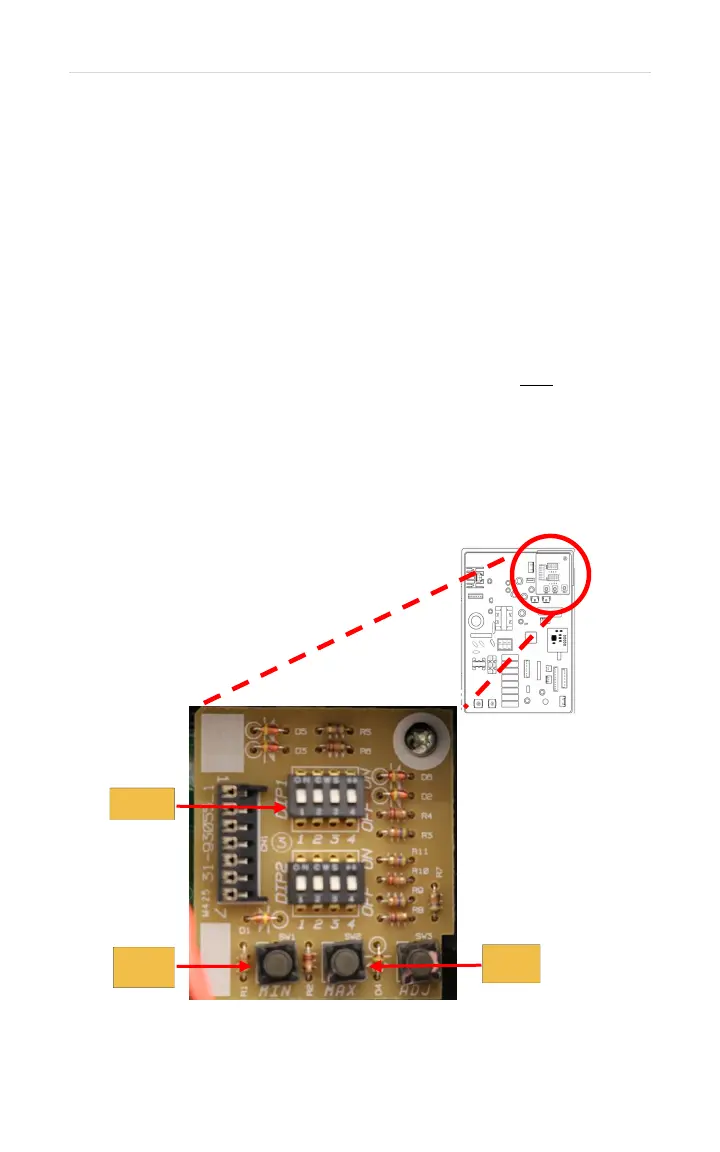
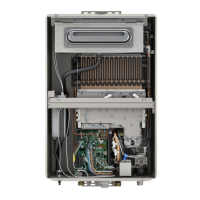
1. Turn remote control OFF; leave unit plugged in. Remove
front cover. Locate the DIP Switches (Upper Right on the
control board).
2. Make sure all the DIP Switches are OFF (down position).
3. Locate DIP1 – Switch #2 and turn it ON (up position)
then immediately turn it OFF.
4. Within 5 seconds, press and hold the MIN and MAX
buttons for at least 2 seconds.
5. The remote control will flash “UL” then it will go solid.
This indicates the heater has been reset.
6. Release the buttons.
7. Turn remote control ON. You may operate unit.


 To Next Page