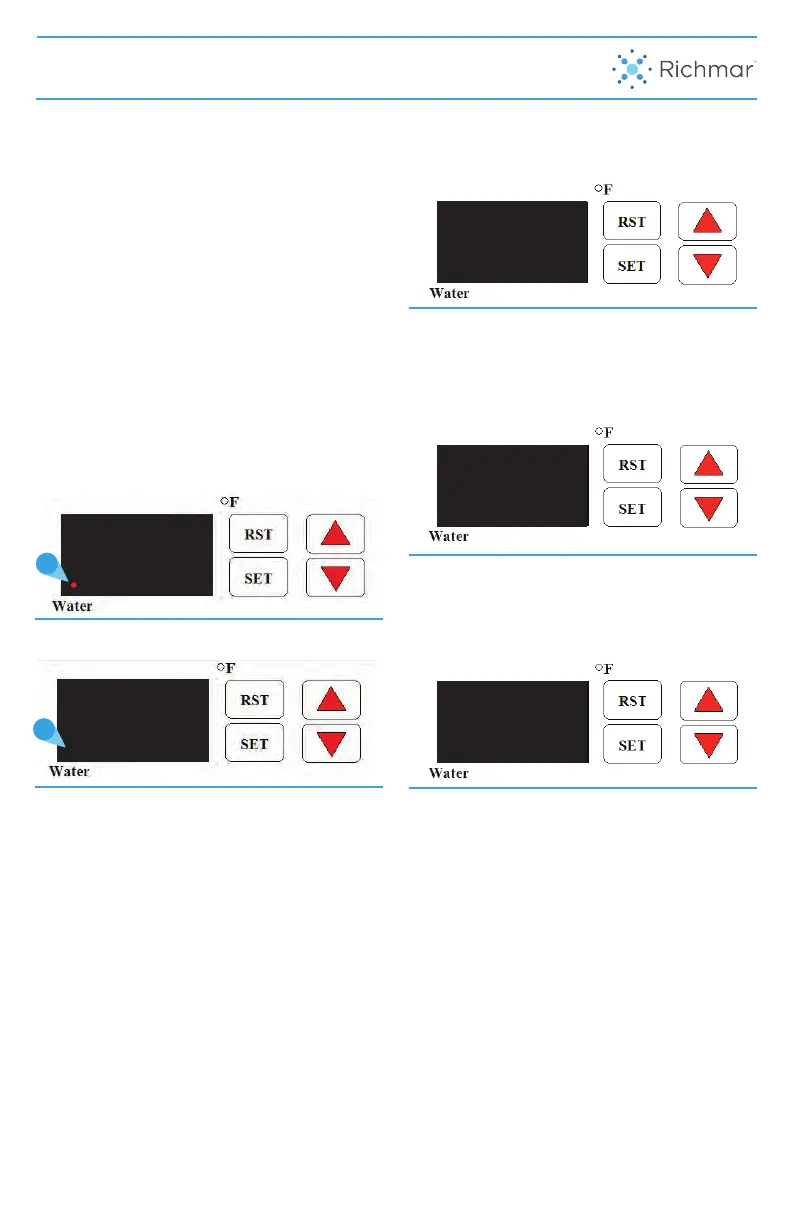
HydraTherm is equipped with a digital
thermostat and Temperature Display, along
with a Low Water Sensor. When the Low
Water Sensor senses low water, the Low
Water Indicator will be lit and the Heating
Element will be disengaged, until a safe
water level is sensed.
NOTE: Refer to page 7 for more
information regarding appropriate
amounts and type of water necessary.
LOW WATER INDICATOR
• Check Temperature Display. If enough
tap water was added, the Low Water
Indicator should NOT be illuminated
at this time. If Low Water Indicator is
illuminated, add more tap water until the
indicator light turns o.
TEMPERATURE SETTING
• It can take several hours for the water to
reach the Set Temperature. The default
Set Temperature is 135°F (57°C), to
change the Set Temperature refer to
instructions below.
NOTE: If using HydraHeat Packs, do not
exceed 140° F (60° C) for best therapeutic
eect, patient comfort, and HydraHeat
Pack longevity.
To enter Temperature Set Mode:
• Press “SET” key on control panel,
“HSP” will then be displayed.
• Press “SET” key again and the and the
current Set Temperature will display.
(e.g. 135°/57°C).
• Press UP or DOWN arrows until
desired temperature is reached. (e.g.
140°F/60°C).
• Once desired temperature is displayed,
press and release the “SET” button. The
new Set Temperature is now saved.
• To exit Temperature Set Mode, press the
SET and DOWN arrow together, or the
device will exit Temperature Set Mode
automatically after 1 minute of inactivity.
DEVICE USER INTERFACE
Figure 5.
Figure 3.
Figure 4.
8
HSP
135
140
Figure 1. Low Water Indicator illuminated
Figure 2. Low Water Indicator not illuminated
135
135



 To Next Page