*1
Additional display
*2
The first display
*3
DisplayPort cable
*4
RS-232C cable
*5
DisplayPort cable
• The RS-232C cable and DisplayPort cable are not supplied and should be purchased separately.
• This RS-232C daisy chain application requires an RS-232C port equipped computer.
• Use RS-232C serial cross cables for daisy chain application.
• The video signals input to the DisplayPort Input jack of the additional display are output from the
DisplayPort Output jack of the first display.
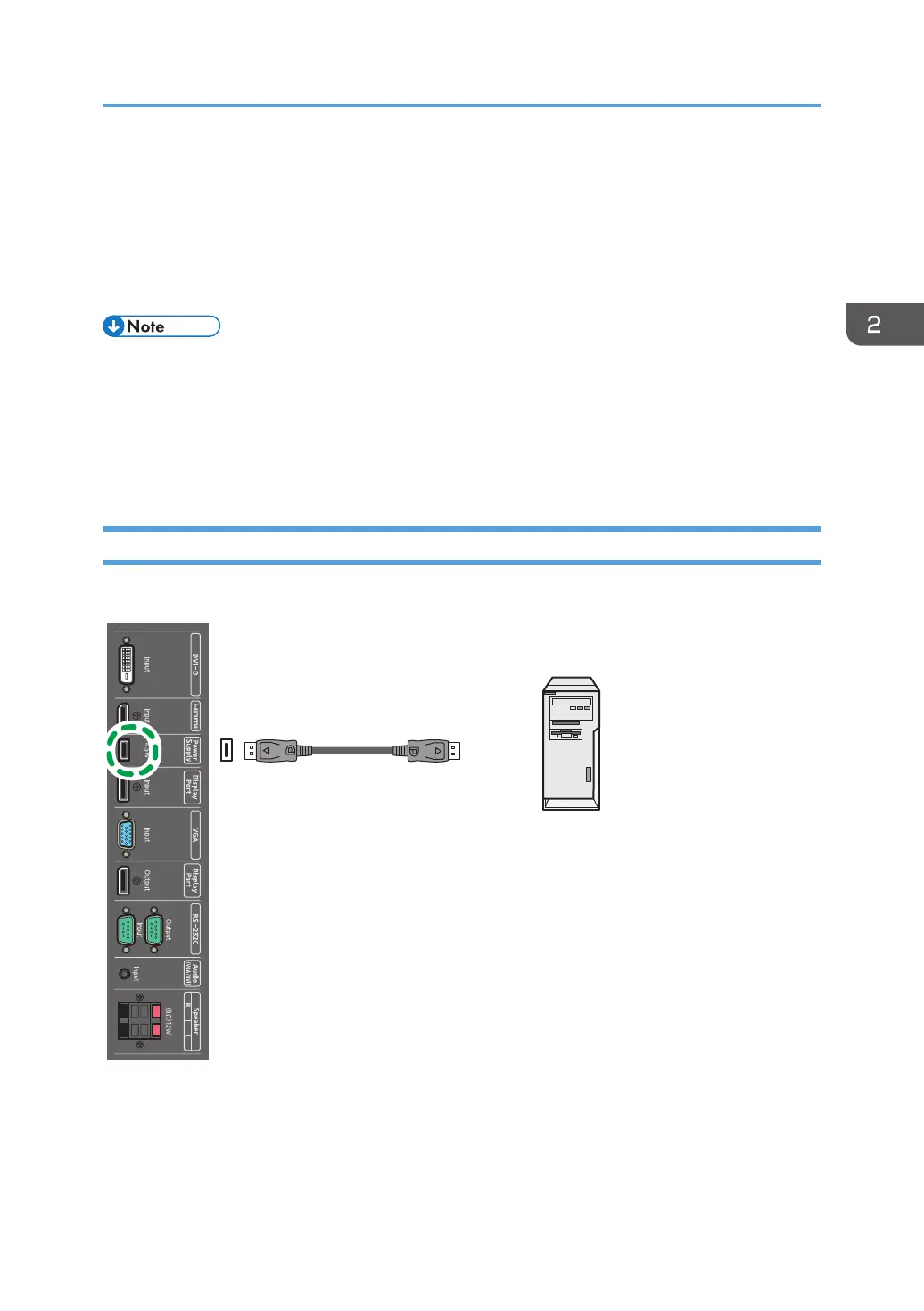
Connecting with a USB Cable
Connect the machine and an external device with a USB cable to supply power to the device.
*1
USB cable
Connecting Audio/Video Signals
15



 To Next Page