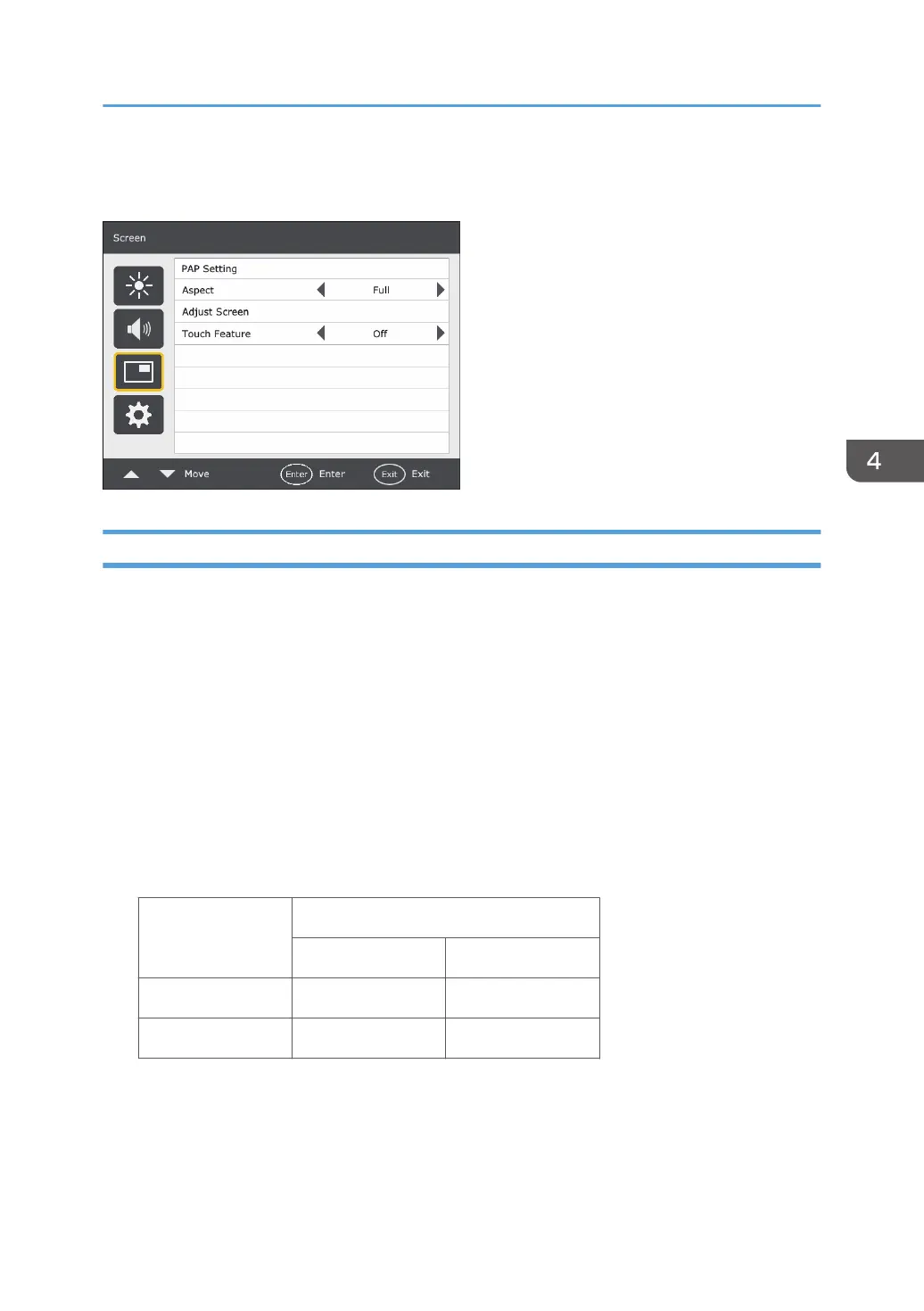
Screen Menu
PAP Setting (Picture and Picture)
PAP
Turns on or off the PIP (Picture in Picture) and PBP (Picture by Picture) functions.
If the Touch Feature function is set to On, PIP will be disabled.
PAP Sub source
In PIP mode, selects the image source for the sub picture. In PBP mode, selects the image source for
the right picture by default.
Swap
In PIP mode, swaps the main and sub pictures. In PBP mode, swaps the left and right pictures.
Picture Size
Changes the size of the sub picture.
PIP mode Aspect Ratio (16:9)
Width Height
Small 960 540
Large 1728 972
Unit: pixel
The aspect ratio of the sub picture is fixed as 16:9.
In PBP mode, the size of the sub picture cannot be changed.
Screen Menu
29



 To Next Page