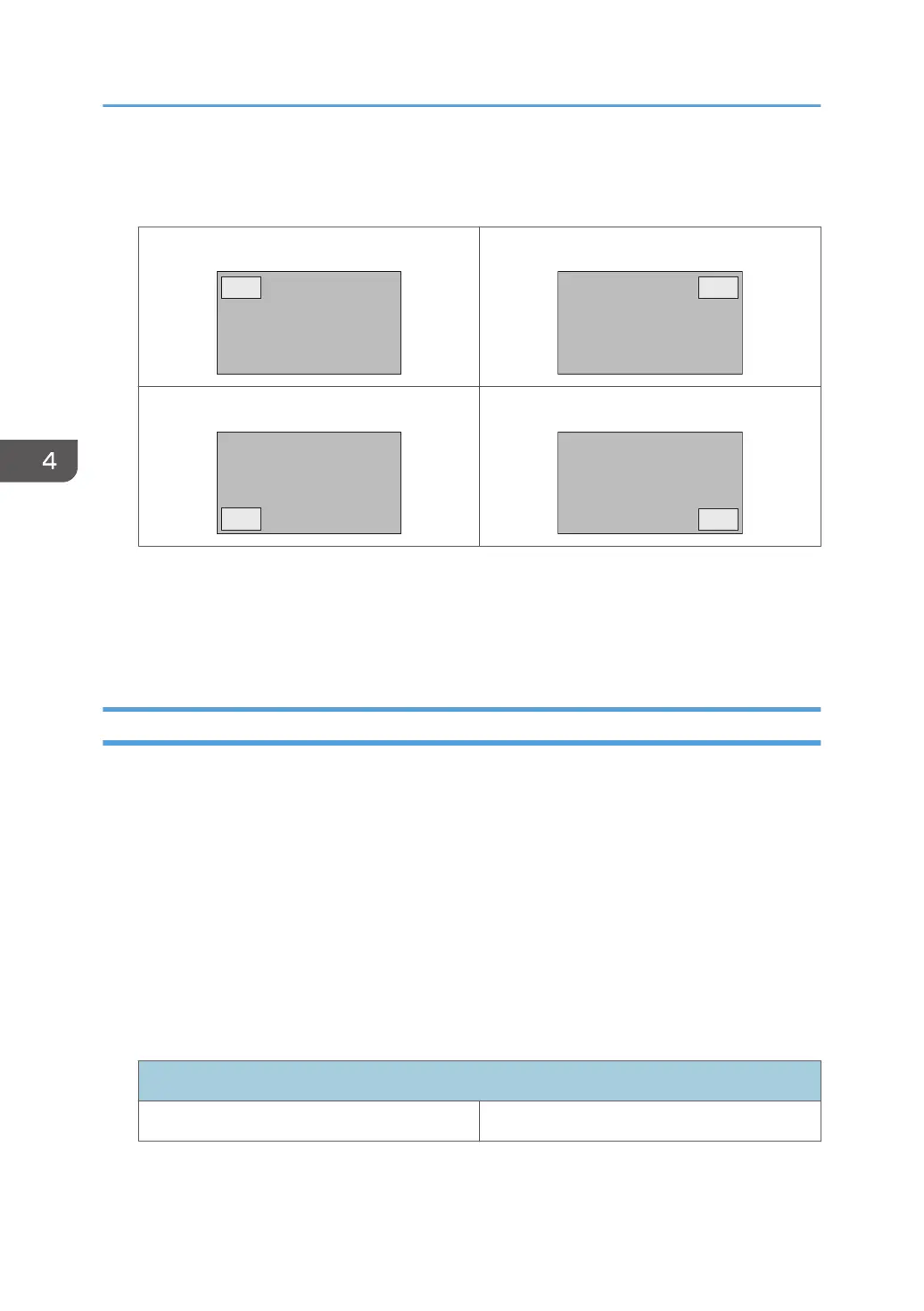
Picture Position
Only in PIP mode, changes the position of the sub picture.
Upper Left Upper Right
Lower Left Lower Right
See page 43 "List of PAP Input Signal Combination Supported by the Machine" for more
information on supported combinations.
When a controller designed compliant with OPS (Open Pluggable Specification) standard is
connected to the machine, the PBP mode will be disabled.
Aspect
Sets the picture’s aspect ratio.
Normal
Enlarges the picture to fill the screen in the vertical direction, keeping the same aspect ratio. A black
frame may appear around the picture.
Full
Enlarges the picture horizontally to fill the screen when the picture source is 4:3 (Standard
definition). When the picture source is 16:9 (High definition), it displays in the same 16:9 aspect
ratio.
Real
Displays the picture in its original number of dots.
For video signal inputs
4:3 original source 16:9 original source
4. The On-Screen Display Menu
30



 To Next Page