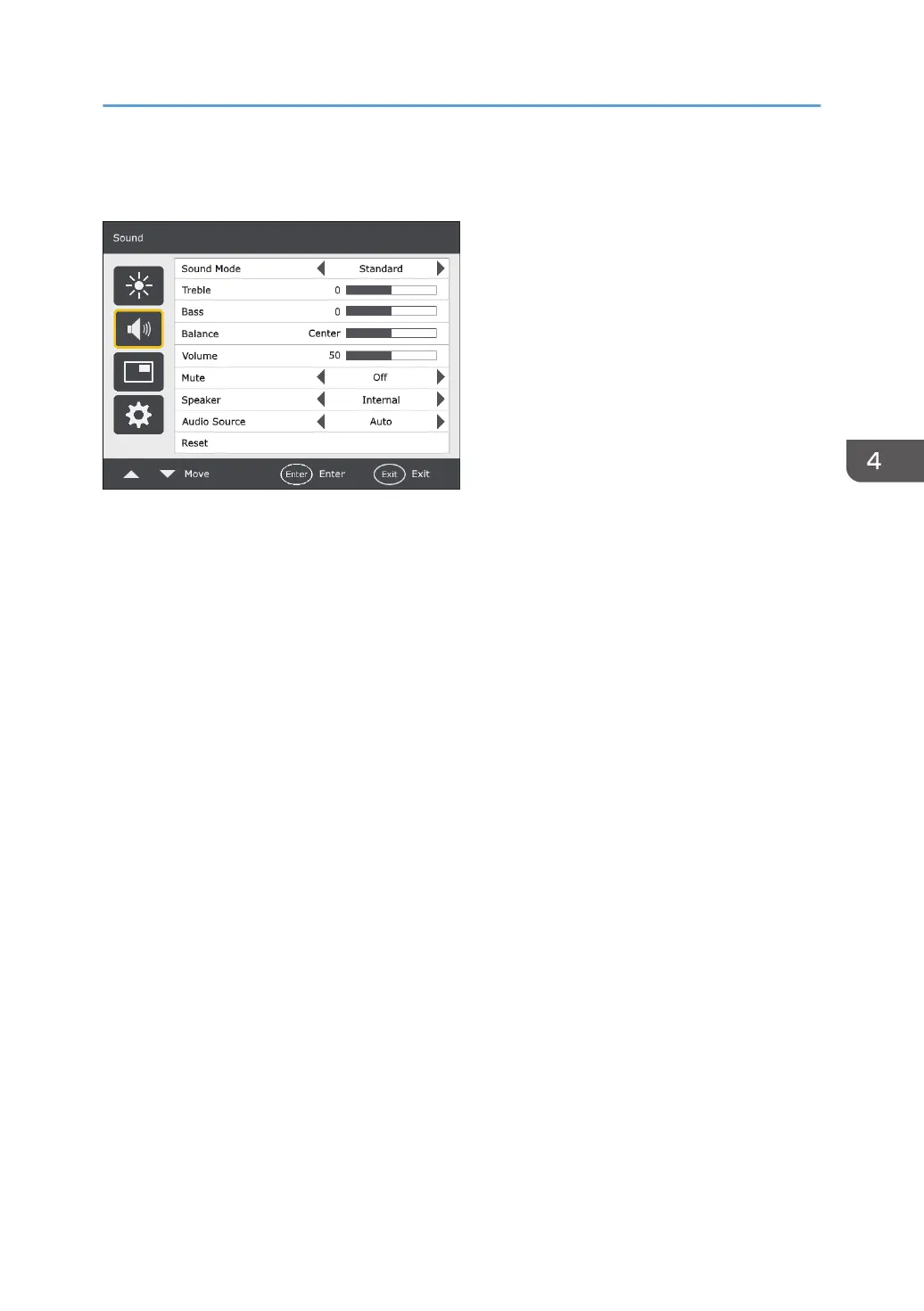
Sound Menu
Sound Mode
Adjusts the sound output from the speakers.
• Dynamic: Enhances treble and bass.
• Standard: Flat settings.
• Custom: Recalls the customized settings.
Treble
Adjusts the audio treble.
Bass
Adjusts the audio bass.
Balance
Adjusts the audio balance.
Volume
Turns down/up the volume.
Mute
Turns on or off the mute function.
Speaker
Sets the audio source.
• Internal: Selects the audio output source from the internal speakers.
• External: Selects the audio output source from the external speakers.
Audio Source
Select either the audio from the source of the image currently displayed or the audio from Audio
Input.
Sound Menu
27



 To Next Page