1. Using the Remote Control
This chapter explains how to use the remote control.
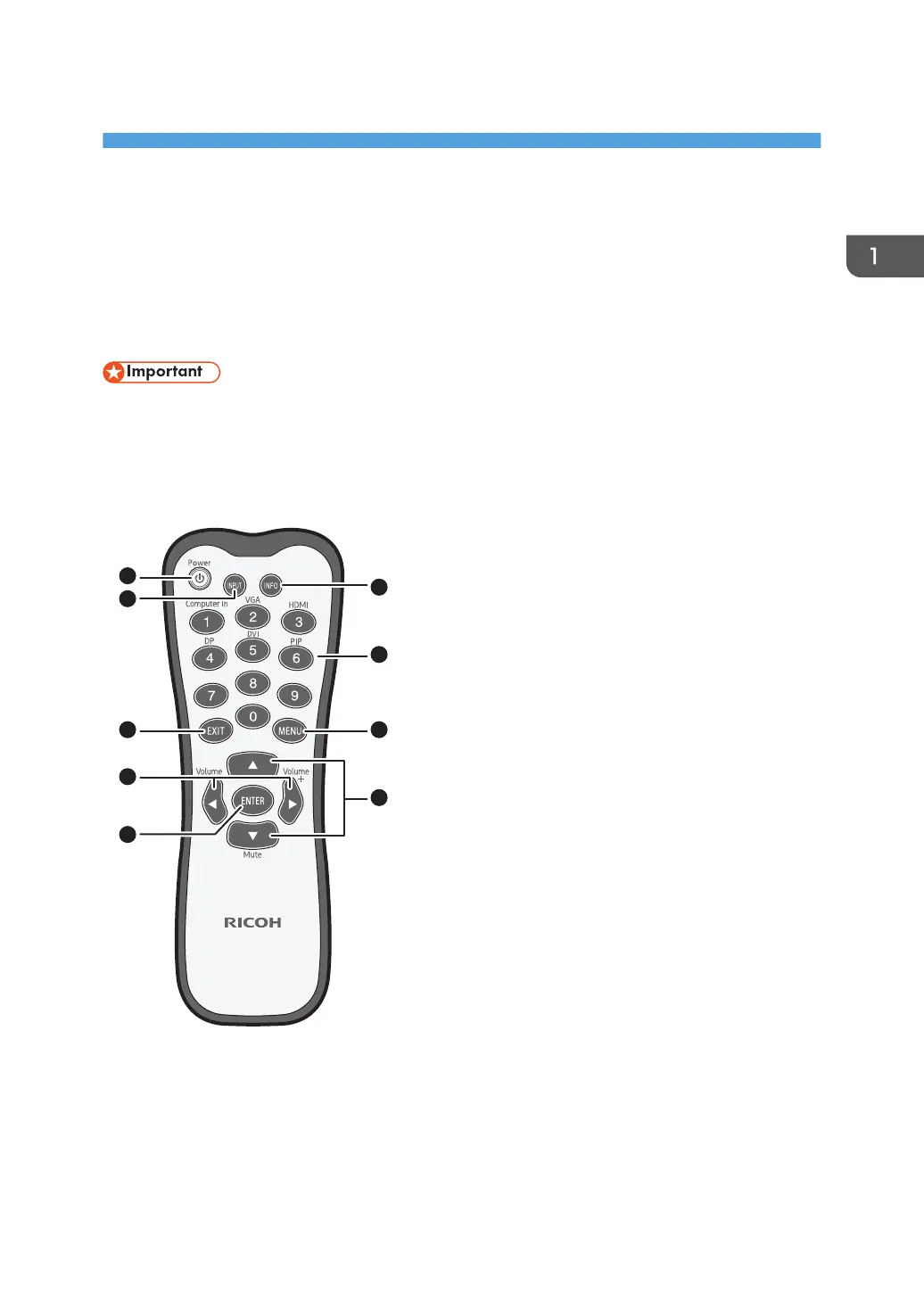
Names and Functions of the Remote Control
Buttons
• Do not put the remote control in the direct heat, humidity, and avoid fire.
• Do not drop the remote control, as doing so may cause the remote control to malfunction.
• Confirm there is no object between the remote control and the remote control sensor of the product.
• When the remote control will not be used for an extended period, remove the batteries.
1. [Power]
Turns the machine on or off.
2. [INPUT]
Selects an input source.
5



 To Next Page