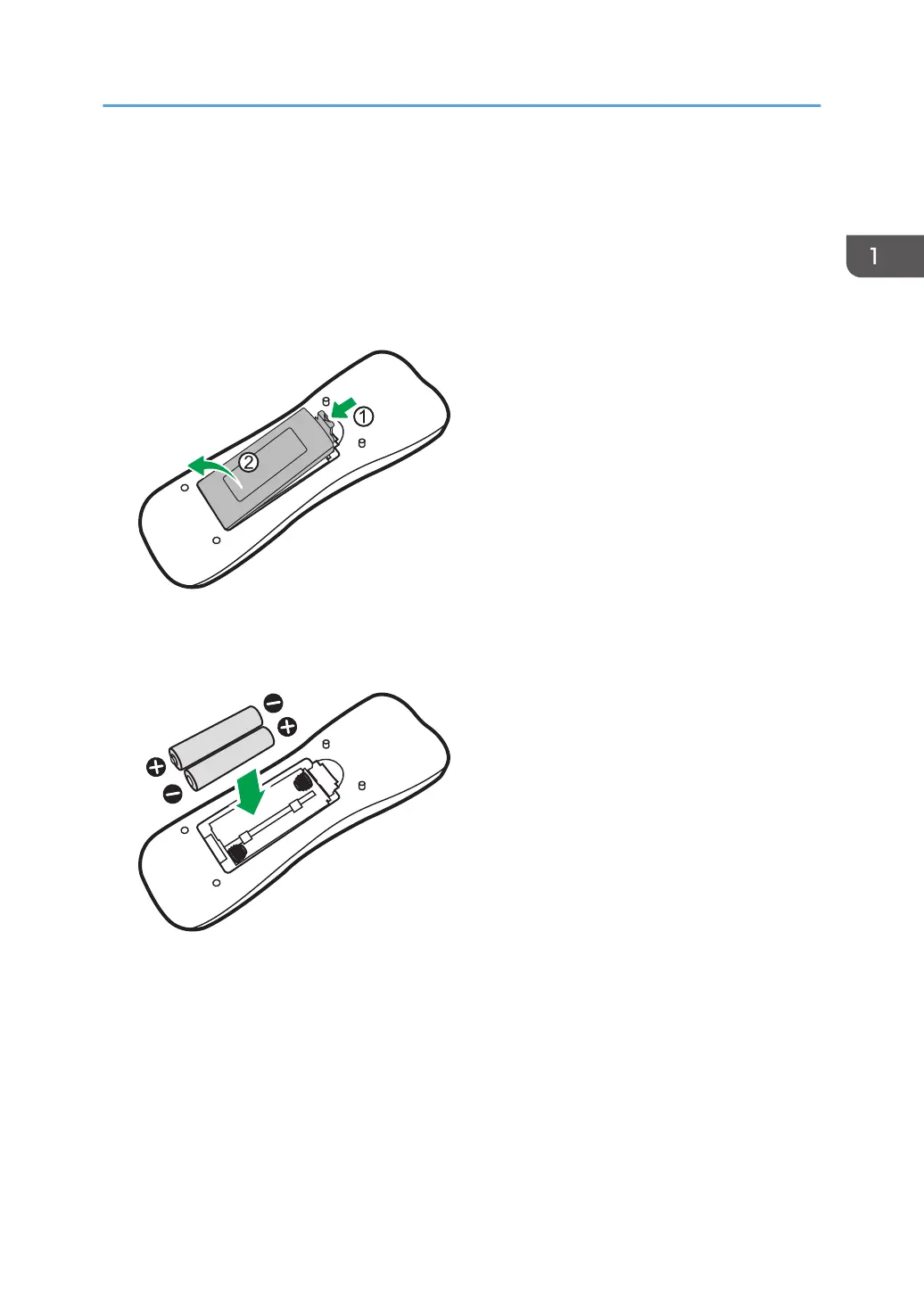
Installing the batteries into the remote control
• When batteries fail to function, replace them immediately.
• There may be local restrictions on the disposal or recycling of batteries. Consult your local
regulations or waste disposal provider.
1. Open the remote control battery cover.
2. Insert the supplied batteries ensuring that the positive and negative marked battery
terminals match the (+) and (-) marks in the battery compartment.
You should replace the supplied batteries as soon as possible.
Installing the batteries into the remote control
7



 To Next Page