Operations in the On-Screen Display Menu
Using the Control Panel Buttons
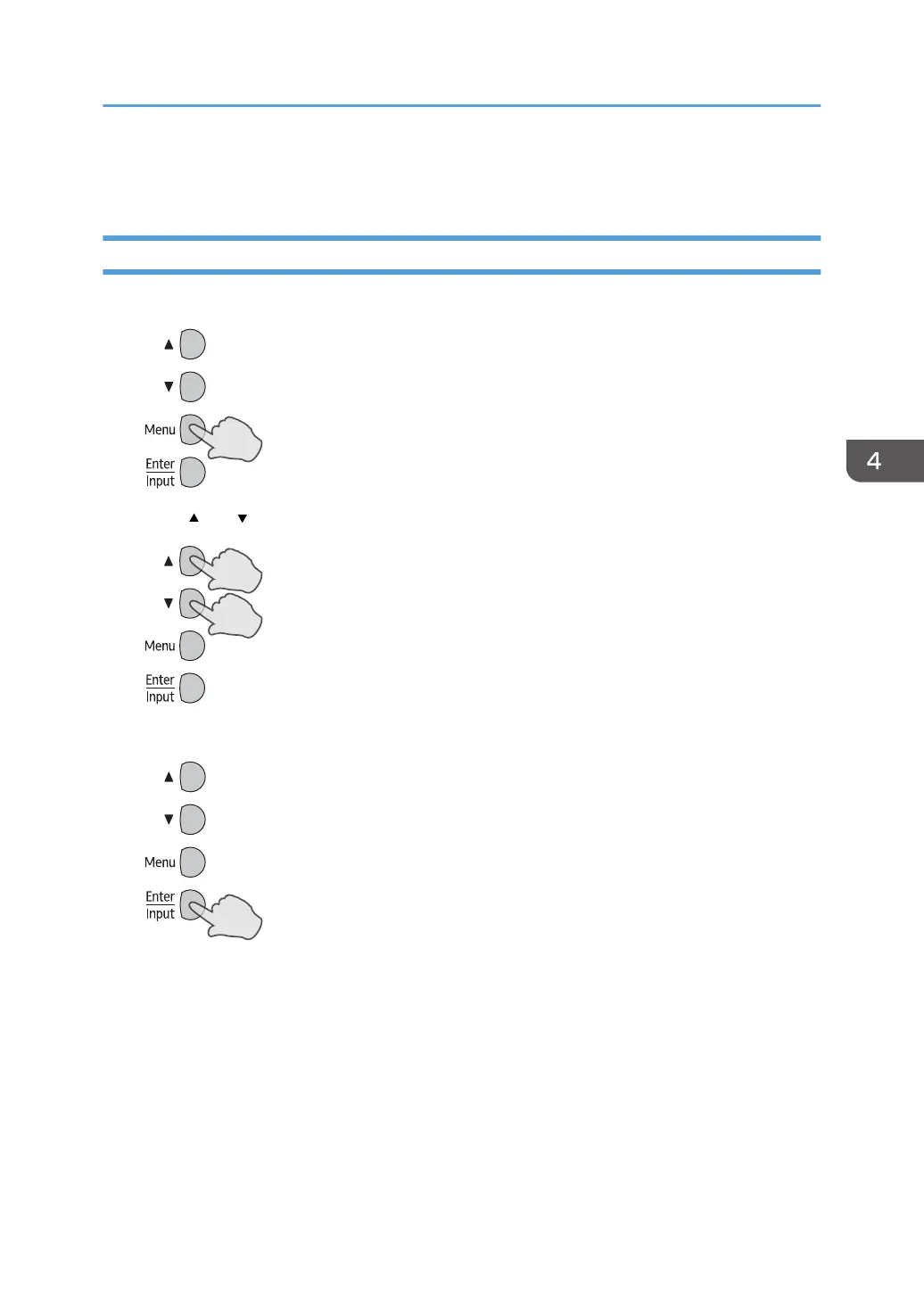
1. Press [Menu] to open the On-Screen Display menu.
2. Press [ ] or [ ] to select an item.
3. Press [Enter/Input] to confirm selections.
Operations in the On-Screen Display Menu
21



 To Next Page