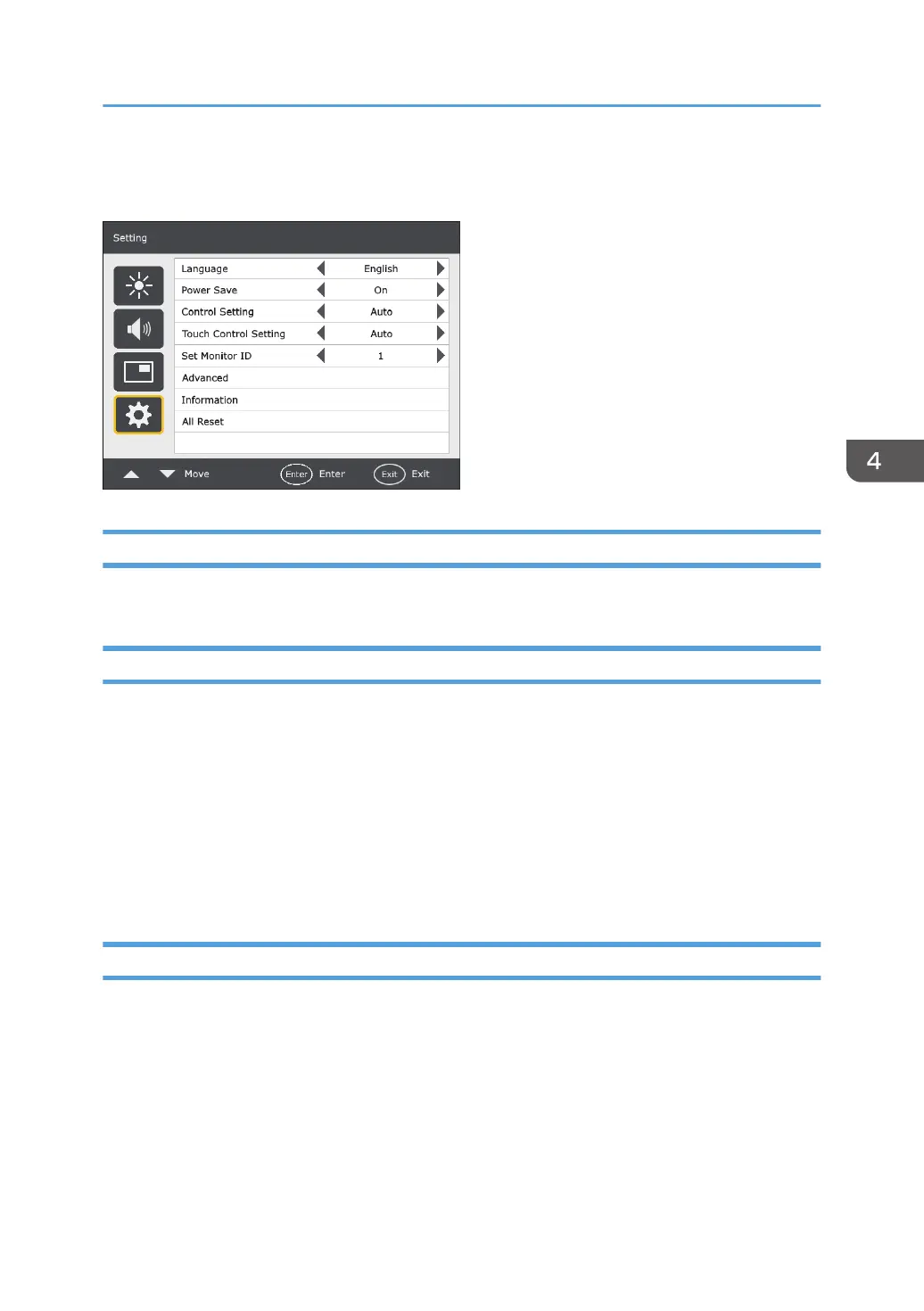
Setting Menu
Language
Sets your preferred language for the On-Screen Display menu.
Power Save
Sets the machine to enter the power saving mode when there is no signal detected.
• On
All source can enter the power saving mode and wake up the display.
• Off
If no source is detected, the backlight will continue on.
When the controller designed compliant with OPS (Open Pluggable Specification) standard is
connected to this display, Power Save is fixed to On.
Control Setting
Auto
If the controller designed compliant with OPS (Open Pluggable Specification) standard is
connected to this display, sets the OPS controller to control the machine. If not, sets RS-232C
terminal to control the machine.
RS-232C
Sets RS-232C terminal to control the machine.
Setting Menu
33



 To Next Page