When the Machine Does Not Operate As wanted
6
1
❖ Machine Address Info
You can check the following items under [Machine Address Info]:
• [Machine IPv4 Address]
Displays the machine's IPv4 address.
• [Machine IPv6 Address]
Displays the machine's IPv6 address.
❖ Inquiry
You can check the following items under [Inquiry]:
• [Machine Repairs]
Displays the machine number and contact number that are required for
service.
• [Sales Representative]
Displays the sales representative's telephone number.
• [Supply Order]
Displays the contact number for placing supply orders.
• [Supply Details]
Displays the name of toner, staples, etc, used on the machine.
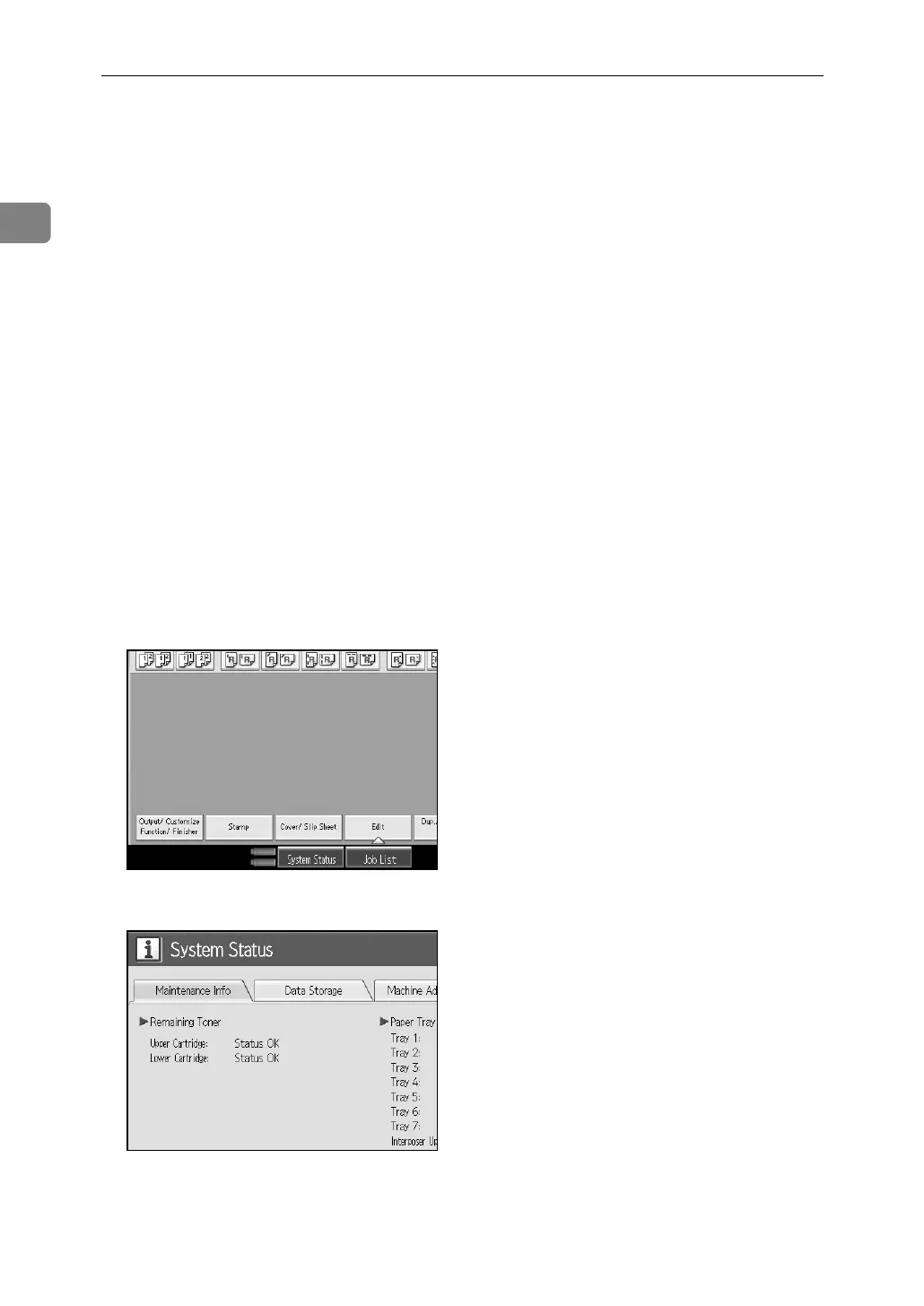
A On the control panel, press [System Status] on the control panel.
B Press each tab and check the contents.



 To Next Page