If Connect Copy is Cancelled
25
2
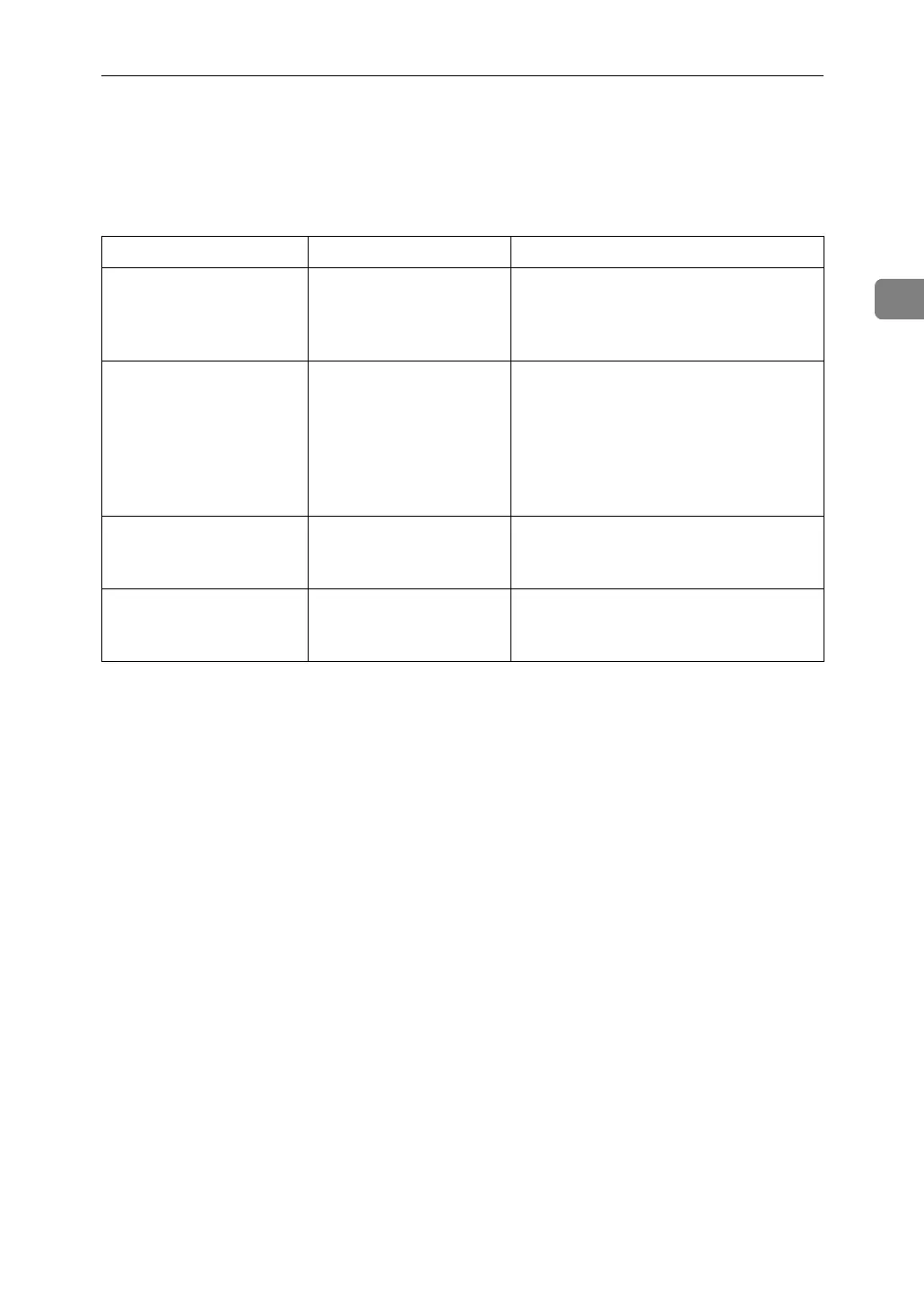
If Connect Copy is Cancelled
This section explains about causes and remedies when Connect Copy is can-
celled.
Problem Cause Solution
The machine cancels
Connect Copy.
The main machine's
main power is off, or the
operation switch has
been pressed.
Turn on the sub-machine's main power
or operation switch, and then press
[Connect Copy].
The machine cancels
Connect Copy.
The sub-machine's main
power is off.
A message instructing you to check the
sub-machine appears on the display of
the main machine. Press [Cancel] to clear
Connect Copy. Turn on the sub-ma-
chine's main power, press [Connect
Copy] and then make your settings
again.
The machine cancels
Connect Copy.
The Weekly Timer set-
ting is coming into effect
on the main machine.
Turn on the main machine's operation
switch , and then press [Connect Copy].
An error message indi-
cates the main machine
has broken down.
The L is lit. Copying is not possible. Follow the in-
structions displayed.



 To Next Page