Loading paper
67
5
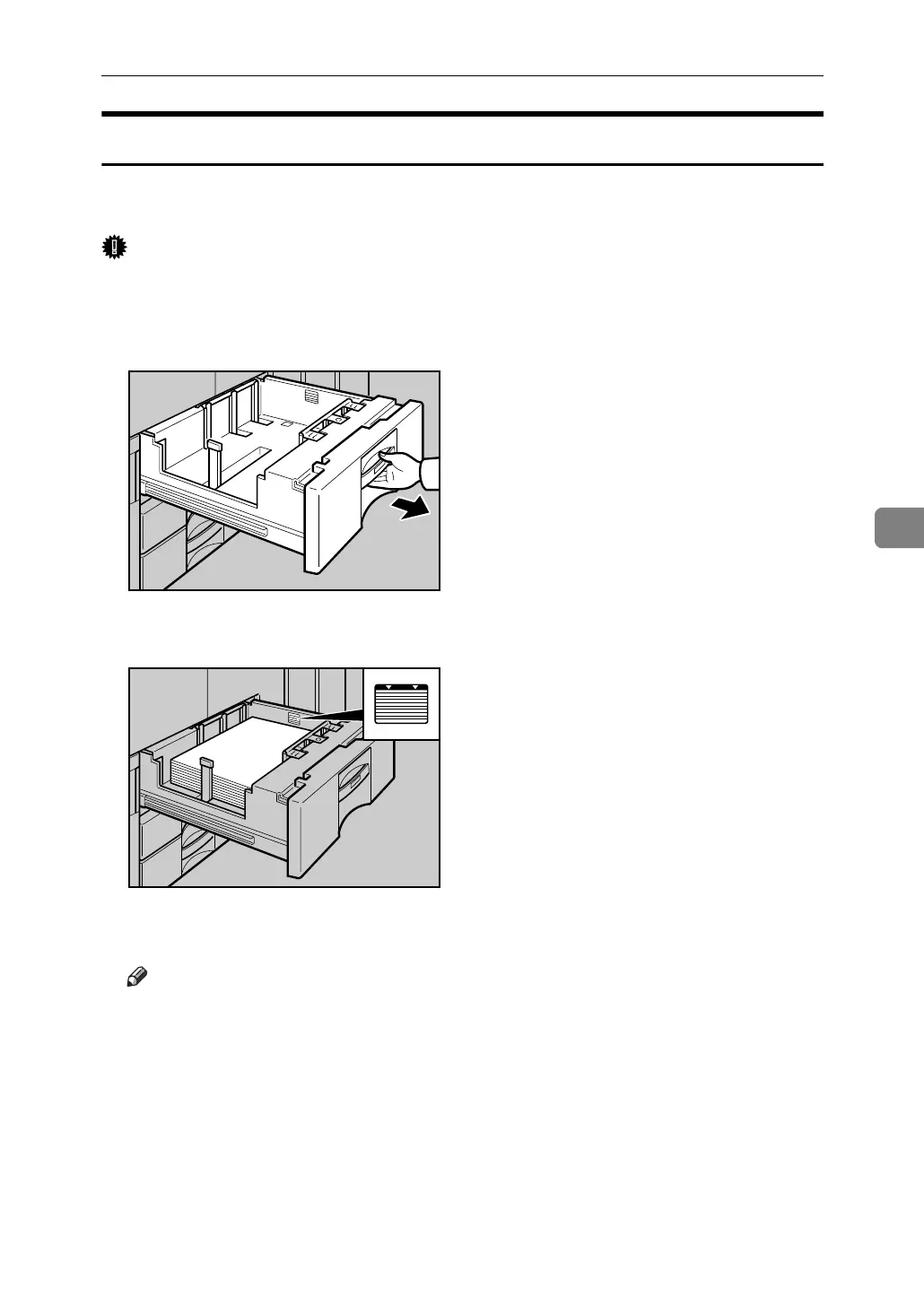
Loading Paper into the A3/11” × 17” Tray Unit
The following procedure explains how to load paper into the A3/11” × 17” tray
unit. To use the A3/11” × 17” tray unit, you must replace Tray 1.
Important
❒ Make sure that the paper stack is flush to the right side fence.
❒ Do not stack paper over the limit mark.
A Carefully pull out the paper tray until it stops.
B Place the paper in the tray along the edge on the left.
C Carefully slide the paper tray fully in.
Note
❒ The tray can hold up to 550 sheets.
ANQ008S
ANQ009S



 To Next Page