Adding paper, Toner and Staples
76
5
Changing the Paper Size in Tray 2 and 3
The following procedure explains how to change a paper size in Tray 2 and 3.
Important
❒ If a paper tray is pushed vigorously when putting it back into place, the posi-
tion of the tray's side fence may slip out of place.
❒ Check that the paper edges are aligned at the right side.
❒ Do not stack paper over the limit mark.
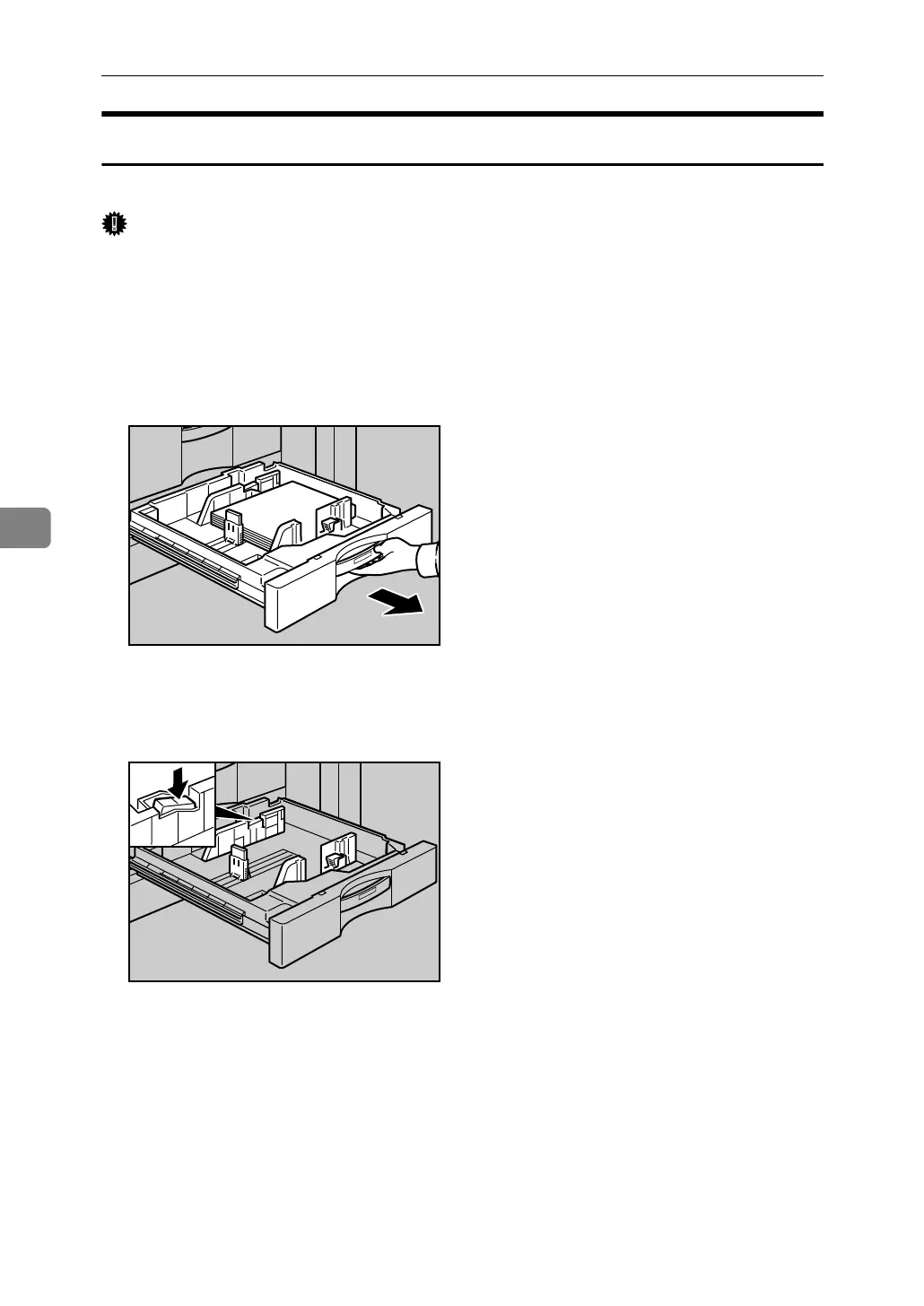
A Check that paper in the paper tray is not being used for copying, and then
pull the tray carefully out until it stops.
B Remove paper if loaded.
C Release the lock on the side fence.
ANQ014S
ANQ015S



 To Next Page