Changing the Paper Size
77
5
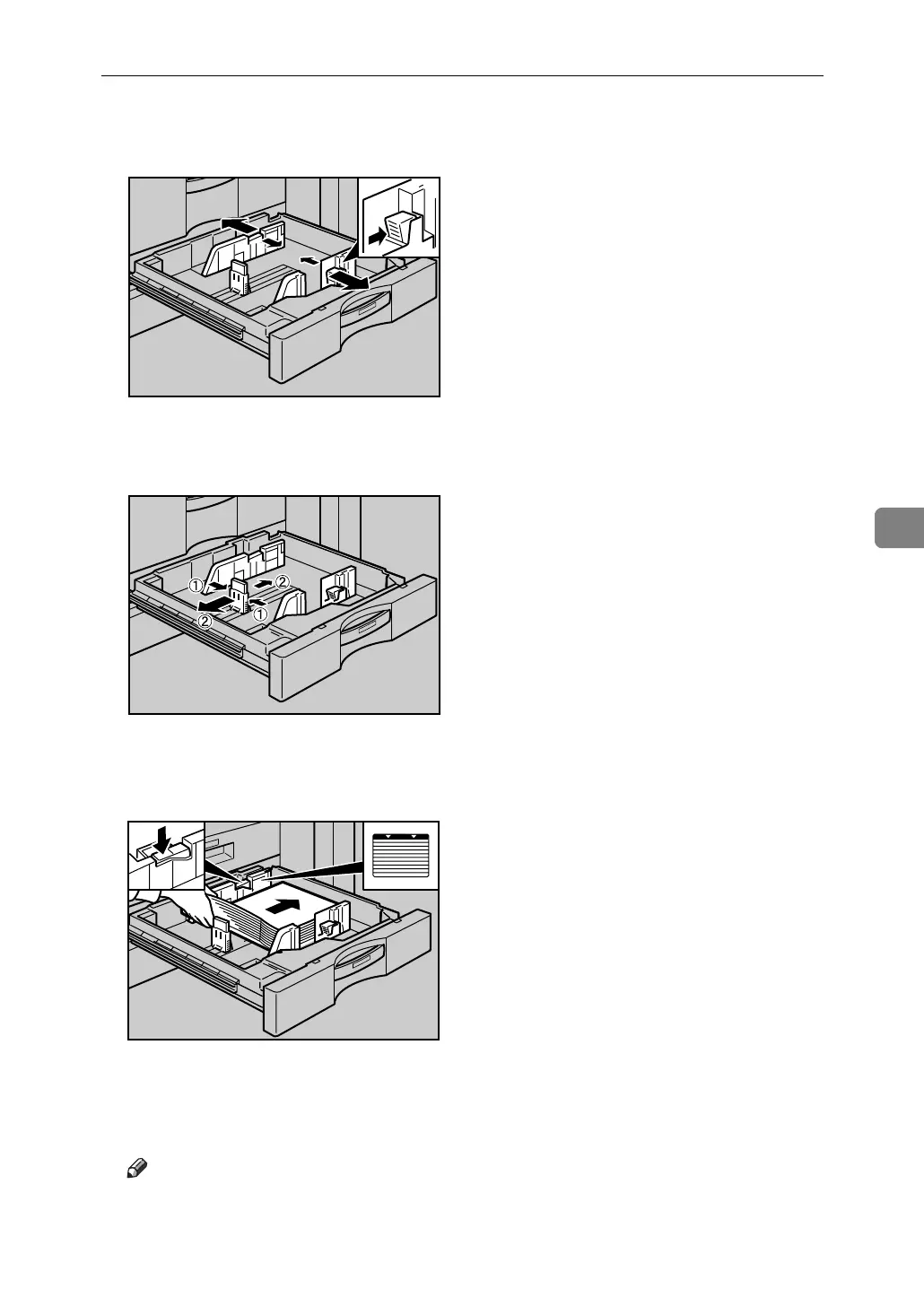
D While pressing down the release lever, slide the side fences until they are
aligned the paper size you want to load.
E Slide the end fence until it is aligned with the size of paper to you want to
load.
F Square the paper and load it print side up.
Re-lock the side fences again.
G Carefully slide the paper tray fully in.
H Check the size on the display.
Note
❒ If there is space between the side fence and paper, bring the side fence
flush against the edge of the paper.
ANQ016S
ANQ017S
ANQ018S



 To Next Page