Removing Jammed Paper
105
6
Note
❒ Inside the finisher, or inside the front cover, there is a sticker explaining how
to remove misfed paper.
❒ If a detailed removal instruction appears on the right of the screen, follow it.
❒ You can also use the procedure indicated in [System Status] to remove jammed
paper.
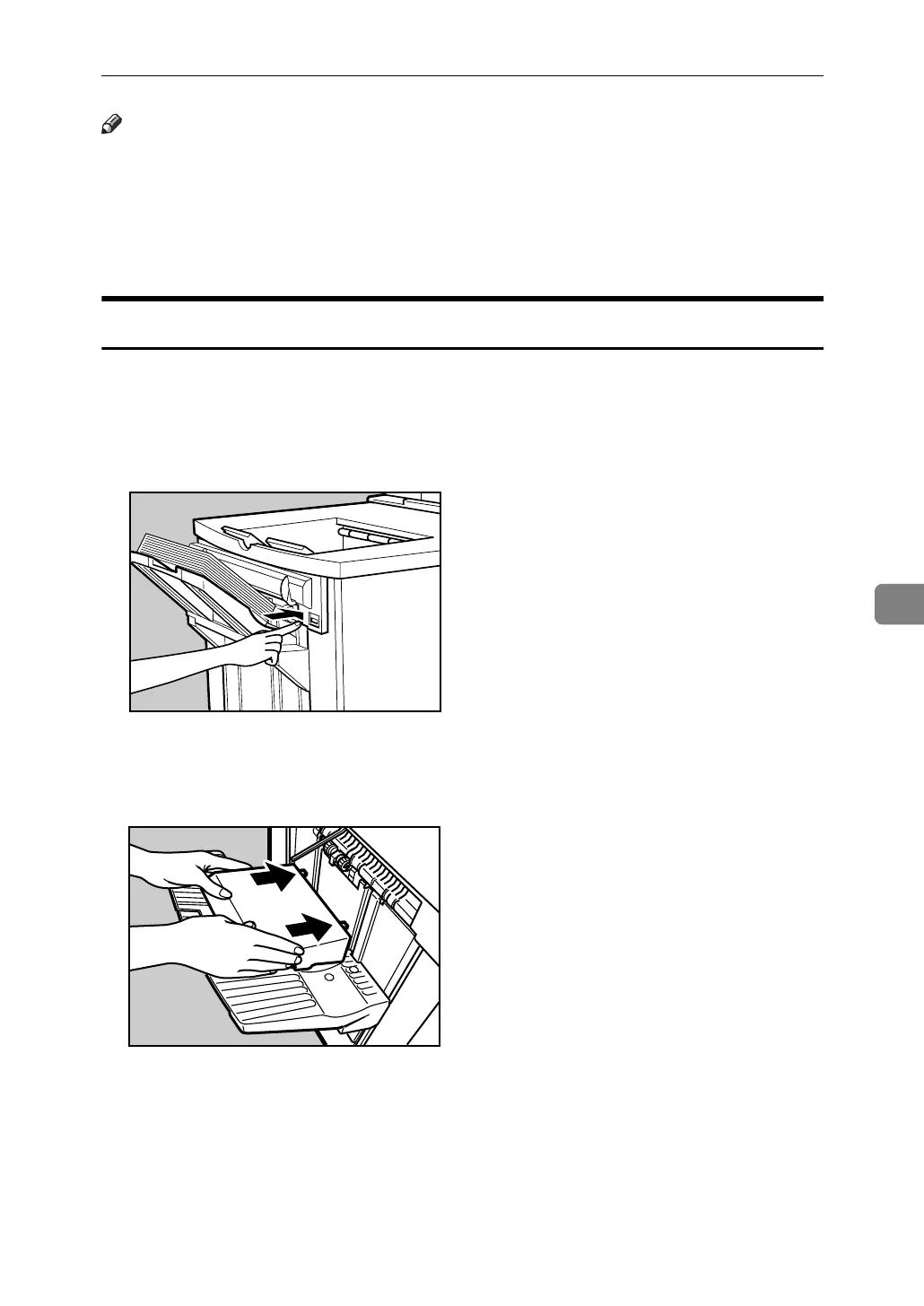
When Z-folded paper is not properly aligned
The following procedure explains when Z-folded copies are not properly
aligned.
A Press the {Suspend/Resume} key.
The key lights up.
B Remove the copies.
C Set the auxiliary tray for the finisher shift tray.
ANQ082S
ANQ075S



 To Next Page