Loading paper
73
5
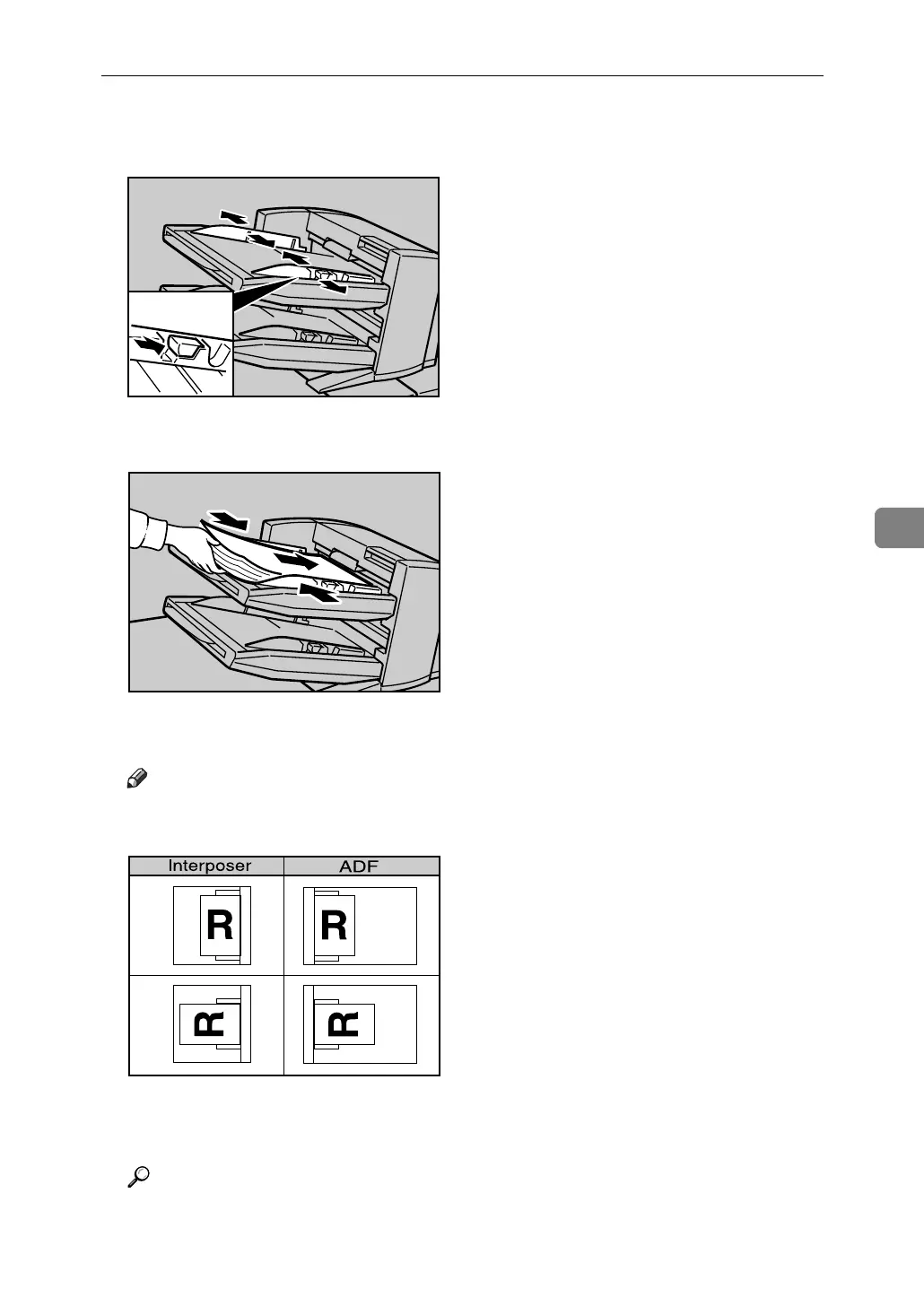
A While pressing the release lever, align the side fence with the paper size to
be loaded.
B Load paper orderly. Tightly fit the side fence to the loaded paper.
C When loading paper larger than A4, draw out the paper extender.
Note
❒ To set the paper in the interposer, align the orientation of originals in the
ADF as shown below.
❒ When paper is loaded which cannot be detected automatically, the user
must set the paper size on the control panel.
Reference
p.84 “Changing to a Size that is Not Automatically Detected”
ANQ010S
ANQ012S
ANR026S



 To Next Page