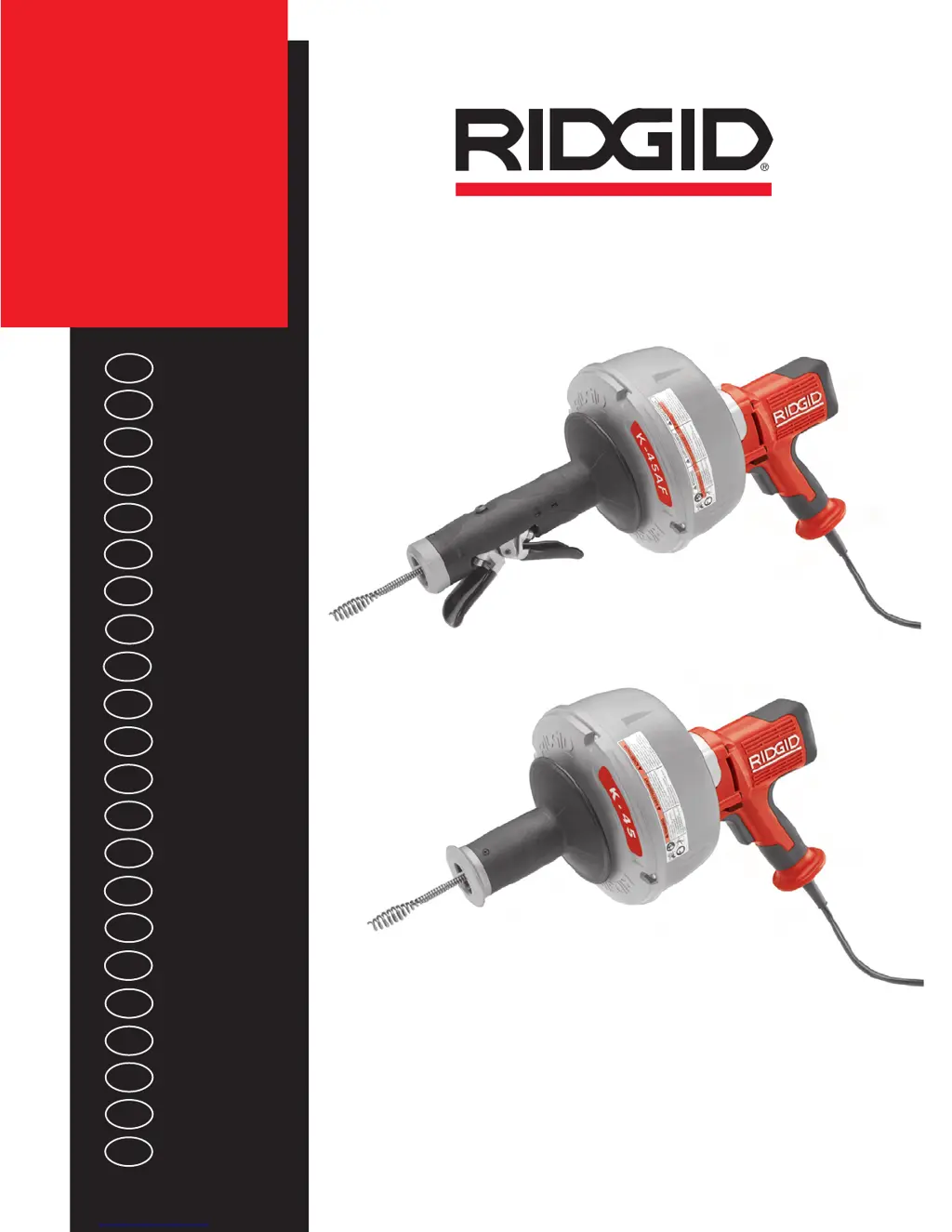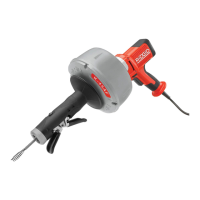
What to do if my RIDGID Power Tool AUTOFEED doesn’t work?
- NNicholas BallardAug 14, 2025
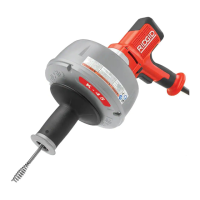
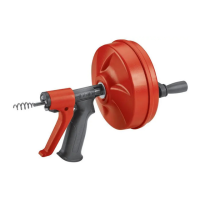
If the AUTOFEED isn’t working, it might be full of debris, so you should clean it. It may also need lubrication, so lubricate the AUTOFEED.
What to do if my RIDGID Power Tool AUTOFEED doesn’t work?
If the AUTOFEED isn’t working, it might be full of debris, so you should clean it. It may also need lubrication, so lubricate the AUTOFEED.
What to do if GFCI trips when using RIDGID Tools?
If the Ground Fault Circuit Interrupter trips when the machine is plugged in or when the switch is depressed, the Ground Fault Circuit Interrupter may be faulty. Replace the cord set that includes a Ground Fault Circuit Interrupter.
Why is my RIDGID K-45 Tools cable kinking or breaking?
Cable kinking or breaking can occur for several reasons: * The cable is being forced. Do Not Force Cable! Let the cutter do the work. * The cable is used in an incorrect pipe diameter. Use correct cable/equipment. * The cable is worn out. If the cable is worn, replace it. * The cable is not properly supported. Support cable properly, see instructions.
What to do if AUTOFEED doesn’t work on RIDGID K-45?
If the AUTOFEED doesn’t work, it may be full of debris, so you should clean it. Also, the AUTOFEED may need lubrication, so lubricate it.
Why does my RIDGID Power Tool GFCI trip?
The Ground Fault Circuit Interrupter (GFCI) may trip due to several reasons: a faulty GFCI, in which case you should replace the cord set that includes a Ground Fault Circuit Interrupter; moisture in the motor, switch, or on the plug, which requires taking the drain cleaner to an Authorized Service Center; a damaged power cord, so you should replace the cord set; or a short circuit in the motor, which means taking the motor to an authorized service center.
How to prevent my RIDGID Power Tool cable from kinking or breaking?
To prevent the cable from kinking or breaking, avoid forcing the cable and let the cutter do the work. Ensure you're using the correct cable for the pipe diameter. Only use reverse if the cable gets caught. Routinely clean the cables to prevent acid exposure. If the cable is worn out, replace it. Also, make sure the cable is properly supported according to the instructions.
Why does my RIDGID Power Tool wobble or vibrate while cleaning a drain?
If the machine wobbles or vibrates, it could be due to the cable not being evenly distributed. To fix this, pull all the cable out and refeed it evenly.
What causes my RIDGID Power Tool cable to turn in only one direction?
If the cable only turns in one direction, the motor may be switched to reverse. Only use reverse if the cable gets caught in the pipe. Alternatively, the FOR/REV switch may be faulty, requiring a replacement.
Explains safety symbols and signal words used in the manual.
Provides warnings for safe operation of power tools.
Precautions for safe use of electrical components and power sources.
Advice on staying alert, using PPE, and avoiding distractions.
Specific safety precautions for drain cleaning machines.
Steps to inspect the drain cleaner for safety and functionality.
Procedures for preparing the workspace and the machine.
Step-by-step instructions for inserting the cable into the drain.
Explains safety symbols and signal words used in the manual.
Provides warnings for safe operation of power tools.
Precautions for safe use of electrical components and power sources.
Advice on staying alert, using PPE, and avoiding distractions.
Specific safety precautions for drain cleaning machines.
Steps to inspect the drain cleaner for safety and functionality.
Procedures for preparing the workspace and the machine.
Step-by-step instructions for inserting the cable into the drain.