CCP-1116 Commentary Control Panel – Quick Guide 1.2
Page 5
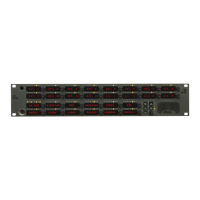
Connector for standard Artist microphones. Normally not used for commentary
mode, only when the CCP-1116 is used as ordinary Intercom panel.
Standard Artist panel function keys (Shift, HS, OPT, F1, F2) + Master Volume.
ATTENTION: The Master Volume is not influencing the volume of Phones A or B
Panel speaker. Normally not used for commentary mode, only when the CCP-
1116 is used as ordinary Intercom panel.
Standard keys, to be configured within the Artist configuration
1-7 is identically also for Commentator B
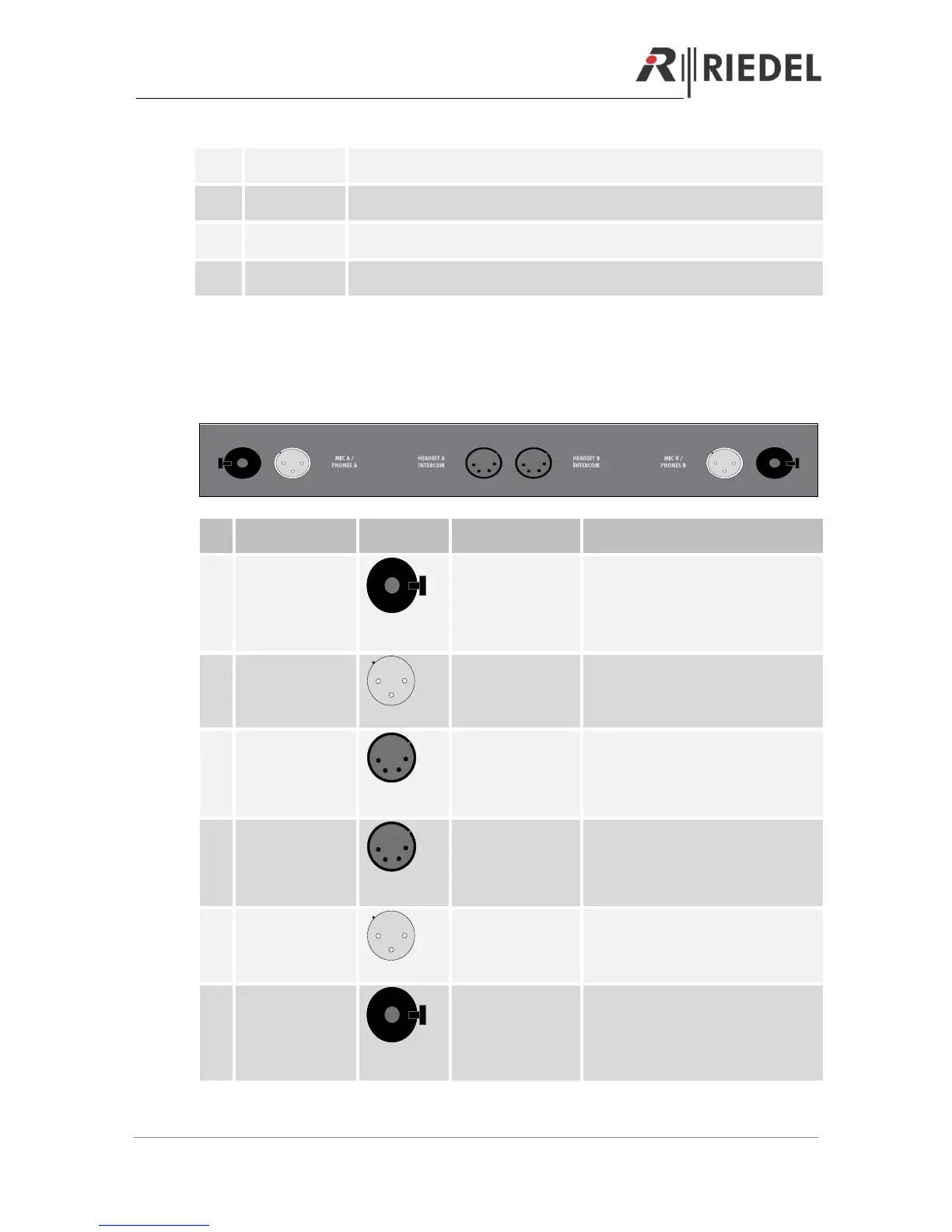
2 CONNECTORS
2.1 Connectors front side
Tip: Left
Ring : Right
Sleeve: GND
Pin 1 : Shield
Pin 2 : Signal + (hot)
Pin 3 : Signal – (cold)
HEADSET A
INTERCOM
(only for pure
Intercom use)
Pin 1: Shield (Mic -)
Pin 2: MIC + (+4V - switchable within
Director)
Pin 3: Phones –
Pin 4: Phones +
HEADSET B
INTERCOM
(only for pure
Intercom use)
Pin 1: Shield (Mic -)
Pin 2: MIC + (+4V - switchable within
Director)
Pin 3: Phones –
Pin 4: Phones +
Pin 1 : Shield
Pin 2 : Signal + (hot)
Pin 3 : Signal – (cold)
Tip: Left
Ring : Right
Sleeve: GND


 To Next Page