16
NSA-002A User Manual A00
4 Web Interface
The NSA-002A has no static IP address. The IP address can be determined by a Zeroconf browser (i.e. Riedel-
NMOS-Explorer, see chapter Riedel-NMOS-Explorer in the appendix).
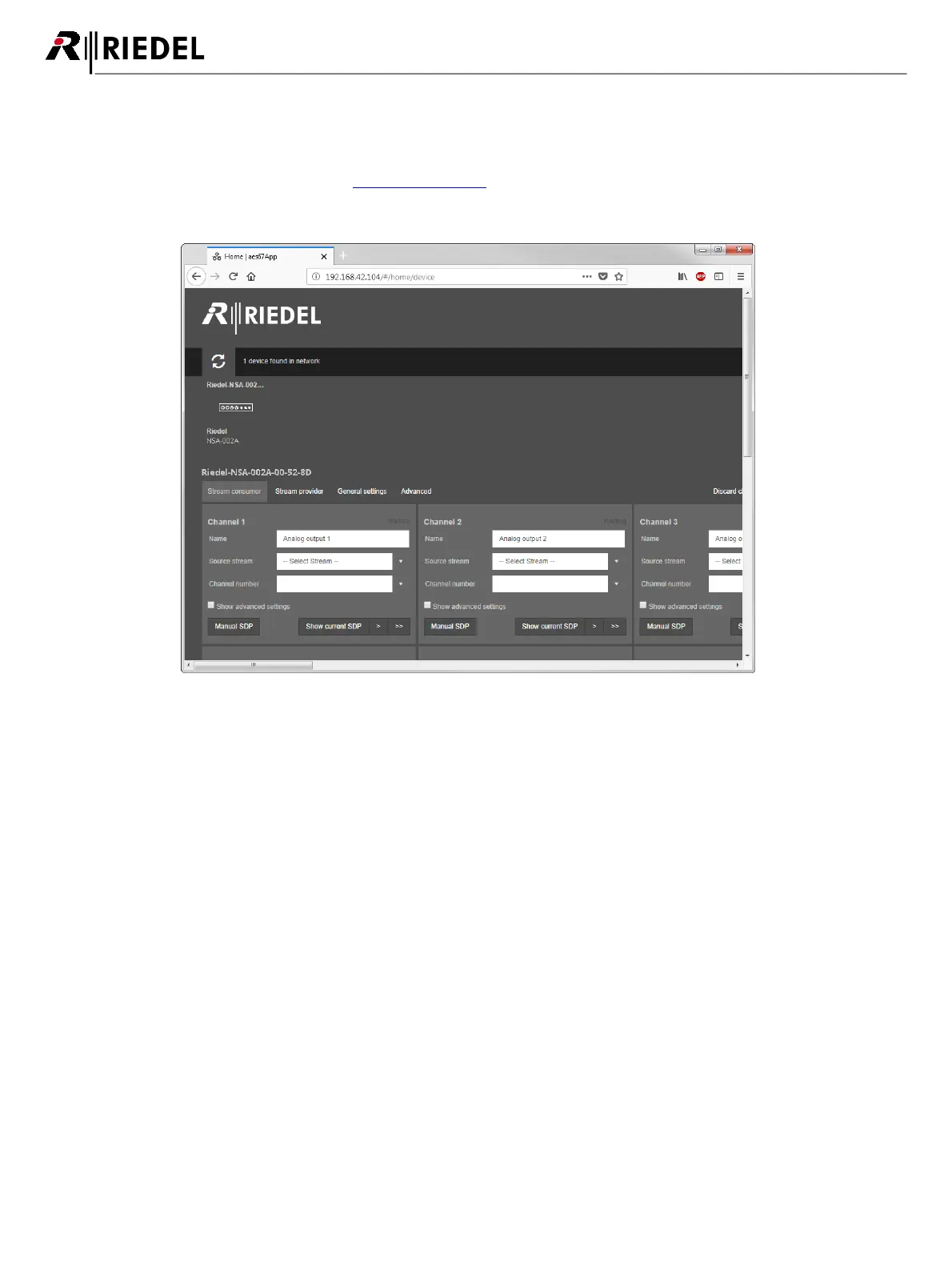
To access the NSA-002As web interface, open a web browser on your computer and point it to the IP address of
the NSA-002A. The NSA-002A web interface appears:
figure 17: NSA-002A web interface
When the user changed a parameter, the 'Apply all' button becomes active. After changing all desired parameters,
the user can press this button to apply all changes. The 'Clear all' or 'Discard changes' button discards all changes
and reloads the page.


 To Next Page