EasyManua.ls Logo

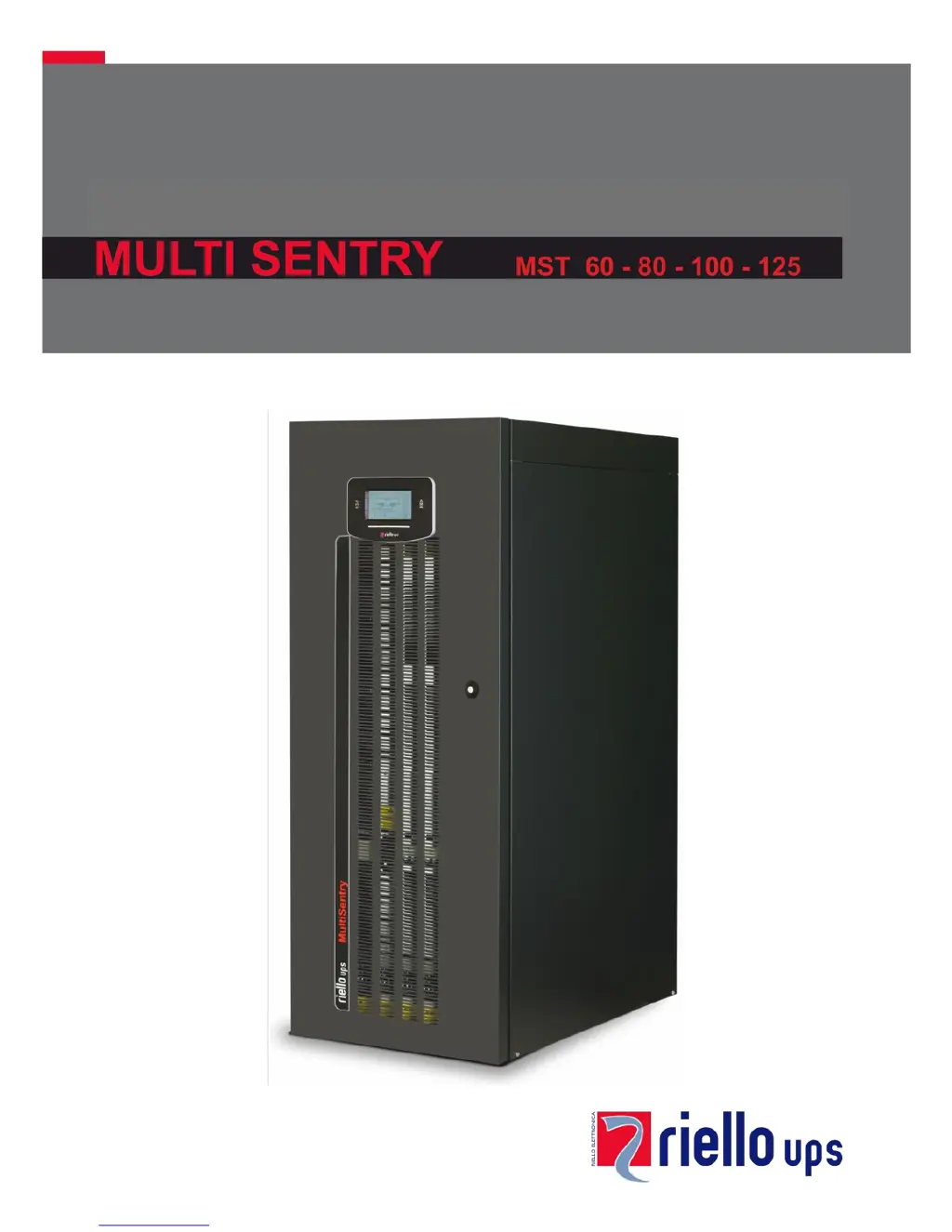
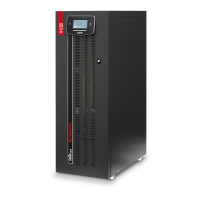
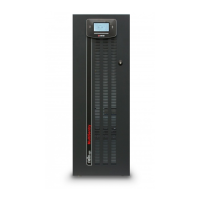
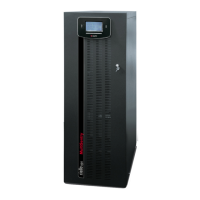
Riello MULTI SENTRY MST 100 - User Manual

Riello MULTI SENTRY MST 100
56 pages
Print Icon
To Next Page IconTo Next Page
Loading...

Table of Contents

Questions and Answers

  • J
    john15Sep 10, 2025
    What does it mean if my Riello UPS display shows error codes F09, F10?
    • M
      Megan BlackwellSep 12, 2025
      If your Riello UPS displays codes F09 or F10, it could indicate a UPS input stage malfunction. To resolve this, activate manual bypass (SWMB), switch off and re-start the UPS. Exclude manual bypass Contact the nearest service centre if this problem persists. Alternatively, phase 1 may have a voltage much lower than the other two phases. In this case, open the SWIN, switch on batteries, wait for sequence completion and close the SWIN.
  • K
    Kelly BakerSep 9, 2025
    What do the error codes F37, L37 mean on my Riello MULTI SENTRY MST 100?
    • K
      Kathryn ReedSep 9, 2025
      If your Riello UPS displays codes F37, L37, it could be due to several reasons: * Ambient temperature exceeding 40°C. * Sources of heat near the UPS. * Ventilation slits obstructed or too close to walls. * Temperature sensor or battery charger cooling system malfunction. Remove the cause of over-temperature. Insert manual bypass (SWMB) without switching off the UPS and wait for battery charger temperature to lower. Exclude manual bypass. Contact the nearest service centre if this problem persists.
  • B
    Barbara Sanchez DDSAug 22, 2025
    Why is my Riello MULTI SENTRY MST 100 UPS operating on battery even with mains power?
    • E
      ebrownAug 22, 2025
      If your Riello UPS is running on battery even when mains power is available, it could be due to upstream protection intervention. In this case, reset the protection, checking for any output overload or short circuit in the UPS. Alternatively, the input voltage may be outside the acceptable range. If so, wait for the mains voltage to return within the tolerance range, and the UPS will automatically switch back to mains operation.
  • R
    Richard JenkinsSep 6, 2025
    Why won't my Riello MULTI SENTRY MST 100 start up and shows codes A30, A32, A33, A34?
    • T
      Timothy HallSep 6, 2025
      If your Riello UPS displays codes A30, A32, A33, A34 and won't start, it could be due to the ambient temperature being below 0°C. Heat up the room, wait for the dissipater temperature to exceed 0°C, and then start up the UPS. Alternatively, there may be a temperature sensor malfunction on the dissipator. In this case, activate manual bypass (SWMB), switch off the UPS, re-start the UPS and exclude manual bypass. Call the nearest service centre if this problem persists.
  • A
    Ashley CobbSep 5, 2025
    What does it mean when my Riello UPS displays error codes L26, L27, L28?
    • J
      Jack FranklinSep 5, 2025
      If your Riello UPS displays one or more of the following codes: L26, L27, L28, it indicates a short-circuit in the output. To resolve this, switch off the UPS, disconnect all utilities related to the short-circuited phase, switch the UPS back on, and then reconnect utilities once the fault has been identified.
  • T
    Tiffany DanielsSep 4, 2025
    What do error codes F11, F14, F15, F16, F17, L06, L07, L08, L09, L14, L15, L16, L17, L18, L19, L20, L21, L22 mean on my Riello MULTI SENTRY MST 100 UPS?
    • C
      Chelsea FordSep 4, 2025
      If your Riello UPS shows one or more of the following codes: F11, F14, F15, F16, F17, L06, L07, L08, L09, L14, L15, L16, L17, L18, L19, L20, L21, L22, it may be due to the insertion of abnormal loads. Remove the load. Insert manual bypass (SWMB), switch off and re-start the UPS. Exclude manual bypass Call the nearest service centre if this problem persists. Another possibility is a UPS input or output stage malfunction. Activate manual bypass (SWMB), switch off and re-start the UPS. Exclude manual bypass Contact the nearest service centre if this problem persists.
  • L
    Lisa GrahamSep 2, 2025
    What do error codes F03, F04, F05, A08, A09, A10 mean on my Riello UPS?
    • T
      Thomas BrownSep 3, 2025
      If your Riello UPS displays one or more of the following codes: F03, F04, F05, A08, A09, A10, the cause may be a missing connection on one or more phases. In this case, verify the terminal connections. Another possible cause is broken fuses inside protections on phases or input contactor. In this case, call the nearest service centre.
  • A
    Anthony CortezSep 1, 2025
    What does it mean when my Riello UPS shows codes A13, A14, or A15?
    • L
      Laura PhamSep 1, 2025
      If your Riello UPS displays codes A13, A14, or A15, it indicates a problem with the bypass line. This could be due to the bypass line upstream protection being open (with separate bypass only). Reset the upstream protection, checking for any output overload or short circuit to the UPS. Alternatively, the bypass switch (SWBYP with separate bypass only) may be open. In this case, close the switch located behind the door.
  • M
    Mark SaundersAug 30, 2025
    What does it mean if my Riello MULTI SENTRY MST 100 display shows C05?
    • M
      Malik VazquezAug 30, 2025
      If your Riello UPS display shows C05, it could be due to the manual bypass switch (SWMB) being closed. If the switch (SWMB) located behind the door was not closed intentionally, open it. Alternatively, there may be no jumper on terminals for remote maintenance bypass (A3-A4, "UPS CONNECTIONS VIEW"). In this case, insert the jumper or, if an additional auxiliary contact is present, follow directions described in paragraph "Remote Maintenance Bypass".
  • D
    Donna MorenoAug 28, 2025
    What does it mean when my Riello UPS shows error codes A22, A23, A24, F23, L23, L24, or L25?
    • K
      kleinseanAug 28, 2025
      If your Riello UPS displays codes A22, A23, A24, F23, L23, L24, or L25, it means the load applied to the UPS is too high. Reduce the load to within the threshold of 100% (or the user threshold for codes A22, A23, and A24).

Summary

UPS Connection Details

UPS Installation Procedures

Electrical Connections and Cabling

Connection Cable Section Sizing

Table detailing required cable cross-sections for input, output, and battery.

Preliminary Connection Operations

Safety checks and preparatory steps before electrical connections.

Hookup Instructions

Detailed steps for making the electrical connections.

Electrical System Connection Diagrams

Protection Devices and Safety

Short-Circuit Protection Mechanisms

How the UPS limits current during short circuits.

Input Line Thermal Magnetic Switches

Recommendations for upstream AC protection switches.

Battery Line Fuses and Protection

Requirements for external battery line surge protectors and fuses.

Differential Protection

Guidelines for differential switches in various system configurations.

Output Line Protection

Recommended fuses and thermal switches for output selectivity.

Optional Auxiliary Sockets

Remote Maintenance Bypass Installation

Using the UPS

First Start-Up and Settings

Procedure for initial power-on and basic configuration.

Operating Modes and Manual Bypass

Explanation of different modes and safe use of manual bypass.

UPS Configuration Options

Communication Ports and Interfaces

UPS Software Management

Monitoring and Control Software

Using PowerShield³ for UPS management and event notification.

Configuration Software Usage

Accessing and modifying UPS parameters via special software.

Troubleshooting Common Issues

UPS Status, Alarm, and Error Codes

Technical Data and Specifications

Riello MULTI SENTRY MST 100 Specifications

General IconGeneral
Power Rating100 kVA
Power (W)90 kW
Frequency50/60 Hz
TechnologyIGBT
EfficiencyUp to 96%
Form FactorTower
Input Voltage400 V
Output Voltage400 V
TopologyOnline double conversion
Battery TypeVRLA
Communication InterfaceRS232, USB
Operating Temperature0°C to 40°C
Battery Backup TimeVaries based on battery configuration

Related product manuals