EasyManua.ls Logo

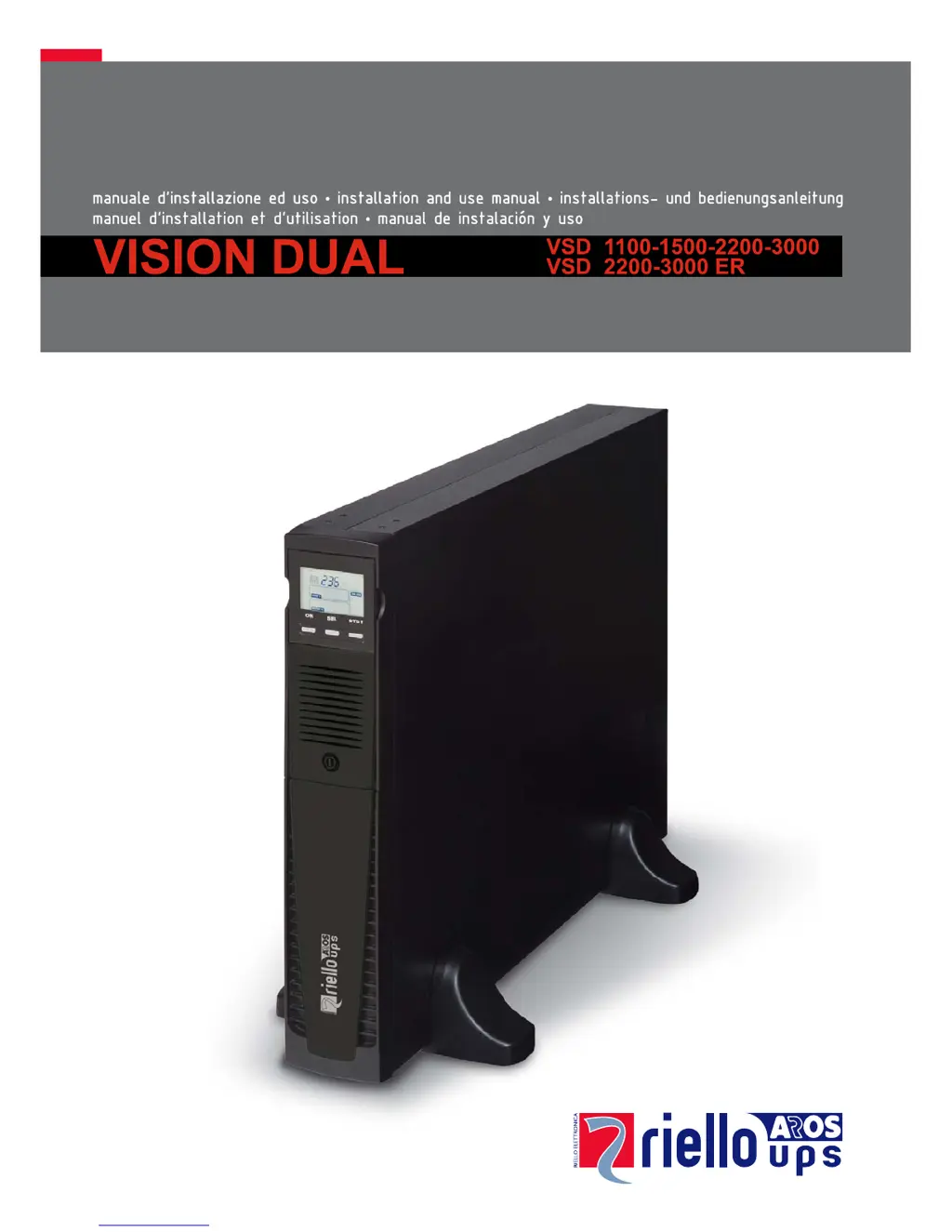
Riello VSD 1100 - User Manual

Riello VSD 1100
31 pages
Print Icon
To Next Page IconTo Next Page
Loading...

Questions and Answers

  • H
    Heather AdamsSep 12, 2025
    What to do if Riello VSD 1100 beeps and shows F60, L05, L07, L13, L20, L21, L40, L41, L42, L43?
    • J
      Jillian CookSep 12, 2025
      If the buzzer sounds continuously and the display shows codes F60, L05, L07, L13, L20, L21, L40, L41, L42, or L43 on your Riello UPS, the UPS is malfunctioning. If possible, disconnect the power to the load, switch the UPS off and back on again. If the problem persists, call the support center.
  • E
    Erik PorterSep 13, 2025
    What does it mean when my Riello UPS displays C01, C02, or C03 codes?
    • K
      Kirsten ZamoraSep 13, 2025
      If the display shows codes C01, C02, or C03 on your Riello UPS, a remote command is active. If this is unwanted, check the status of the command inputs on any optional contact card.
  • B
    barberloriSep 15, 2025
    How do I exit the battery swap mode on Riello UPS (C02)?
    • H
      hannah44Sep 15, 2025
      To exit from the “battery swap” mode on your Riello UPS, press and hold the ON/SEL buttons for at least 4 seconds.

Riello VSD 1100 Specifications

General IconGeneral
BrandRiello
ModelVSD 1100
CategoryUPS
LanguageEnglish

Related product manuals