Operating the
AA-3000 ZOOM
You may use hot keys for the quick access to certain tasks. For instance, press
the (SWR chart) button to open the SWR chart screen immediately.
6
User’s manual
4
First time use
Main menu
Please insert three AA sized batteries
(alkaline, Ni-MH or LiPO accumulators)
into the battery compartment of the
analyzer, watching the polarity.
Press the (Power) key located at the bottom-right corner of the keypad to turn on
the analyzer. After displaying the initial message (showing a firmware version and a serial
number of the instrument), a Main menu appears on the screen.
The analyzer will be turned off automatically if not in use for too long.
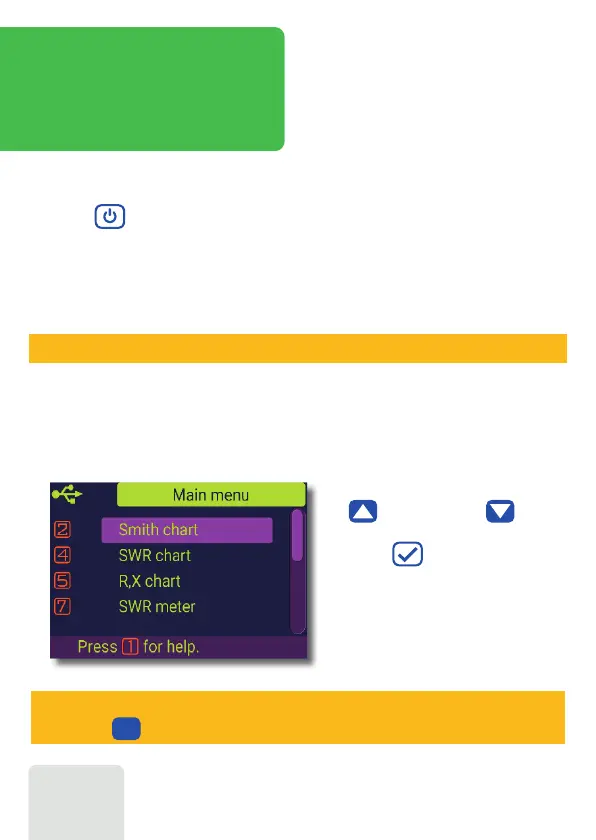
The Main menu acts as a starting point
from where different tasks may be
launched.
Use (Cursor up) and (Cursor
down) keys to scroll through the menu,
then press (OK) to select an item.
For your convenience, a battery indicator
is shown at the top-left corner of the
screen. This indicator is replaced with a
USB icon when the analyzer is connected
to your computer.













 To Next Page