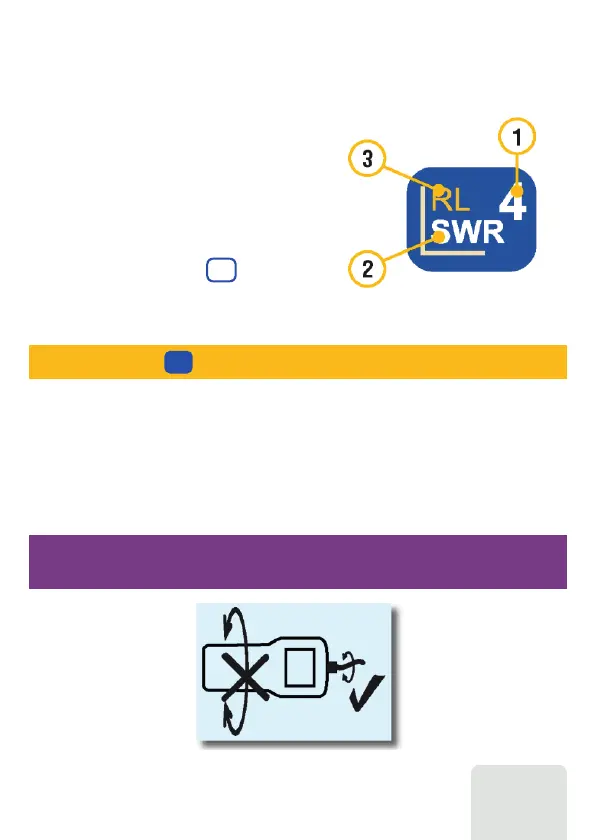
Plug the cable to your analyzer’s antenna connector, and then tighten the rotating sleeve.
The rest of the connector, as well as the cable, should remain stationary.
7
RigExpert AA-3000 ZOOM
Multifunctional keys
Most keys on the analyzer’s keypad perform
several functions.
For instance, numbers (1) are used to enter
frequency and other numerical parameters.
Main functions (2) provide quick access to most
common tasks. Alternative functions (3) are
executed if the user holds the (Functional)
key. For the convenience, alternative functions
are marked with yellow.
F
You may press the (Help) key to open a help screen listing all active hot keys.
1
Connecting to your antenna
If you twist other parts of the connector when tightening or loosening, damage may
easily occur. Twisting is not allowed by design of the N-connector.













 To Next Page