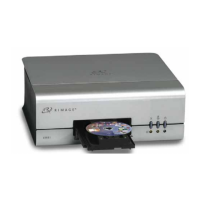
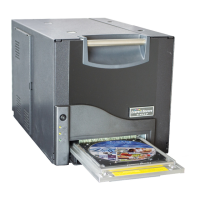
Rimage PrismPlus!
16 110635_I
3. Load the take-up roller.
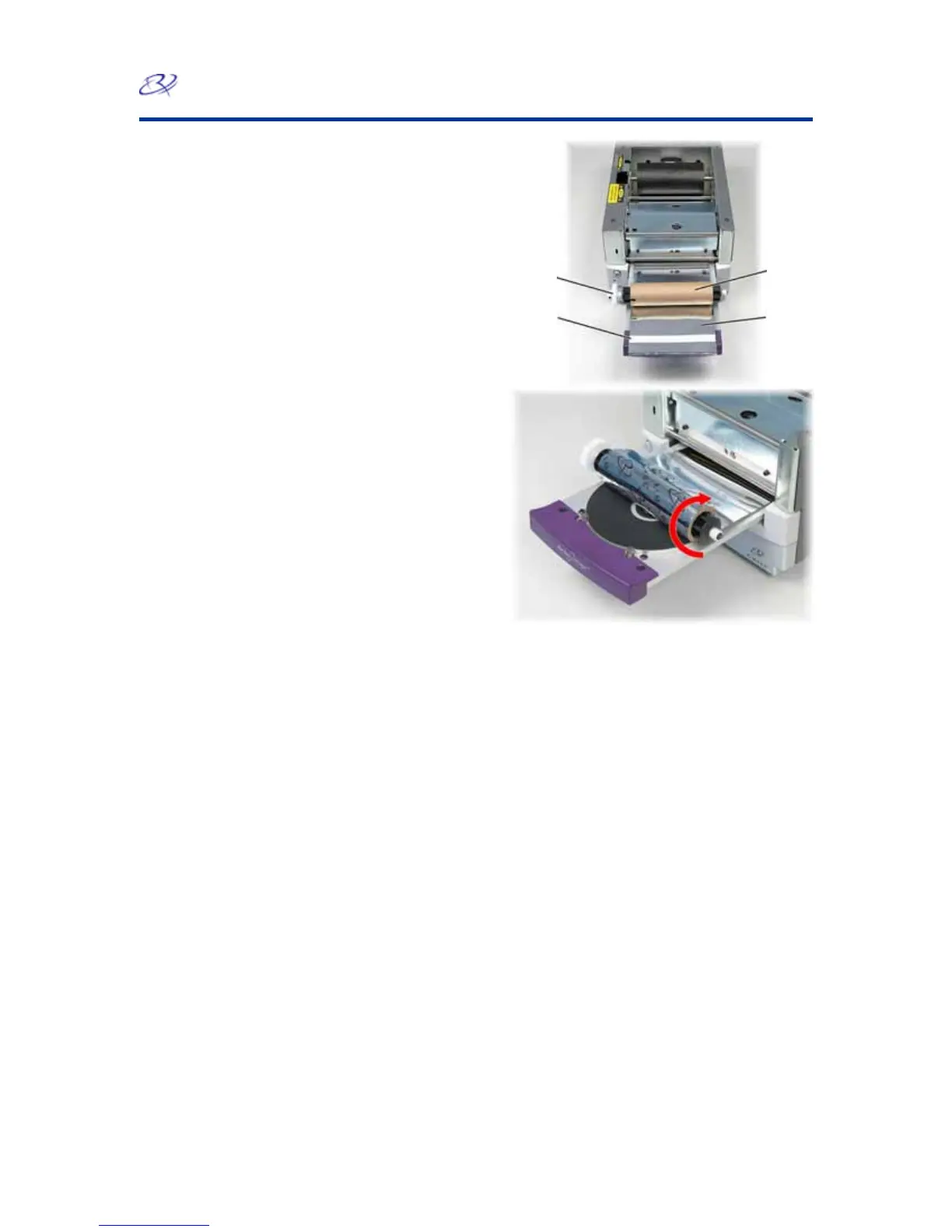
a. Place the new empty cardboard core on the
take-up roller. It is notched to fit only one
way.
b. Place the take-up roller on top of the ribbon
leader as shown.
- Important! The gear must be on the
correct side.
c. Pull the ribbon leader up over the
cardboard core and attach the adhesive strip
to the cardboard core so that the edges on
the ribbon leader are aligned to the edges of
the cardboard core. The arrow illustrates the
wrap direction.
Cardboard
Core
Gear
Adhesive
Strip
Ribbon
Leader


 To Next Page