12. Connect the wires from the light fixture
With power still turned off at the fuse box, slide the earth wire into the centre bay on the top of the
terminal block and tighten with the flathead end of the included screwdriver.
Then slide the line wire into the bay on the top of the terminal block marked “L” and tighten with the
flathead end of the screwdriver.
Repeat with the neutral wire, sliding it into the bay marked “N” and tightening with the flathead end
of the screwdriver.
Tug each wire individually to make sure they are secure.
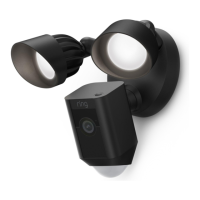
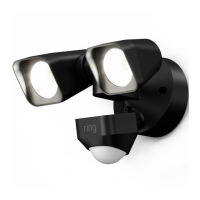
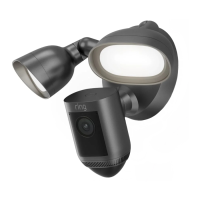
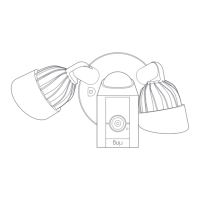
13. Mount the light fixture
Align the two holes on the light fixture with the threaded posts on the plastic mounting plate. Slide
the light fixture onto the posts and push it firmly into place.
Secure the fixture using two of the coloured hex cap nuts over the ends of the threaded posts.
Remove the reversible bit from the included screwdriver and use the handle to tighten the hex cap
nuts.










 To Next Page