When using a Linked Printer (sold separately)
Setting up a Linked Printer [Link Properties]
225
Functions Description How to Enter
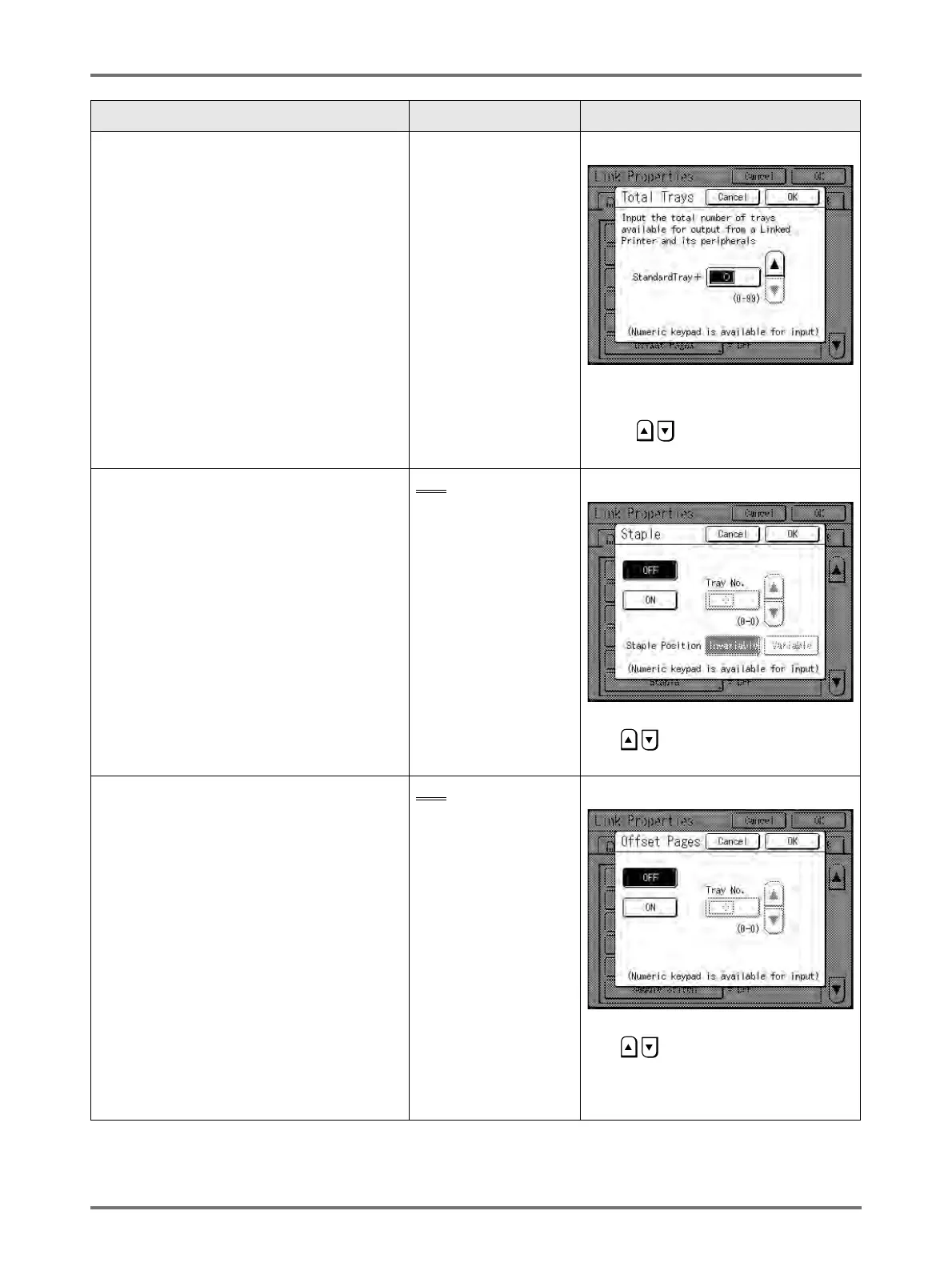
Total Trays
Enter total number of trays other than the
Standard Tray.
Important!:
• If the number is less than the number of
trays set in other options, other options will
be disabled.
• Enter the actual number of trays available
for the linked printer. Entering incorrect
number will cause an error and the linked
printer will not print.
0-99
• When printing from the standard tray
of the Linked Printer, enter [0].
• Use , or enter using the Print
Quantity Keys.
Staple
Set “Staple” ON if the device has the
capability. Also set the tray number
*1
used by
the “Staple” function and whether it is fixed/
variable.
OFF
: No Staple
capability
(disabled)
ON: Staple function
available
Tray number used,
Invariable/variable
Touch to select a button.
Use , or enter using the Print
Quantity Keys for “Tray No.”.
Offset Pages
Set “Offset Pages” ON if the device has the
capability. Also set the tray number
*1
used by
the “Offset Pages” function.
OFF
: No Offset Pages
function
(disabled)
ON: Offset Pages
available
Tray number used
Touch to select a button.
Use , or enter using the Print
Quantity Keys for “Tray No.”.
“Offset Pages” and “Punch” may be
configured using similar steps.



 To Next Page