Basic Operations
Printing with 1-Colour
62
10
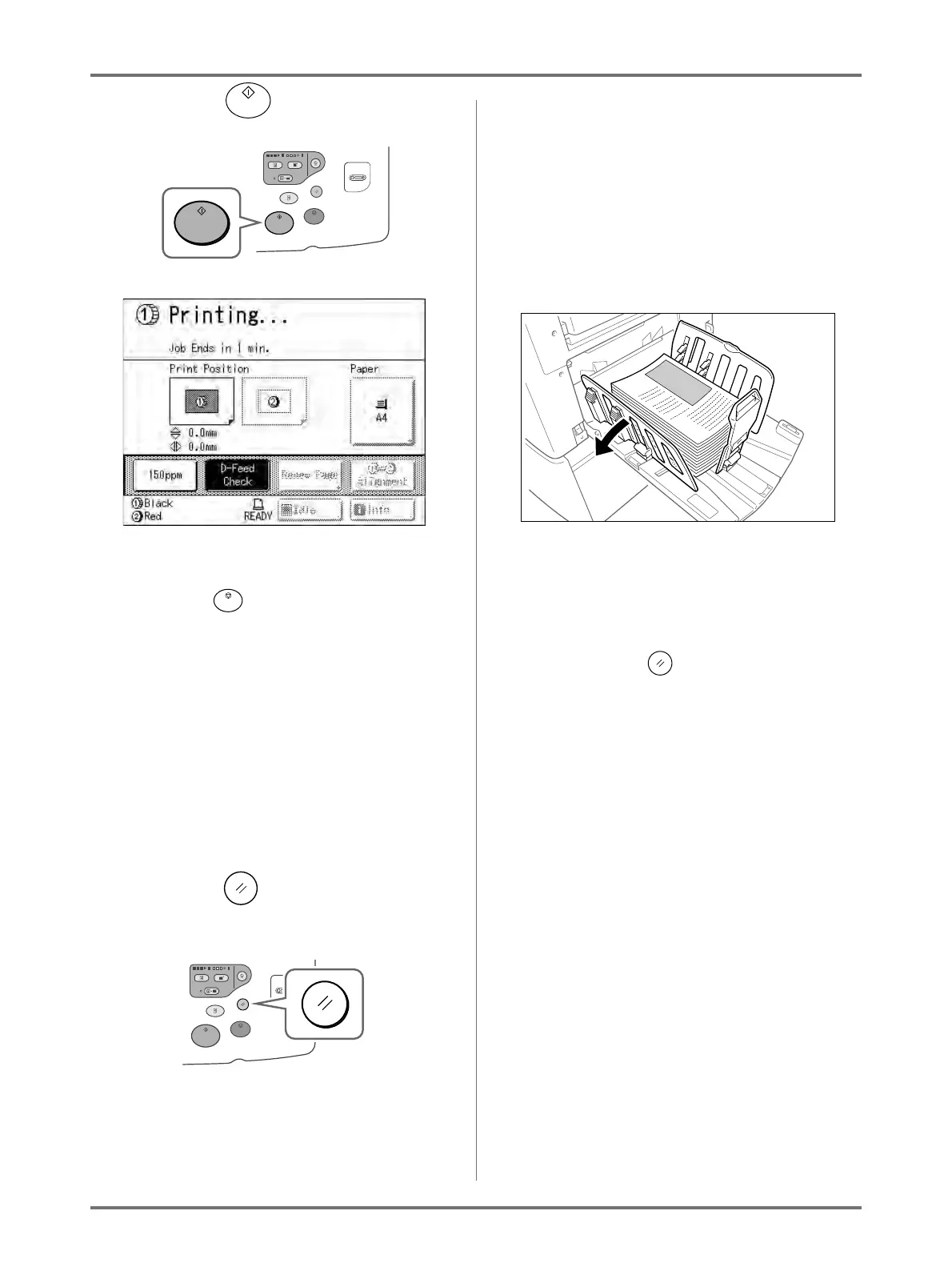
Press the key.
The specified number of copies will be printed.
Note:
• Press the key to interrupt printing opera-
tion currently underway.
• If the machine is inactive for a certain period of
time, it determines that the current job is com-
pleted, even if the actual printing is still in
progress. When the machine is connected to a
computer, and if another person accidentally
sends a job from the computer, this causes a
new master to be made, discarding the current
one. To prevent this from occurring, you may
set a “Reserve Period”. We recommend that
you activate the “Reservation” setting when
printing leaflets etc. to prevent interruption.
)p.159
11
Press the key when print job is
complete.
The setting returns to its default value.
Note:
• After printing is completed, the master remains
on the Print Drum. To protect confidential docu-
ments from unauthorised duplication, use the
Confidential feature to discard the master after
printing.
)p.162
12
Remove the printed paper.
Open the Receiving Tray Paper Guides and
remove the paper.
Note:
• Easily restore current settings by saving them
into memory. Saved settings can be retrieved
even when the key is pressed, or after turn-
ing the power off.
)p.150



 To Next Page