EasyManua.ls Logo

Ritmo ELEKTRA 400 - Use with Badge Mode (Custom)

Ritmo ELEKTRA 400
33 pages
Print Icon
To Next Page IconTo Next Page
To Previous Page IconTo Previous Page
Loading...
28
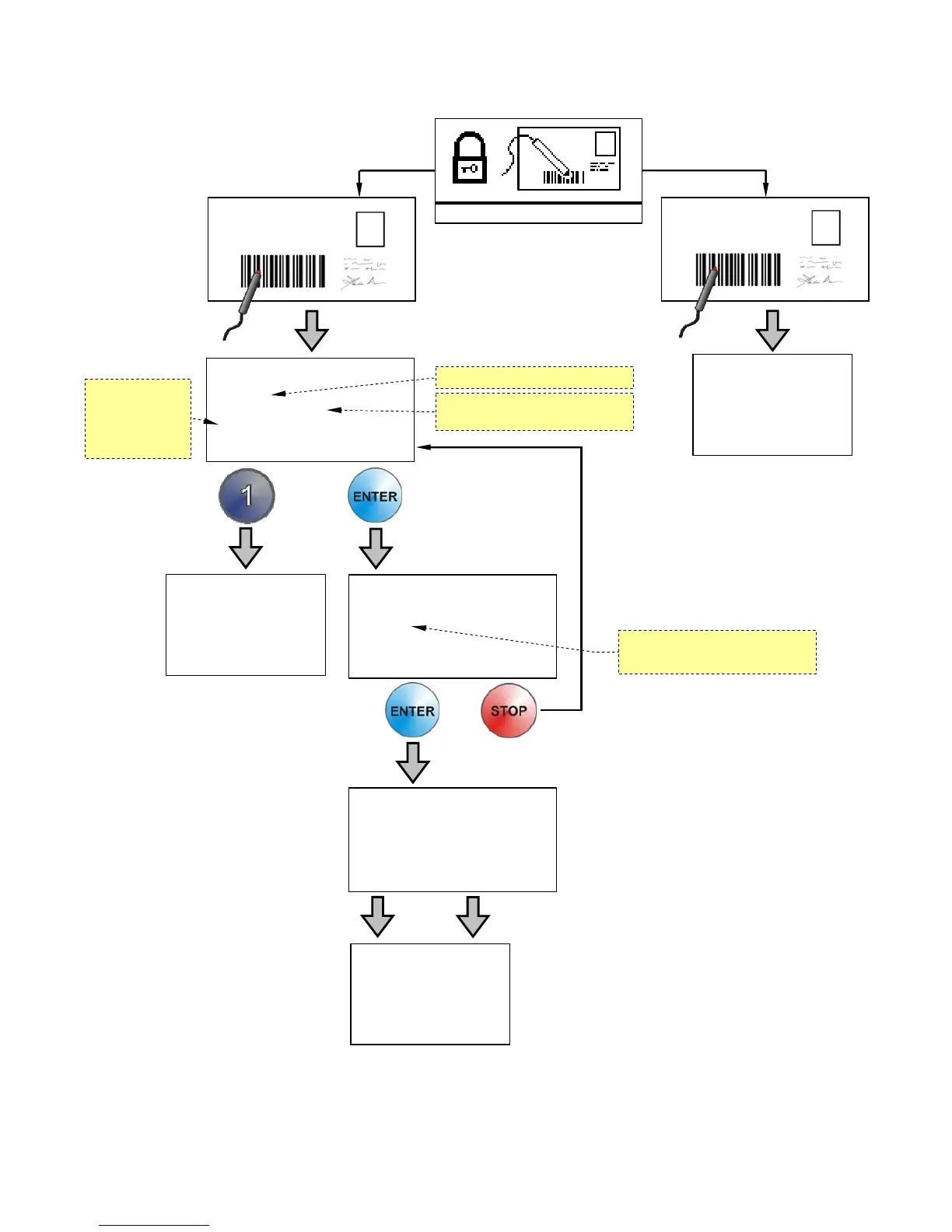
USE WITH OPERATOR’S/SUPERVISOR’S BADGE MODE (Custom)
When machine is working in BADGE mode is possible to print reports with job site’s name.
CLEAR
COUNTER?
Counter: 14
3/20
no:0,
y
es:1
The machine
visualizes main
menù.
See
p
a
g
e
14
CHOOSE JOB N.
CANT3
Counter: 14
3/20
1=OK, ENTER=CHANGE
CHANGE JOB N.
C A N T 3
3/20
ENTER=SAVE, STOP=EXIT
The machine
visualizes main
menù.
See page 14
The machine
visualizes main
menù.
See
p
a
g
e
14
SUPERVISOR
OPERATOR
Number of weldings performed
in the
j
ob site visualized
Job site’s name
Use keys ½¾¿À to modify the
job site’s name.
Use keys
½¾¿À to
modify the job
site’s name.

Related product manuals