3. SETTING FOR COMMUNICATION
IMCB03-E3
11
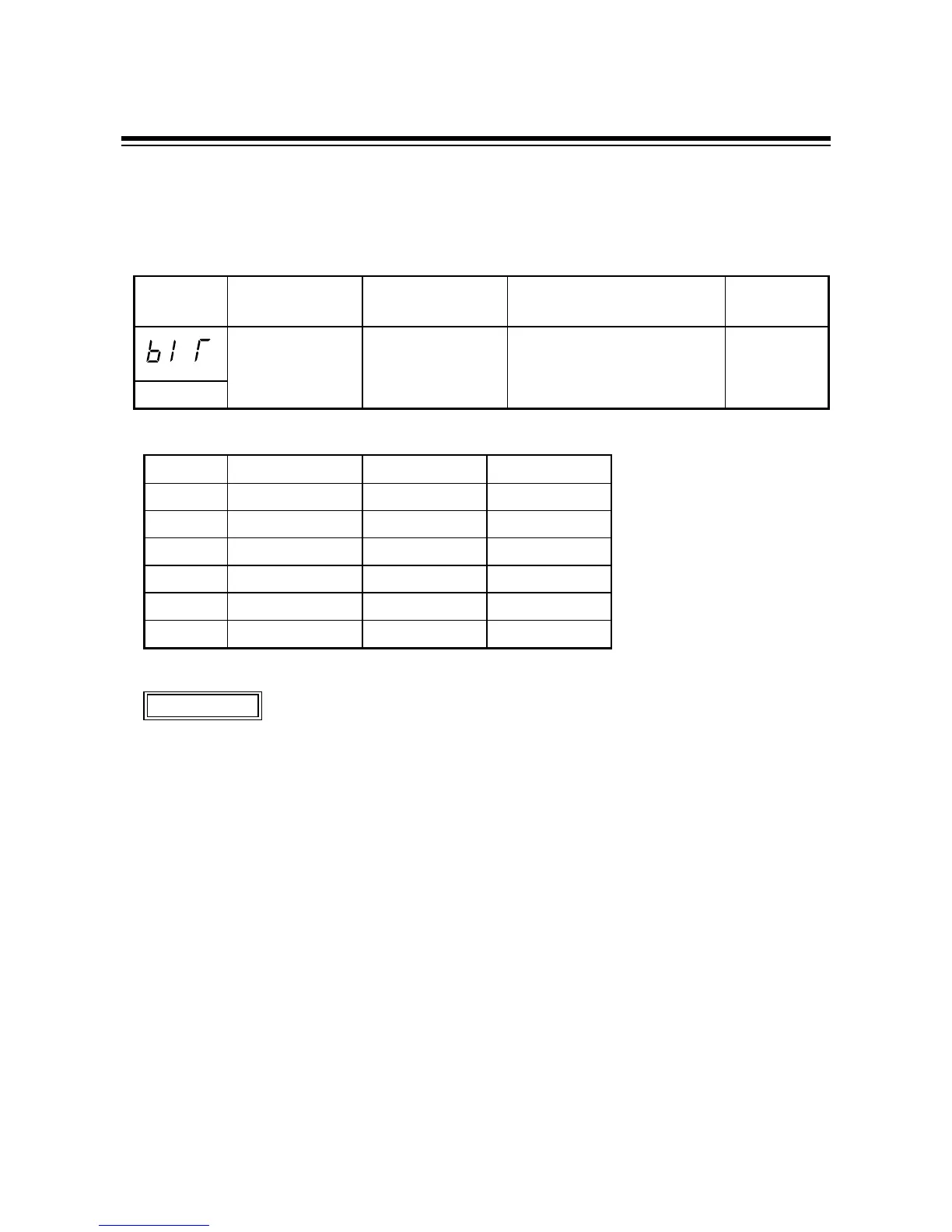
3.5 Data construction setting
Set the data bit construction during communication by using numerals from 0 to 5. Press the UP or
DOWN key to change the numeral.
Symbol Name Setting range Description
Factory set
value
Data construction 0 to 5
See *
A
Selects data construction
during communication.
0
bIT
*
A
Setting Data bit [bit] Parity bit Stop bit [bit]
0 8 None 1
1 8 None 2
27 Even 1
37 Even 2
47 Odd 1
57 Odd 2
%
Set the same data construction to both the controller and connecting host computer.
%
When the communication parameter was changed, always turn on the power again.
Otherwise, no communication is performed by using the changed value.
%
If key operation is not performed for more than 1 minute without pressing the SET key
after the device address is set, the controller is automatically changed to PV/SV display
mode. In this case, the set data construction returns to the value before the setting is
changed.
CAUTIONS



 To Next Page
 Loading...