201.028 REV 1 Date of Issue: 18 June 2018
11.2.1.3.1 Simulated Tests
Plug the CMS into its circular connector. It should power up and start performing a test.
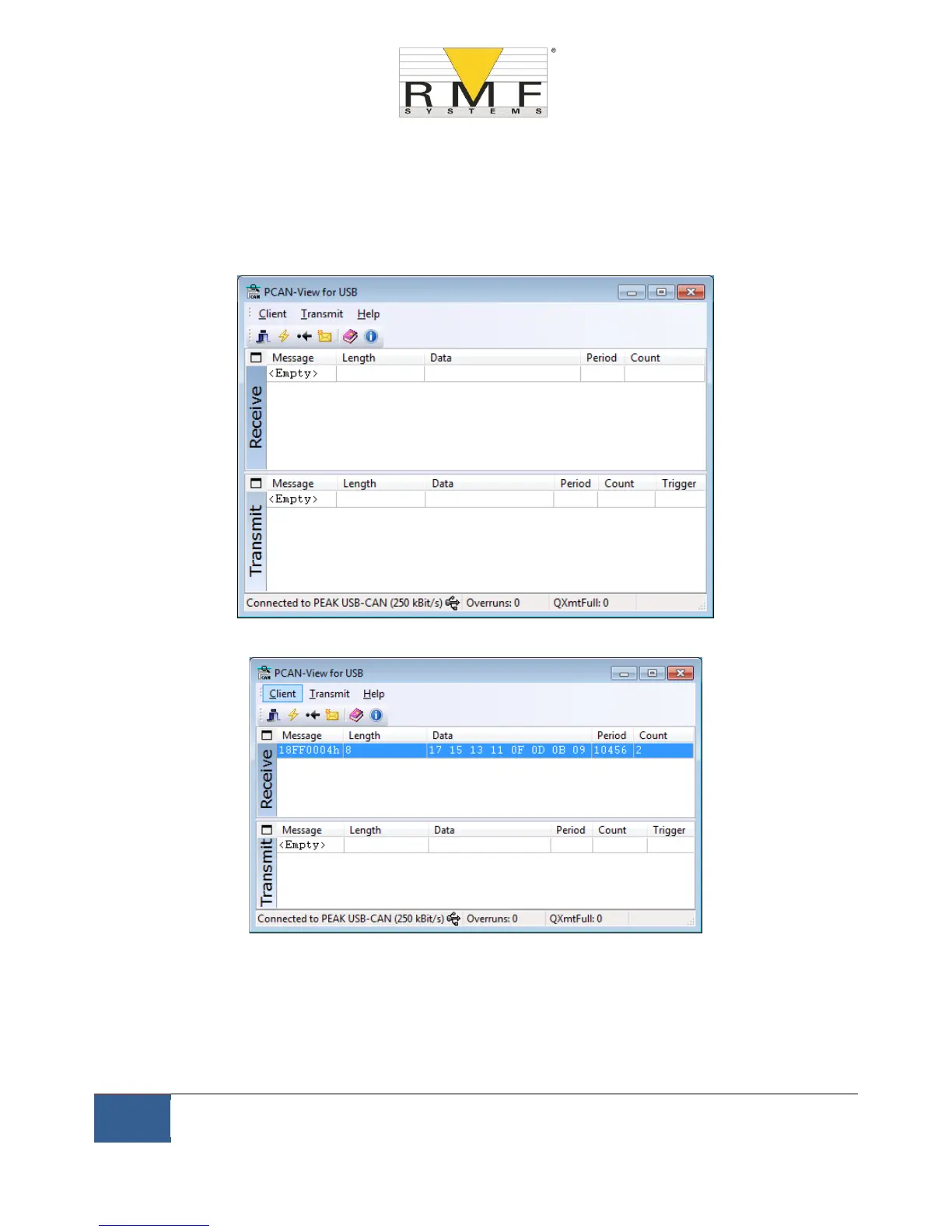
If everything is working, after about 20 seconds you should see CAN messages similar to that shown below.
This shows the 2nd result received. The first 3 bytes 0x17, 0x15, 0x13 show the 3 ISO codes (the display is in
hexadecimal (base16) so the actual code is 23/21/19).
Figure 11.5 PCAN-View Main Screen
Figure 11.6 Reception of a Test Result Codes Message



 To Next Page