16
Setting the clock format
The clock display used in Standby mode and on the playing mode screens can be
set to 12 or 24 hour format. The selected format is then also used when setting
the alarms.
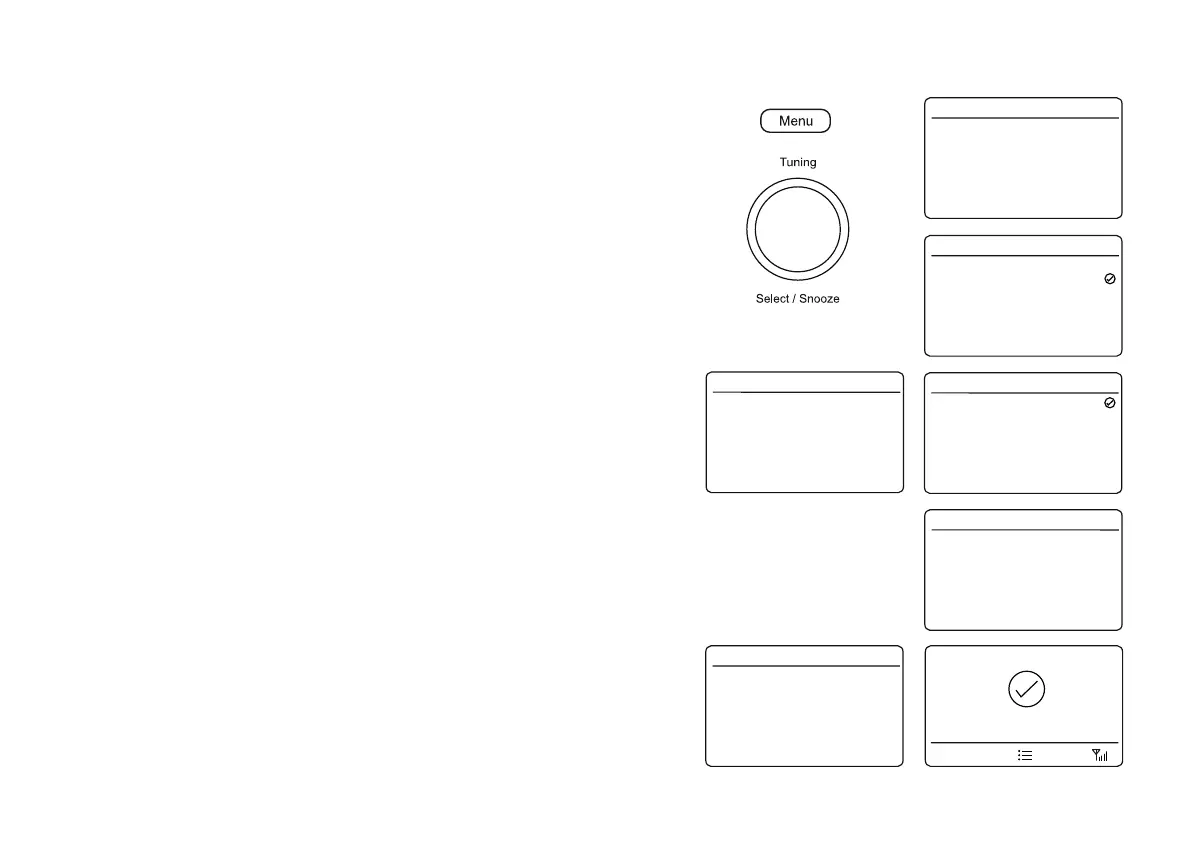
1. With your radio switched on, press Menu.
2. Choose 6\VWHP6HWWLQJV, 7LPH'DWH, 'Set 12/24 Hour' and then select 12 or
24 hour. The current clock display format is marked with a tick.
If the 12 hour clock format is chosen, the radio will then use the 12 hour clock for
the setting of alarms, and will display a 12 hour clock with an AM or PM indicator
when in Standby mode.
Setting the date format
The date format on your radio can be adjusted. There are two options available.
1. With your radio switched on, press Menu.
2. Choose 6\VWHP6HWWLQJV, 7LPH'DWH, 6HW'DWH)RUPDW and then choose the
required date option. The current date display format is marked with a tick.
Setting the clock manually
Normally your radio will set its clock automatically using the DAB radio signal. If
no DAB signal is available and you need to set the time manually, please follow
the procedure shown below.
1. With your radio switched on, press Menu.
2. Choose 6\VWHP 6HWWLQJV, 7LPH'DWH, 6HW 7LPH'DWH and then select the
desired day, month, year, hour and minute setting.
3. Press Tuning WRFRQ¿UPWKHWLPHVHWWLQJ7LPH6DYHGwill show on the display
before exiting the clock setup.
If the radio has been set to use a 12 hour clock format, there will also be an
option for setting the AM or PM.
Set Time/Date
Auto Update
Set 12/24 Hour
Set Date Format
Clock Style
Time/Date 16.34
>
>
>
>
>
from DAB
24 Hour
DD-MM-Y
Normal D
DD-MM-YYYY
MM-DD-YYYY
Set Date Format 16.34
6 - 4 - 2017
13 : 53 PM
Set Time/Date 16.34
Set Time/Date
Auto Update
Set 12/24 Hour
Set Date Format
Clock Style
Time/Date 16.34
>
>
>
>
>
from DAB
24 Hour
DD-MM-Y
Normal D
Set Time/Date
Auto Update
Set 12/24 Hour
Set Date Format
Clock Style
Time/Date 16.34
>
>
>
>
>
from DAB
24 Hour
DD-MM-Y
Normal D
12 Hour
24 Hour
Set 12/24 Hour 16.34
Time Saved
2















 To Next Page