17
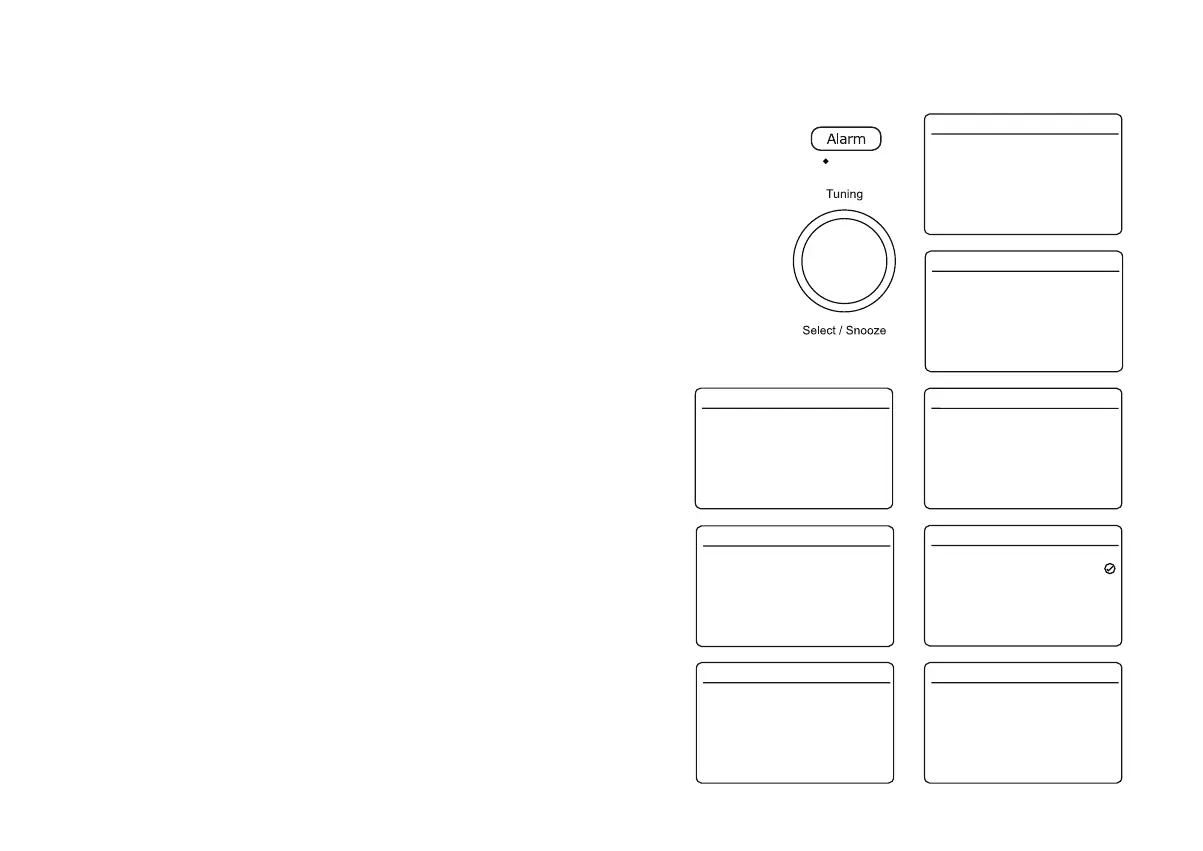
1. To change the detailed alarm settings while the radio is in Standby or while
switched on, press the Alarm button. This will cause the Alarms menu to be
displayed.
2. Choose alarm (1 or 2) and press Tuning to enter the alarm setup.
3. Choose $ODUP and press Tuning to select either On or Off. If Off is selected
any current setting for that alarm will be cancelled.
4. Choose :DNH8SWLPH to adjust the alarm time.
5. Choose the alarm hour and then the minute. The display will then return to
the alarm setting menu.
If the radio has been set to use a 12 hour clock format, there will also be an
option here for setting AM or PM for the alarm time.
6. Choose 'Frequency'. The display will show the Frequency options for the
alarm. The alarm frequency options are as follows:
'Daily' - the alarm will sound everyday
'Once' - the alarm will sound once
:HHNHQGV - the alarm will sound only at weekends
:HHNGD\V - the alarm will sound on weekdays only
7. Choose the required alarm frequency option. If you choose to set the alarm
to Once you will also need to set the'DWH7LPHoption which will appear in
the alarm setting menu.
Alarm 1
Alarm 2
Alarm 16.34
Off 00:00
Off 00:00
>
>
Sleep
Alarm
Frequency
Wake Up time
Source
Duration
Volume
Save
Alarm 1 Info. 16.34
On
Daily
06:00
Buzzer
60
7
>
>
>
>
>
07:30
Wake Up time 16.34
Daily
Once
Weekends
Weekdays
Frequency 16.34
Alarm
Frequency
Wake Up time
Source
Duration
Volume
Save
Alarm 1 Info. 16.34
On
Daily
07:30
Buzzer
60
7
>
>
>
>
>
6 - 4 - 2017
09 : 30 AM
Date/Time 16.34
Alarm
Frequency
Wake Up time
Source
Duration
Volume
Save
Alarm 1 Info. 16.34
On
Daily
06:00
Buzzer
60
7
>
>
>
>
>
Alarm
Frequency
Date/Time
Source
Duration
Volume
Save
Alarm 1 Info. 16.34
On
Once
1-1-2017
Buzzer
60
7
>
>
>
>
>
Setting the alarm clock
Your radio has two separate alarms which can be set to wake you to DAB, FM radio or buzzer
alarm. Each alarm can be set to sound once, daily, on weekdays or at weekends. In the event of a
power interruption your radio has a built in memory that will retain your alarm settings. Ensure that
the time is set correctly before setting the alarms. Alarms can be set while the radio is in Standby
or switched on.
Note: Alarms cannot be used when the radio is powered from the batteries.
Note: If no buttons are pressed for 10 seconds, your radio will exit the alarm setup.
You may use the Tuning control to select or modify any particular setting using the control to enter
WKHPRGL¿FDWLRQ















 To Next Page