22
Language function
<RXUUDGLRVPHQXVFDQEHFRQ¿JXUHGWRDGLIIHUHQWODQJXDJH
1. Press On/Off to switch on the radio.
2. Press Menu.
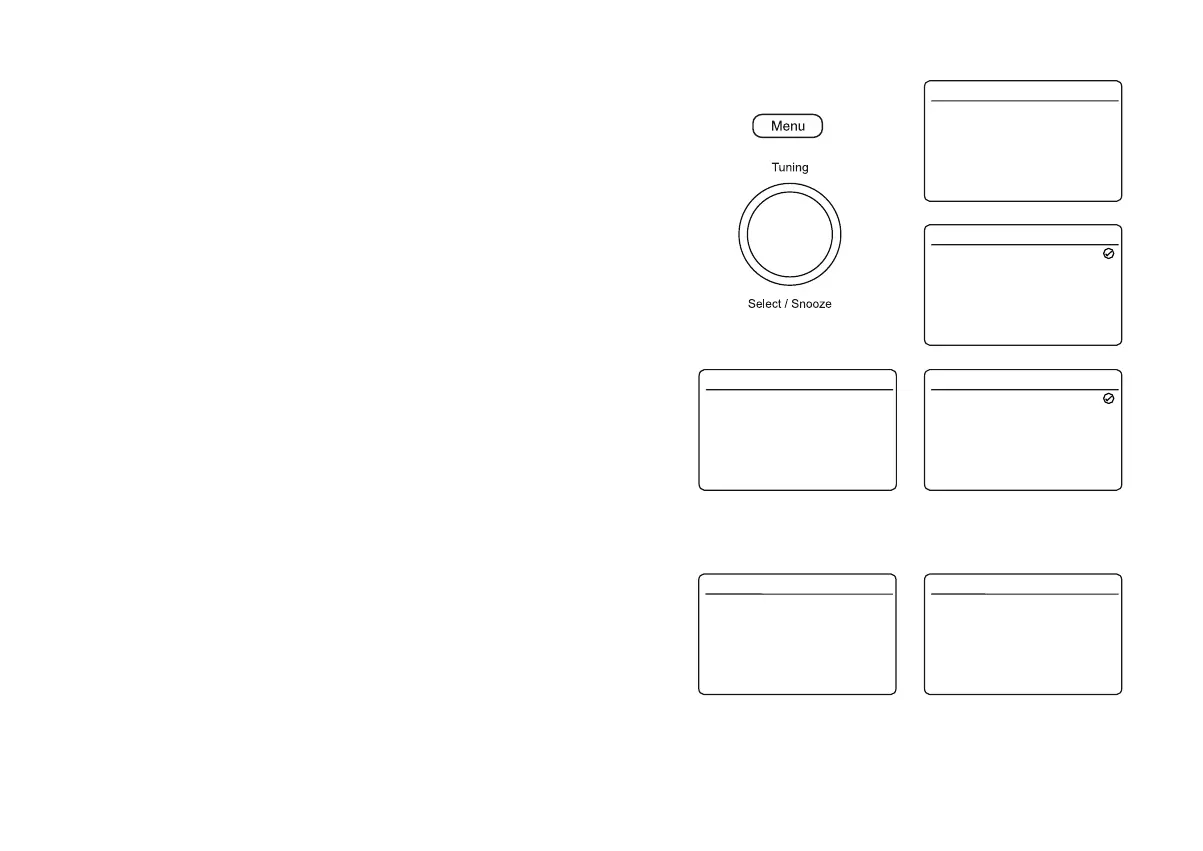
3. Choose 6\VWHP6HWWLQJV, 'Language' and then select your desired language.
4. The display will change to the chosen language.
5. Press Menu as needed to exit.
Display colour options
<RXUUDGLRVGLVSOD\FDQEHFRQ¿JXUHGWRVHYHUDOGLIIHUHQWFRORXURSWLRQV
1. Press On/Off to switch on the radio.
2. Press Menu.
3. Choose 6\VWHP6HWWLQJV, 7KHPHand then select your desired colour option.
4. The display will change to the chosen option.
5. Press Menu as needed to exit.
Night mode
Your radio can be set to a night time mode which minimises the amount of blue
light from the display. You can set the start and the end time for the night mode
and you can choose when the night mode is active.
1. Press On/Off to switch on the radio. Press Menu.
2. Choose 6\VWHP6HWWLQJV and then 'Night Mode'.
3. Choose the time period for which you wish the night mode to be active.
4. If you wish to preview the night mode, highlight 'Preview' and press Tuning.
Press Tuning again to return to the normal display.
5. Press Menu as needed to exit.
Equaliser
Time/Date
Backlight
Language
Factory Reset
Software Update
Software Version
System Settings 16.34
>
>
>
>
>
>
>
My EQ
English
Obsidian
Ruby
Emerald
Pearl
Sapphire
Amethyst
Theme 16.34
English
Dansk
Français
Deutsch
Italiano
Norsk
Nederlands
Language 16.34
Night Mode
From
To
Preview
Night Mode 16.34
On
21:00
07:00
Off
>
>
Theme
Night Mode
Sleep
Equaliser
Time/Date
Backlight
Language
System Settings 16.34
>
>
>
>
>
>
>
Ruby
My EQ
English
Theme
Night Mode
Sleep
Equaliser
Time/Date
Backlight
Language
System Settings 16.34
>
>
>
>
>
>
>
Ruby
My EQ
English















 To Next Page