19
Cancelling alarms
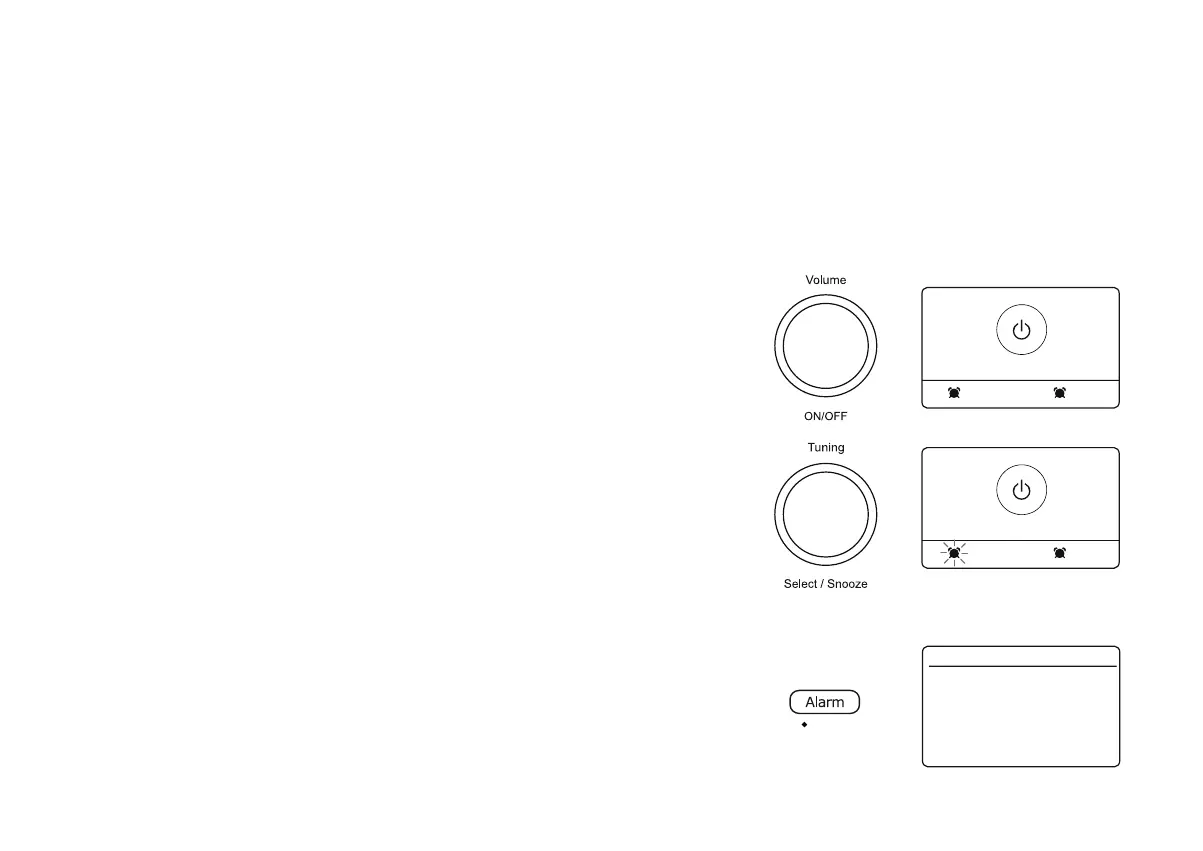
1. Whilst an alarm is sounding, press On/Off to cancel the alarm and return to standby mode.
Snooze timer
1. The buzzer or radio alarm can be silenced for 5 minutes by pressing any button except
the On/Off control.
2. While the snooze timer is active the remaining snooze time is shown next to the alarm
icon on the clock display.This sequence can be repeated during the alarm period.
3. In order to cancel the Snooze timer while the alarm is suspended, press and release the
On/Off FRQWURO7KHGLVSOD\ZLOOEULHÀ\VKRZDQ$ODUPRII message.
Disabling alarms
1. To disable an alarm enter the alarm setup menu (see page 17 step 1) and rotate Tuning
until the desired alarm is highlighted on the display. Press Tuning.
2. Choose $ODUP.
3. Press Tuning to Select 'Off' and then choose 'Save'. The chosen alarm will now be
disabled.
07:30 08:00
Alarm off
2
1
Sleep
Alarm
Frequency
Wake Up time
Source
Duration
Volume
Save
Alarm 1 Info. 16.34
Off
Daily
06:30
Buzzer
60
7
>
>
>
>
>
When the alarm sounds
7KHDODUPZLOOVRXQGDWWKHVHOHFWHGWLPHVIRUXSWRPLQXWHVXQOHVVFDQFHOOHG7KHPD[LPXPYROXPHXVHGIRUWKHDODUPZLOOEHVSHFL¿HGGXULQJ
the alarm setting procedure. When your radio is set to wake by the radio alarm, your radio will switch to the selected radio station. If the radio cannot
UHFHLYHWKHVSHFL¿HG'$%UDGLRVWDWLRQWKHEX]]HUZLOOEHXVHGLQVWHDG
Note: If the radio is switched on because of a radio alarm you cannot perform operations which involve the Tuning control since this also acts as the
Snooze (see below).
When the alarm activates it will start softly and gradually increase in level. You can adjust the volume as needed using the volume control. The radio
will automatically switch back to standby mode when the alarm duration has elapsed.
05:00 08:00
Snooze
2
1















 To Next Page