21
My EQ
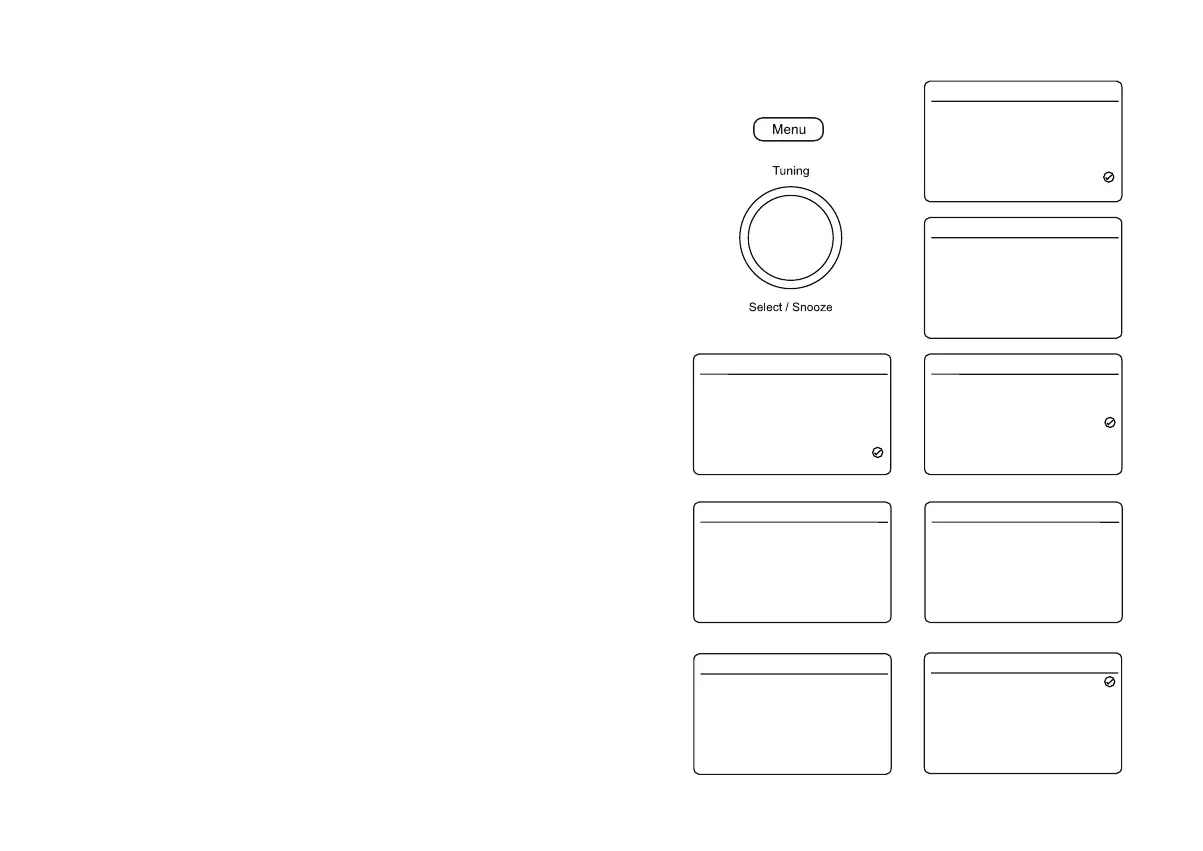
You may set the treble and bass levels as required using the 'My EQ Setup' menu.
1. Press On/Off to switch on the radio. Press Menu.
2. Choose 6\VWHP6HWWLQJV and then 'Equaliser'.
3. To set the Treble and Bass setting choose 'My EQ Setup'.
4. Rotate Tuning and choose either the Treble or Bass option. The current Bass
or Treble level will be shown on the display. Press Tuning.
5. To adjust the Treble or Bass setting rotate Tuning until the desired level
(between -8 to +8) is selected. The current setting will be marked with a tick.
6. Press Tuning WRFRQ¿UP\RXUFKRLFH
7. To use the 'My EQ'SUR¿OHHQWHUWKHHTXDOLVHUPHQXDQGFKRRVH'My EQ'.
To quickly cancel the effect of the 'My EQ'SUR¿OHFKRRVHWKH1RUPDO option
from the equaliser menu. Note: The treble and bass settings will be remembered
for the next time you wish to use the 'My EQ' setting.
Classic
Jazz
Pop
Rock
News
My EQ
My EQ Setup
Equaliser 16.34
>
-4
-2
0
+2
+4
+6
+8
Treble 16.34
Treble
Bass
My EQ Setup 16.34
>
>
+2
-1
dab-mmi-FS2445-0000-0507
-V6.2.6.EX68504-1A18
Software Version 16.34
Equaliser
Time/Date
Backlight
Language
Factory Reset
Software Update
Software Version
System Settings 16.34
>
>
>
>
>
>
>
My EQ
English
Software version
The software version display cannot be altered and is just for your reference.
1. Press On/Off to switch on the radio. Press Menu.
2. Choose 6\VWHP6HWWLQJV and then 'Software Version'. The software version
will then be displayed. Press Menu as needed to exit.
Classic
Jazz
Pop
Rock
News
My EQ
My EQ Setup
Equaliser 16.34
>
Clock style
Your radio has a range of clock styles for the display when the radio is in Standby.
There are four options available.
1. With your radio switched on, press Menu.
2. Choose 6\VWHP6HWWLQJV, 7LPH'DWHand then&ORFN6W\OH.
3. Choose a clock style from 1RUPDO'LJLWDO, 'Big Digital', 'Classic Analogue' or
'Modern Analogue'. The current style is marked with a tick and will become
visible when the radio is put into standby.
Set Time/Date
Auto Update
Set 12/24 Hour
Set Date Format
Clock Style
Time/Date 16.34
>
>
>
>
>
from DAB
24 Hour
DD-MM-Y
Normal D
Normal Digital
Big Digital
Classic Analogue
Modern Analogue
Clock Style 16.34















 To Next Page