28
PROGbuontoiniatethecopyprocess.ThewordCOPYwillashbrieyto
conrmthecopyprocessandyourcurrentdaysvalueswillbecopiedtothe
days selected. Normal programming steps will resume at the next day to be
programmed.
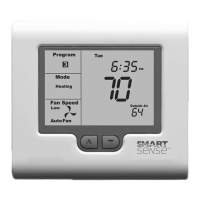
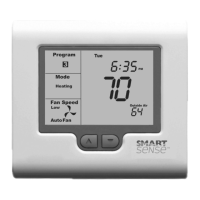
Figure7 Figure 8
Temperature Override
TheSMART2000hasatemporaryprogramoverridefuncon.Thispermitsyouto
temporarilychangethecurrenteventsettemperatures,foratemporaryperiod.
Yourinstallerhasselectedeitheraxedmedoverrideperiodfrom1to12hours,
oranoverridethatlastsunlthenextprogrammedeventchange.
To use this feature press and hold the p or buttons for three seconds. The
SMART2000thermostatdisplaywillchangetoshowthewordSET,andtheacve
setpointforthecurrentmode(Heang,CoolingorAutomodes),Figure8.Asyou
hold the p or buttons, the current setpoint will change.


 To Next Page
 Loading...