25RF-RBWS02
• The power indicators blink slowly if the joining was not successful.
Note: Rocketboost devices have their own memory. After the devices are joined once,
they will remember each other and join automatically when your devices are
powered on again. Because of this, you can join all of your network components in
the same room before installing them in their permanent locations throughout the
house.
Listening to music
To listen to music:
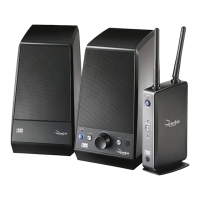
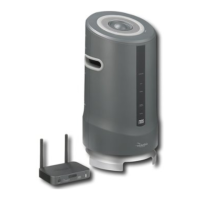
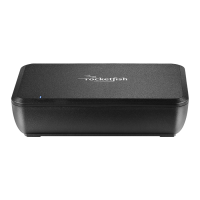
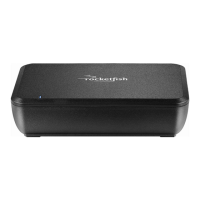
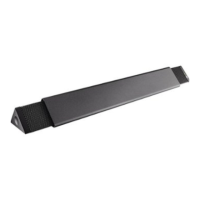
1 Turn on the wireless sender/receiver and wireless speaker. The power
indicator LEDs should light steadily. If they are blinking you need to
rejoin the sender/receiver and wireless speaker. See “Establishing
communication” on page 21.
2 Play music from the audio device connected to your sender/receiver and
listen to it from the wireless speaker.
3 Adjust the volume level on your wireless speaker. If you have multiple
audio sources in your Rocketboost network, press the Source button on
the wireless speaker to hear the next audio source. Press the Source
button again to cycle through all available audio sources.
Controlling the device volume
The volume of the wireless speaker can be changed.
To change the volume of the wireless speaker:
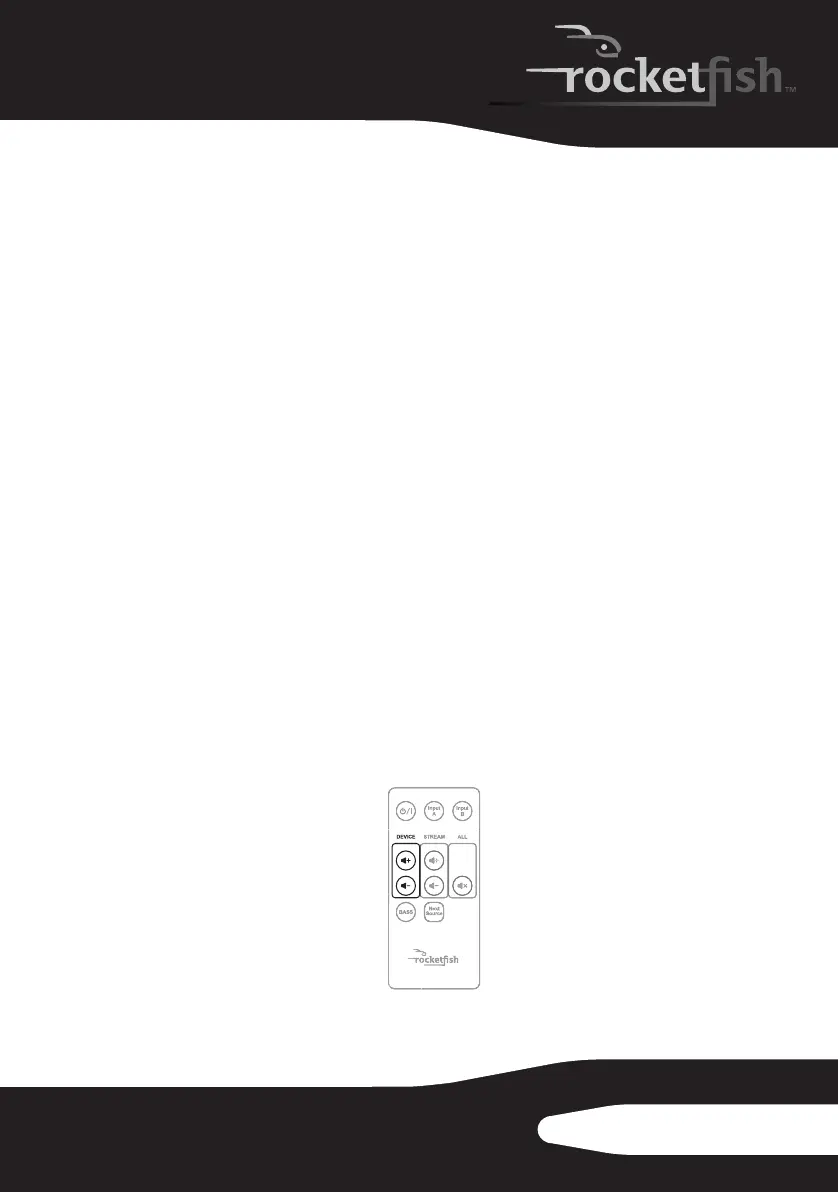
• Aim the remote control at the wireless speaker and press the DEVICE
volume buttons on the remote control, or turn the volume knob on the
wireless speaker to adjust the volume.
TM
10-1209 RF-RBWSO2_MAN_V3.fm Page 25 Monday, October 25, 2010 2:23 PM



 To Next Page