EN | 15
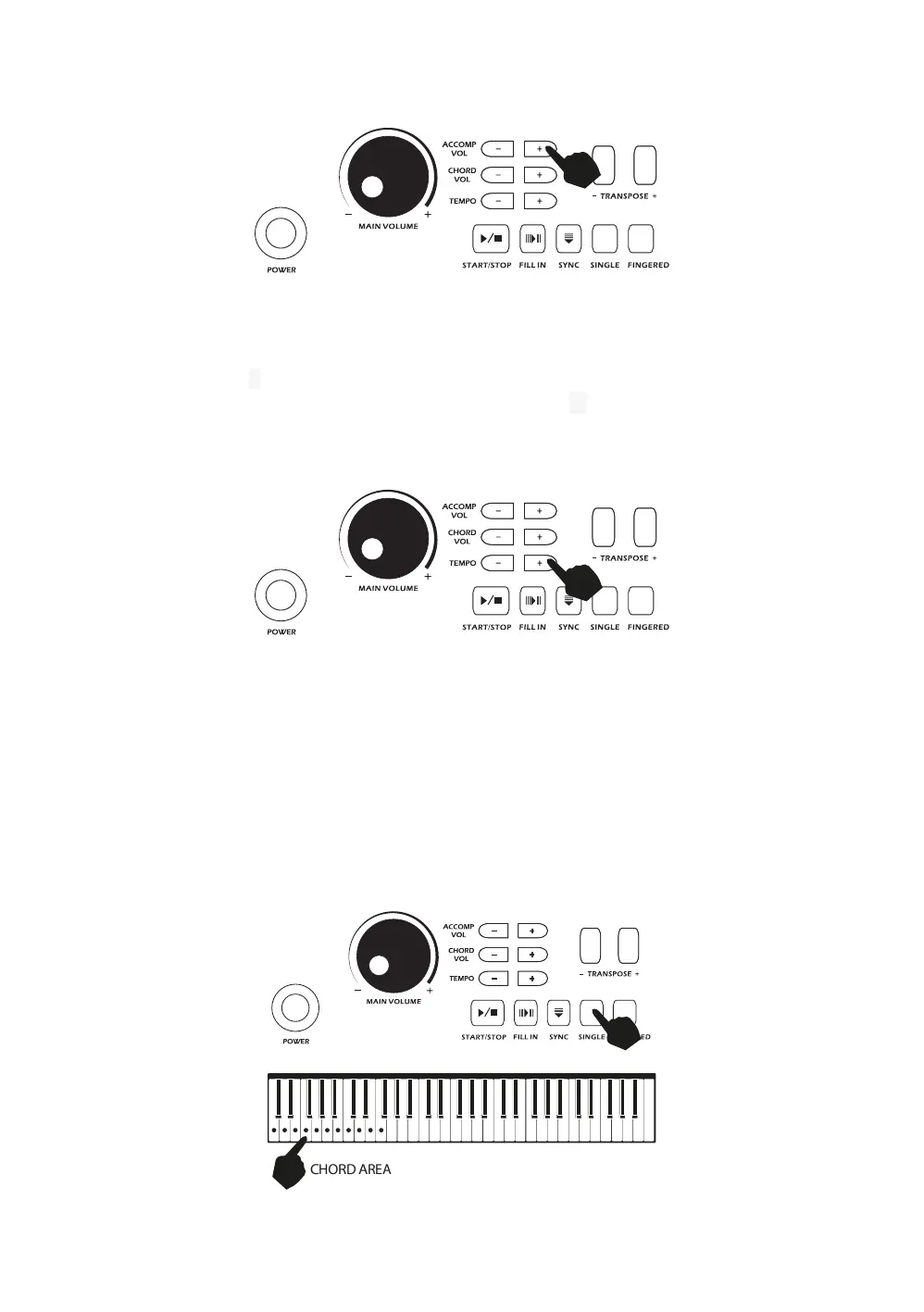
level of the accompaniment. At power on the acccompaniment volume will reset to the default level.
Tempo Adjustment:
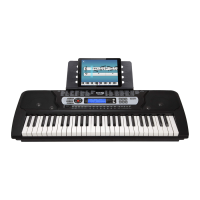
Touch the [TEMPO -/+] buttons to adjust the playing tempo of the rhythm, metronome and demo song.
The adjustment range is 30-240 bpm. Pressing both the [TEMPO ▲/▼] buttons at the same time will
make the tempo revert to the default tempo for the rhythm selected. At power on the tempo will revert to
120 bpm.
Chord Accompaniment
Single Finger Chords:
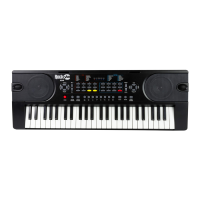
Touch the [SINGLE] button to activate the single finger chord function. Chords are played by pressing
certain keys in the chord area on the left hand side of the keyboard (keys 1-19). The finger patterns
required are shown in Appendix VI. Touch the [START / STOP] button to start or stop the chord
accompaniment. Press the [SINGLE] button again to exit single finger chord mode.



 To Next Page