EN | 18
Demo Songs:
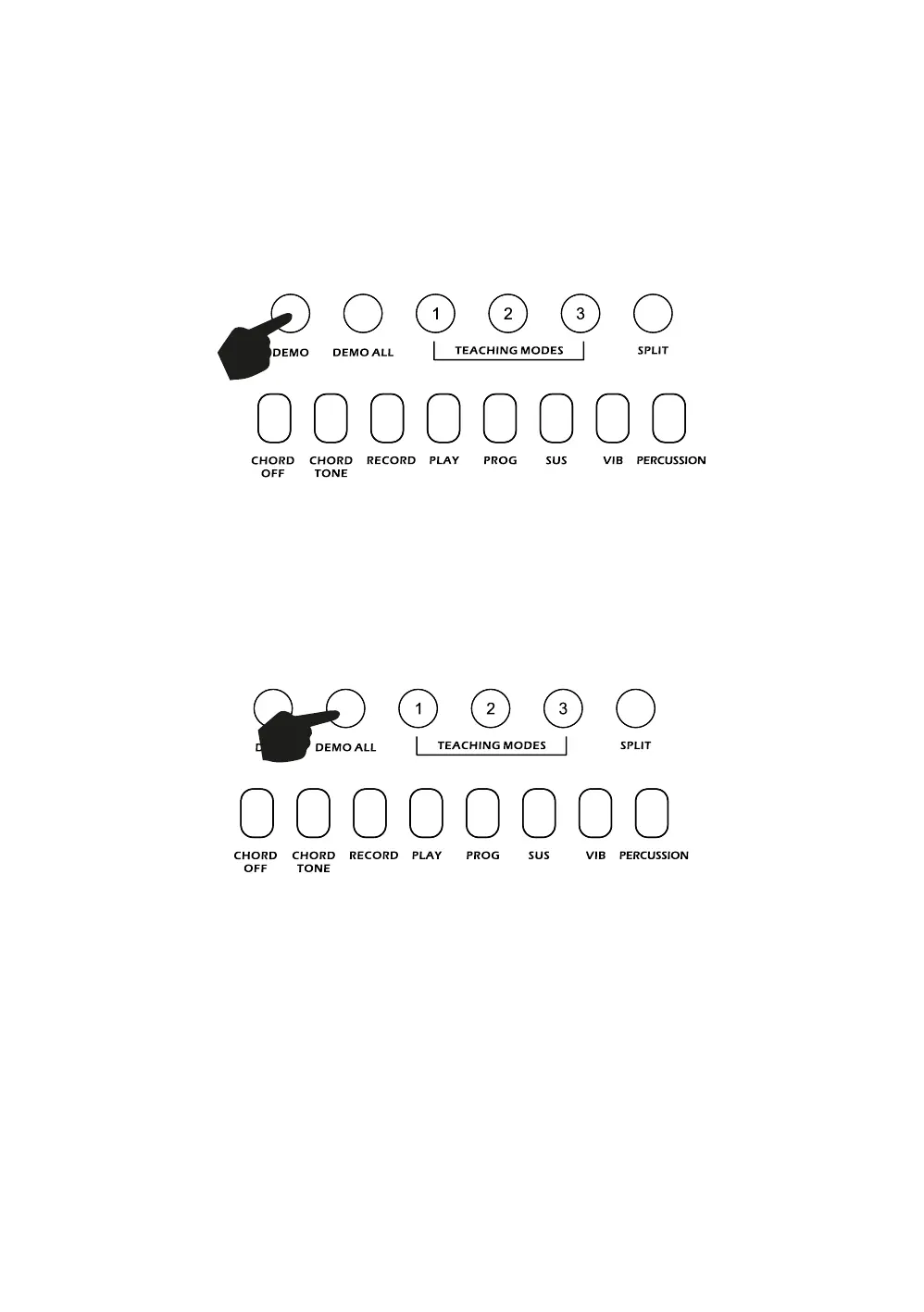
Touch the [DEMO] button to play a demo song. By pressing the + and - button on the numerical keypad
you can choose the demo song you require. There are 50 demo songs to choose from in total. The
keyboard will finish the chosen song and then keep replaying it. Touch the [DEMO] button again to exit the
demo mode or to cycle through to the next demo song. Refer to Appendix IV. for a list of the available
Demo songs.
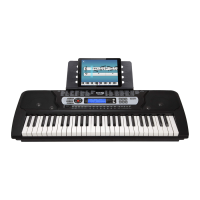
Touch the [DEMO ALL] button to play through all 50 demo songs available. The keyboard will finish the
chosen song and then play the next song. Touch the [DEMO ALL] button again to exit the demo mode.
Refer to Appendix IV. for a list of the available Demo songs



 To Next Page