40
Digital centre
Warning: Positively do not connect
an analogue transformer to the
power circuit of your digital system!
Destruction of the
z
21
Digital Centre
would be the result!
2.1 Connection of Additional Control Devices
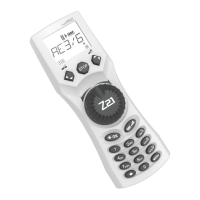
You will probably prefer to control your
z
21
Digital System from your smartphone or tablet PC. But if
you want to share control with others or do not have your smartphone at hand, you can also connect
your current MULTIMAUS
®
or local mouse control devices to the X Bus sockets of the
z
21
Digital
Centre.
Each of these control devices can interface with all locos and digital components. This allows control-
ling at any time locos controlled by other devices by selecting any function of the corresponding loco
or the loco controller from your Z21 mobile app.
2.2 Compatibility with Roco and Fleischmann Components
The
z
21
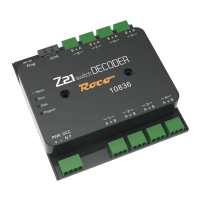
Digital Centre can be connected without problem to all Roco and Fleischmann digital
devices, based on the RocoNet or the X Bus protocol. These include:
MULTIMAUS
®
, Lokmaus 2 and Lokmaus R3 (Art. No.10810, 10760, 10790, 10860 and 10792)
Keyboard (Art. No. 10770) and RouteControl (Art. No. 10772)
Roco booster (not RailCom
©
compatible, Art. No. 10762 and 10765)
For further information on compatibility, see online www.Z21.eu.
8041500920.indd 40 14.12.2017 09:48:44


 To Next Page