RC841U 4K Video Conference PTZ Camera User Manual
8
5.4 IMAGE
When in main menu page, move the cursor to
[Image] and press [HOME] key to confirm to enter
the Image page as below.
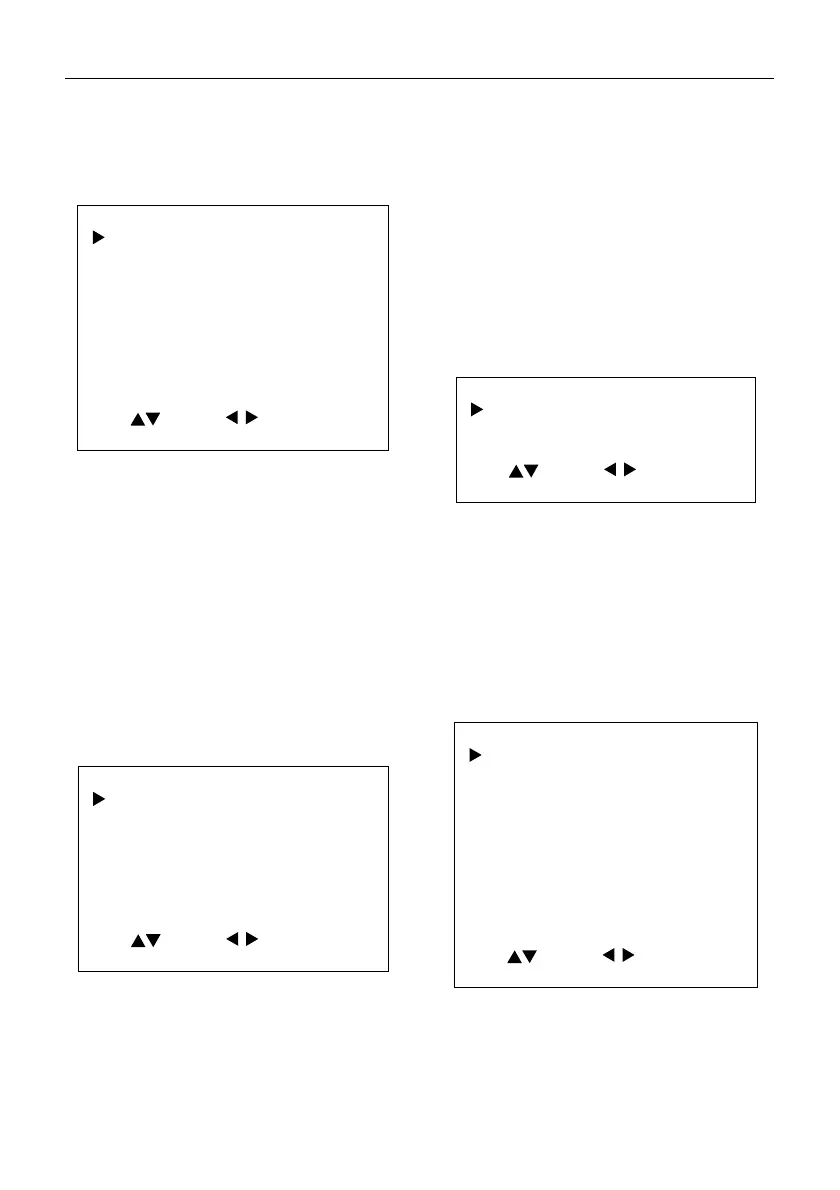
IMAGE
Luminance 7
Contrast 7
Sharpness 4
Flip-H Of
Flip-
Of
B&W-Mode Of
Gamma Ext
Style Norm
Select Change
[MENU] Back
Luminance: 0~14.
Contrast: 0~14.
Sharpness: Auto, 0~15.
Flip-H: On, Off.
Flip-V: On, Off.
B&W-Mode: On, Off.
Gamma: 0.5, 0.56, 0.63, Ext, Default, 0.45.
Style: Default, Norm, Clarity, Bright, PC.
5.5 P/T/Z
When in main menu page, move the cursor to
[P/T/Z] and press [HOME] key to confirm to enter
the P/T/Z page as below.
P/T/Z
SpeedByZoom On
AF-Zone Front
AF-Sense High
Display Info On
Call Preset Speed
Pre Zoom Speed
22
5
Select Change
[MENU] Back
SpeedByZoom (The Depth of Field Ratio): On,
Off.
AF-Zone (Auto Focus Area): Front, Top, Center,
Bottom.
AF-Sense (Auto Focus Sensitivity): Low, Normal,
High.
Display Info: On, Off.
Image Freeze: On, Off.
Call Preset Speed: 1~24.
Pre Zoom Speed: 0~7.
5.6 NOISE REDUCTION
When in main menu page, move the cursor to
[Noise Reduction] and press [HOME] key to
confirm to enter the Noise Reduction page as
below.
NOISE REDUCTION
NR2D-Level Auto
NR3D-Level Auto
Select Change
[MENU] Back
NR2D Level (2D Noise Reduction): Auto, Off,
1~5.
NR3D Level: (3D Noise Reduction): Auto, Off,
1~8.
5.7 SETUP
When in main menu page, move the cursor to
[Setup] and press [HOME] key to confirm to enter
the Setup page as below.
SETUP
Language EN
ideo Format 1080P30
HDMI Mode HDMI
USB Mode ISOC
OSD Flip Of
Audio On
Standby Mode On
Wakeup Pos PosUVC
UVC H264 On
Select Change
[HOME] Enter [MENU] Back
Language: EN, Chinese, Russian, Traditional
Chinese.
Video Format: 4K30, 4K25, 1080P30, 1080P25.
HDMI Mode: HDMI, DVI.


 To Next Page