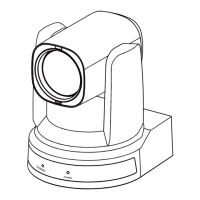
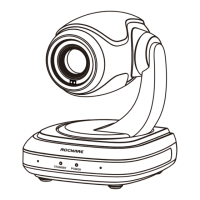
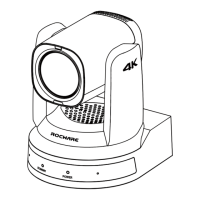
RC841U 4K Video Conference PTZ Camera User Manual
1
1 Safety Precautions
During the installation and operation, all
electrical safety regulations of the country
and region of use must be strictly observed.
Please use the power adapter that comes
standard with this product.
Do not connect multiple devices to the same
power adapter (exceeding capacity of the
adapter may generate excessive heat or
cause fire).
Do not rotate the camera by hand, otherwise
it may cause mechanical failure.
When installing this product on a wall or
ceiling, make sure the device securely and
there are no obstacles within the rotation
range; Do not power on until all installations
are completed.
To avoid heat build-up, please keep smooth
ventilation around the device.
If the device smokes, smells, or makes noises,
please turn off the power and unplug the
power cord immediately, then contact the
dealer in time.
This device is not waterproof, please keep the
device dry.
This product has no user serviceable parts,
damage caused by disassembly by the user is
not covered by the warranty.
Electromagnetic field at specific frequencies may
affect the image quality.
2 Packing List
Name Quantity
Camera 1
Power Adapter 1
USB Cable 1
Remote Control 1
User Manual 1
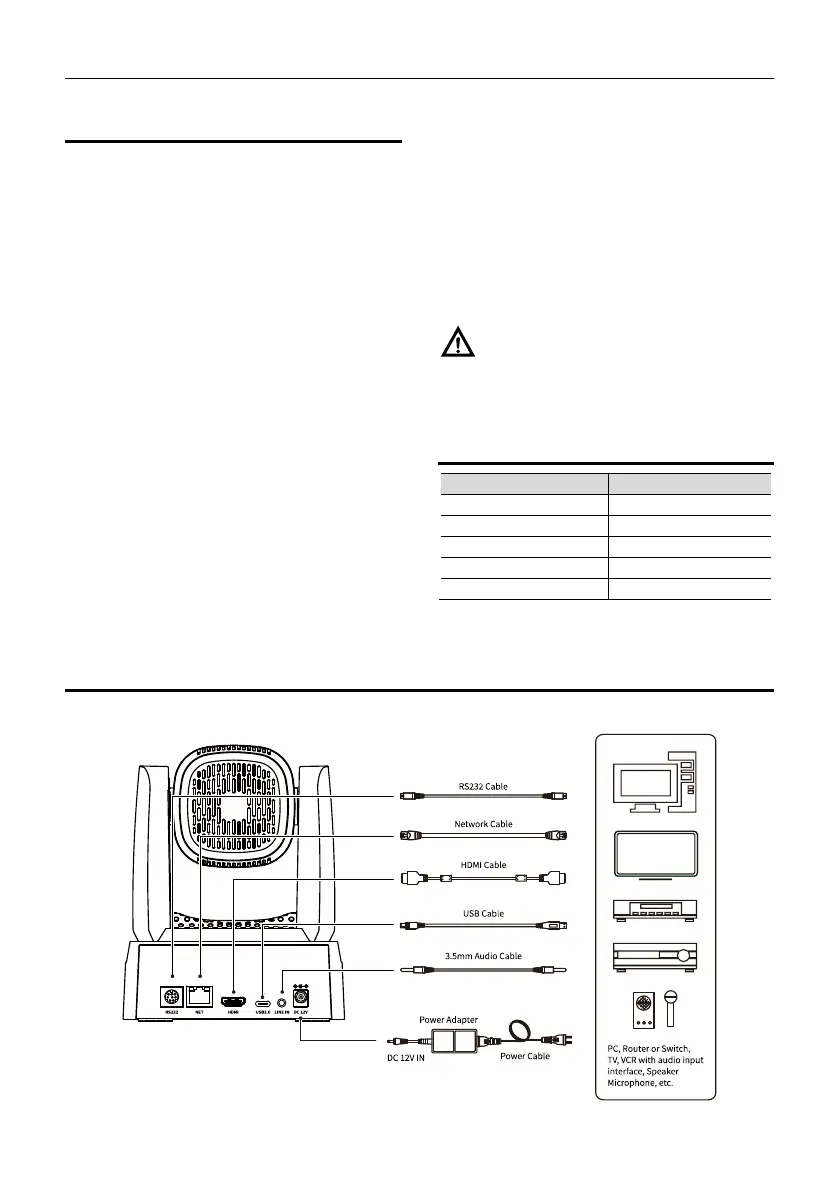
3 Quick Start
1) Please check connections are correct before starting.
Notice


 To Next Page