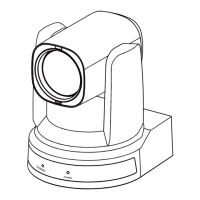
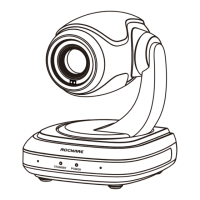
RC841U 4K Video Conference PTZ Camera User Manual
12
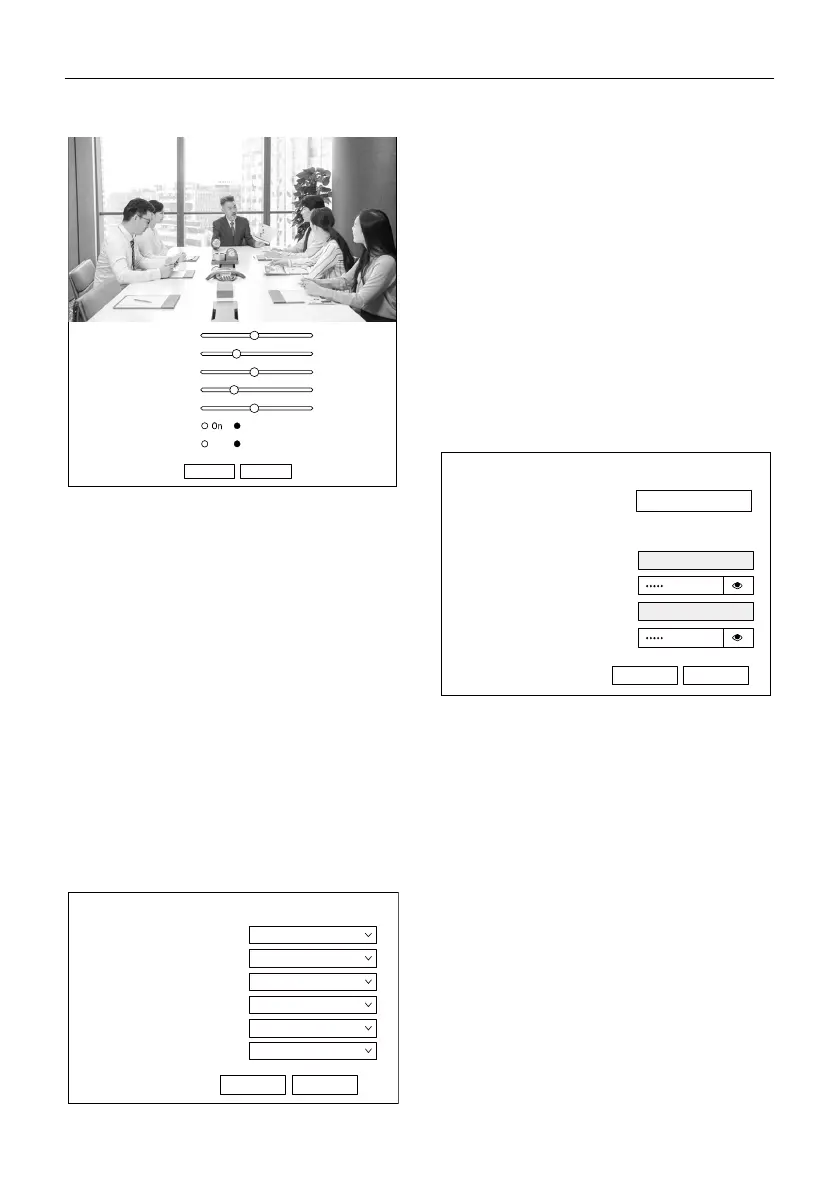
6.4 Image Settings
1) Brightness
Image Bright: 0~14.
2) Saturation
Image Saturation: 60%~100%.
3) Contrast
Image Contrast: 0~14.
4) Sharpness
Image sharpness: Auto, 0~15.
5) Hue
Image Hue: 0~14.
6) Flip & Mirror
Flip: Turn On/Off the Flip function.
Mirror: Turn On/Off the Mirror function.
6.5 Audio Settings
1) Audio Switch
Select to enable or disable audio switch.
2) Audio Type
Audio type AAC.
3) Sample Rate
Sample rate 32K.
4) Bit Rate
Bit rate 96K, 128K and 256K selectable.
5) Input Type
Input type Line in.
6) ADTS Options
Select to enable or disable ADTS options.
6.6 System Settings
1) Reboot
Click “Reboot” to restart system.
2) Username and Password
Modify the password of username and guest
(only use letters and numbers, the max length is
32 bits).
Off
On Off
Submit Default
7
100%
7
4
7
Brightness
Saturation
Contrast
Sharpness
Hue
Flip
Mirror
Submit Cancel
Audio Settings
On
Audio Switch
AAC
Audio Type
96K
Bit Rate
32K
Sample Rate
LINE IN
Input Type
Off
ADTS Options
Initialize
Reboot
Reboot
User
UserName
admin
Passwd
Passwd
Guest
Submit Cancel
guest


 To Next Page