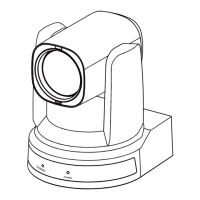
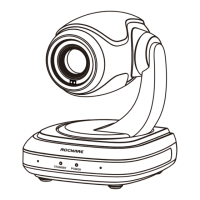
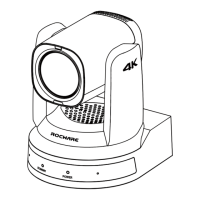
RC841U 4K Video Conference PTZ Camera User Manual
10
6 WEB Settings
6.1 Access Camera
Access http://192.168.100.88 to pop up the login
window, then input username (default: admin)
and password (default: admin). After login, it will
show as below:
6.2 Control Camera
All pages include two menu bars:
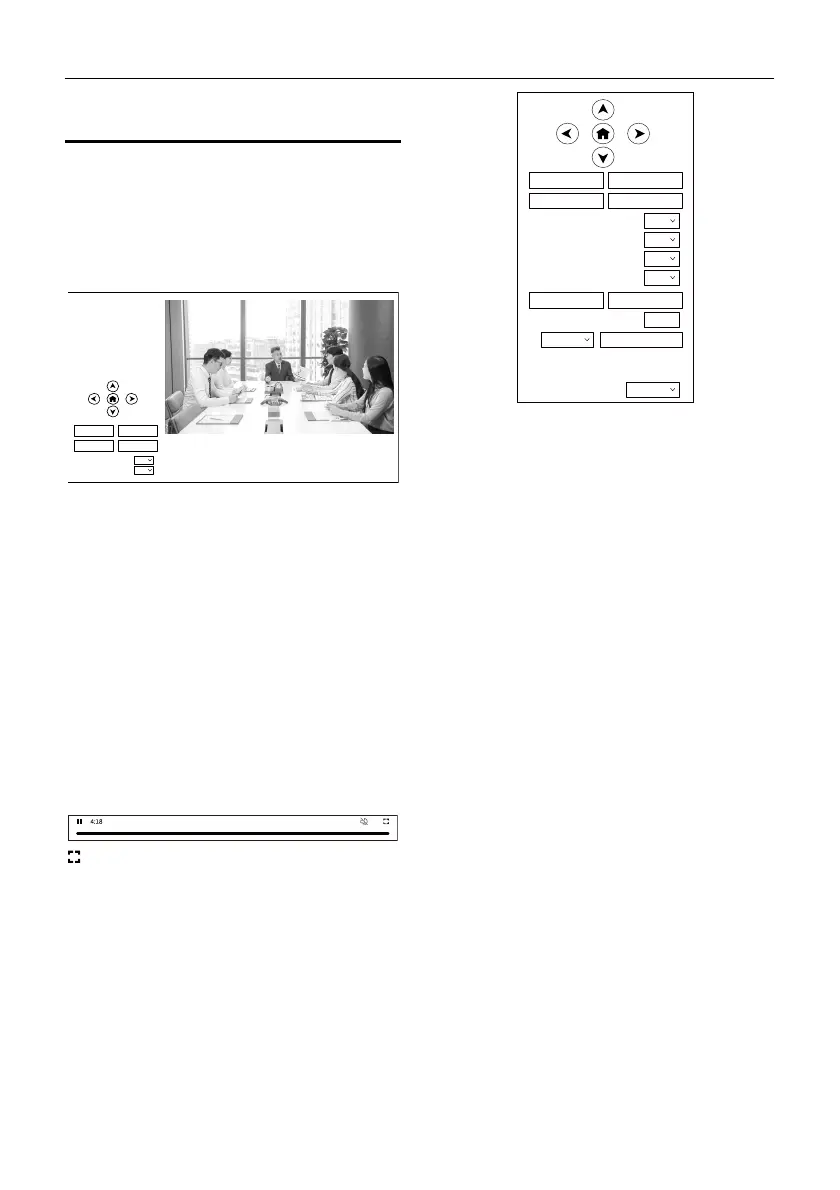
Real Time Monitoring: Video image displaying
with function buttons.
Parameter Setup: Parameter configurating.
A. Video Viewing Window
The video viewing window is same as video
resolution, the bigger the resolution, the bigger
the playing area. Double click the viewing
window to show full screen, double click again, to
return to initialized size.
Status bar in viewing window shown as below:
: Full screen button
B. PTZ Setup
1) Pan and Tilt Control
The direction arrows and HOME button allow you
to manually drive the camera to desired position.
2) Zoom
Zoom In and Zoom Out buttons allow for wide or
narrow view of the space.
3) Focus
Focus In and Focus Out button allow for fine
manual focus adjustment if the camera has any
auto focusing problems on difficult object (only
effective in Manual focus mode).
4) PTZ Speeds
Pan speed rate can be set to 1~24, Tilt speed rate
can be set to 1~20. Zoom and Focus speed rate
can be set to 1~7.
5) PTZ Presets
When the PTZ turns to the position that you
would like to return to later, you can set presets
for quick recall.
Type a number (0~254) into the preset box and
click "Set" button to save.
When the PTZ turn to other position, input the
preset number and click “Call” button to turn the
PTZ back to the preset position.
Video
Image
Audio
System
Network
Information
Zoom In Zoom Out
Focus In Focus Out
10
10
Pan Speed
Tilt Speed
Live
Zoom In Zoom Out
Focus In Focus Out
10
10
Pan Speed
Tilt Speed
5
Zoom Speed
5
Focus Speed
Set Call
Preset
PTZ Back
Auto
Focus Mode


 To Next Page