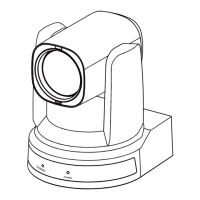
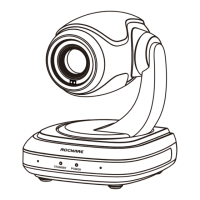
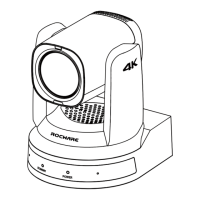
RC841U 4K Video Conference PTZ Camera User Manual
9
USB Mode: ISOC, BULK.
OSD Flip: On, Off.
Audio: On, Off.
Standby Mode: On, Off.
Wakeup Pos: PosUVC, Pos0 (Effective in standby
mode on).
UVC H264: On, Off.
The setting of Video Format, HDMI Mode, USB
Mode, Audio and UVC H264 will take effect after
press the [HOME] key to confirm to restart the
device.
5.8 COMMUNICATION SETUP
When in main menu page, move the cursor to
[Communication Setup] and press [HOME] key to
confirm to enter the Communication Setup page
as below.
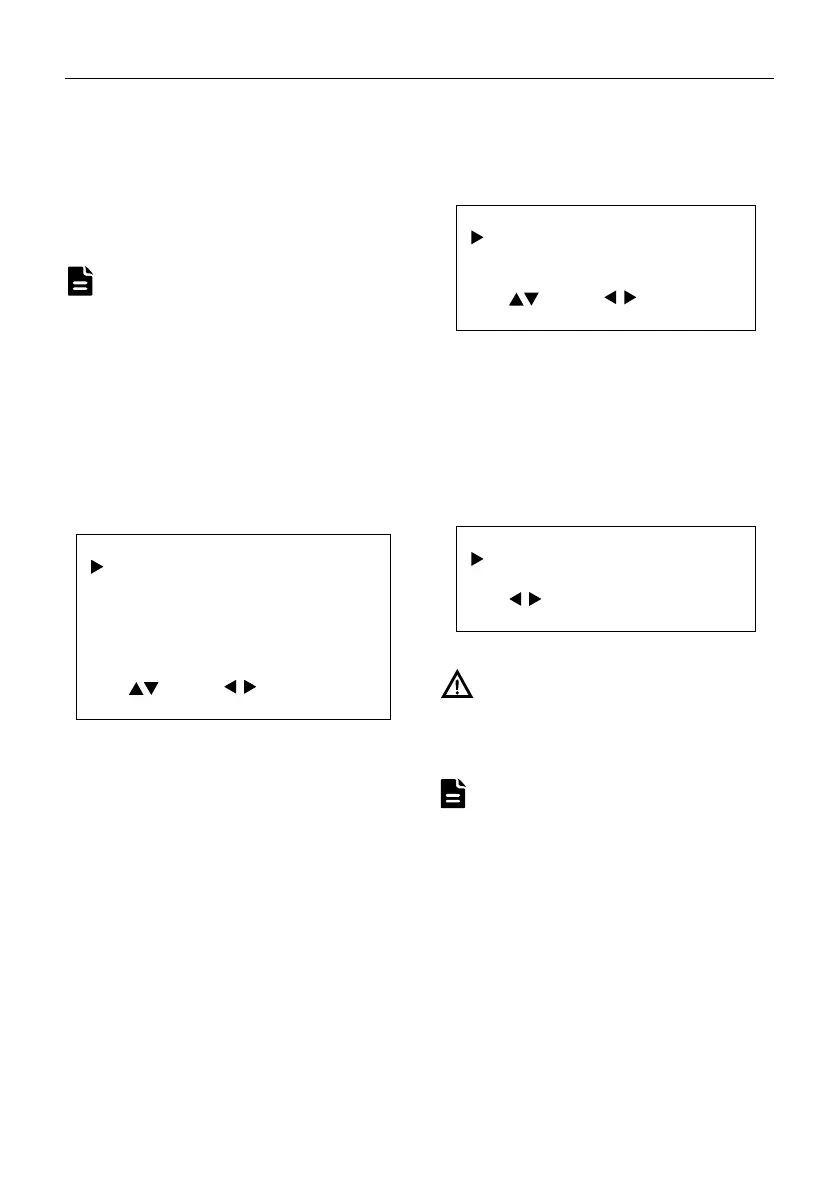
COMMUNICATION SETUP
Protocol
ISCA
_Address 1
_AddrFix Of
Net Mode Serial
Baudrate 9600
Select Change
[MENU] Back
Protocol: Auto, VISCA, PELCO-D, PELCO-P.
V_Address: 1~7 (Effective in Auto, VISCA
protocol).
V_AddrFix: On, Off (When set to On, the 88 30 01
FF command does not work. Effective in Auto and
VISCA protocol).
P_D_Address: 0~254. (Effective in Auto, PELCO-D
protocol).
P_P_Address: 0~31. (Effective in Auto, PELCO-P
protocol).
Net Mode: Serial, Paral (Effective in Auto, VISCA
protocol).
Baudrate: 2400, 4800, 9600, 38400.
5.9 AI Mode
When in main menu page, move the cursor to [AI
Mode] and press [HOME] key to confirm to enter
the AI Mode page as below.
AI Mode
Track Mode Of
Restart Storage Of
Select Change
[HOME] Enter [MENU] Back
Track Mode: Off, Frame, Track.
Restart Storage: On, Off.
5.10 RESTORE DEFAULT
When in main menu page, move the cursor to
[Restore Default] and press [HOME] key to
confirm to enter the Restore Default page as
below.
RESTORE DEFAULT
Restore? No
Change
[HOME] OK [MENU] Back
Restore: Yes, No.
When selected “Yes” and confirm with [HOME]
key, all parameters will restore to default, include
the IR Remote address and VISICA address.
GUI menu and device information are subject to
change without notice.
Note
Notice
Note


 To Next Page