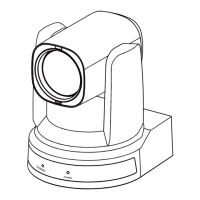
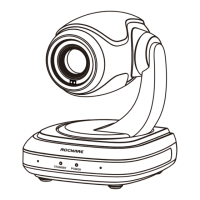
RC841U 4K Video Conference PTZ Camera User Manual
6
4.7 Remote Control
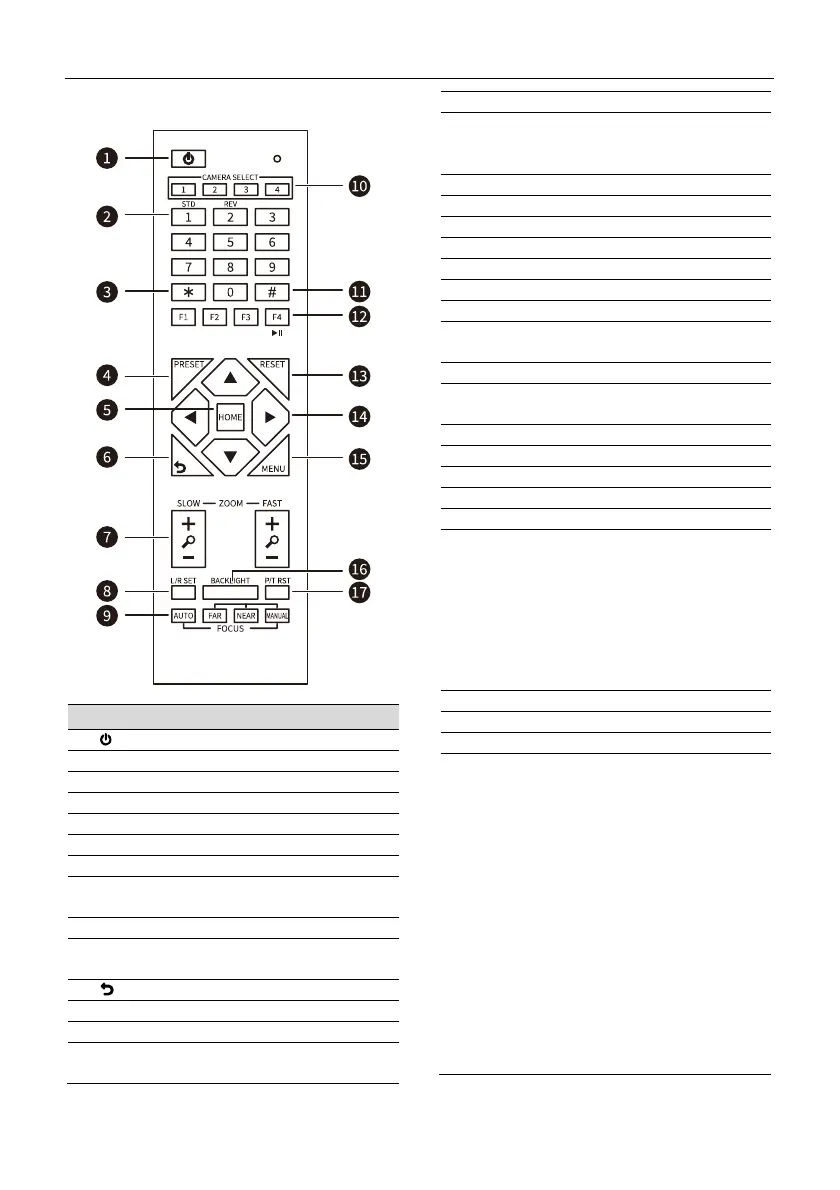
Key Description
1. (Standby) Key
Press to enter standby mode
2. Number Keys
To set preset or call preset
3. * Key
Use with other keys
4. PRESET Key
Successively press [PRESET] + Number key
(0-9) to set preset position
5. HOME Key
Confirm selection or press to turn PTZ back to
the middle position
6. (Return) Key
Press to return to the previous menu
7. ZOOM Keys
SLOW: Zoom In [+] or Zoom Out [-] slowly
FAST: Zoom In [+] or Zoom Out [-] fast
8. L/R SET Key
Standard: Simultaneously press [L/R SET] +
1
Reverse: Simultaneously press [L/R SET] + 2
9. FOCUS Keys
Auto/Manual/Far/Near focus
10. CAMERA SELECT Keys
Press to select and control the camera
11. # Key
Use with other keys
12. IR Remote Control Keys
Successively press [*] + [#] + [F1]/[F2]/[F3]/[F4]
to set the camera address 1/2/3/4
13. RESET Key
Successively press [RESET] + Number key (0-9)
to clear preset position
14. PTZ Control Keys
PTZ moved according to the arrow indicates
15. MENU Key
Enter or exit OSD menu
16. BACKLIGHT Key
Backlight On/Off
NOTE:
Effective only in auto exposure mode
If there is a light behind the subject, the
subject will become dark, press the
backlight key to enable the backlight
compensation. Press again to disable this
function
17. P/T RST (PTZ Reset) Key
Press to preset Pan/Tilt sel
-test
Shortcut Set
Successively press [#] + [*] + [F4]:
Enable or disable the Image Freeze function
Successively press [*] + [#] + [1]:
OSD menu default English
Successively press [*] + [#] + [3]:
OSD menu default Chinese
Successively press [*] + [#] + [4]:
Display current IP address
Successively press [*] + [#] + [6]:
Quickly recover the default
Successively press [*] + [#] + [8]:
Check the camera version
Successively press [*] + [#] + [9]:
Quickly set up inversion
Successively press [*] + [#] + [MANUAL]:
Restore to default IP address


 To Next Page